DOBOT CR5 User Guide 5 Function Description of Software
Issue V3.5.3.1 (2020-05-09) User Guide Copyright © Yuejiang Technology Co., Ltd
72
Arm is the arm orientation, Tool is tool coordinate system, User is User coordinate
system.
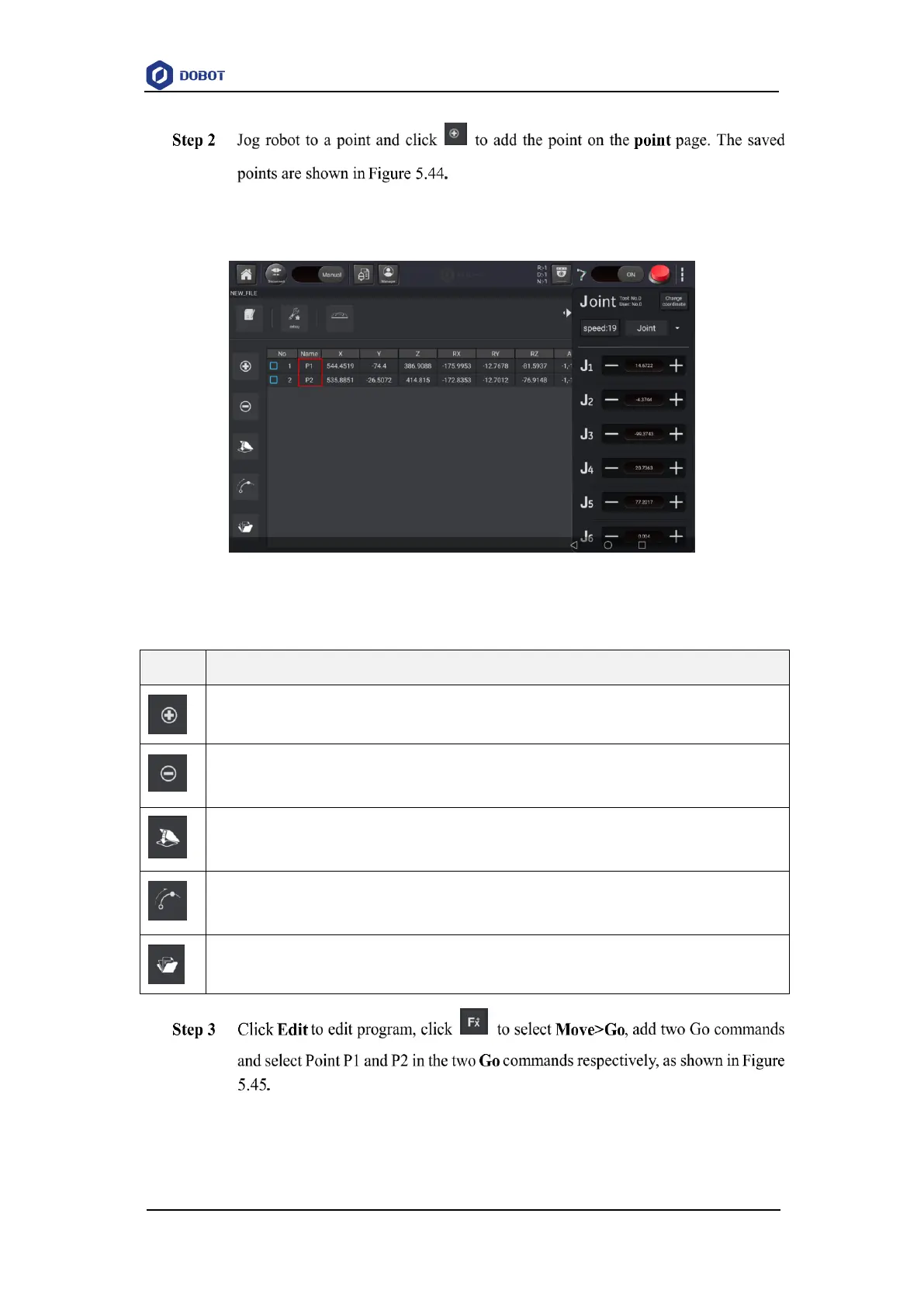
Figure 5.44 Save teaching points
Table 5.6 Button description
Cover a point
you can select a teaching point and click Cover to cover the current teaching point
Move to a point
Select a point, and long press this button to make robot move to this point



 To Next Page