Omega 2 EOperation
Connect a USB stick/USB hard disk to the USB port of the computer.
2.2 B ooting up and shutting down the workstation
2.2.1 Booting up workstation
Switch on main switch of computer.
The LED illuminate s.
The computer boots up.
The Linux screen interface appears on the monitor after booting up.
2.2.2 S hutting down workstation
We recommend only shutting down the workstation if the unit will not
be used for more than two days.
Only the software should be exited daily, without shutting down the
workstation. The monitor switches off automatically.
✔ The software has been exited
Shut down Linux operating system.
Once the Linux operating system has shut down, the workstation
switches off automatically.
3 Switching printer on and off
The printer is switched on and off in the fo
llowing cases:
– After each day's work is complete
– The printer is being maintained
– The printer will not be used for a lo
nger period of time
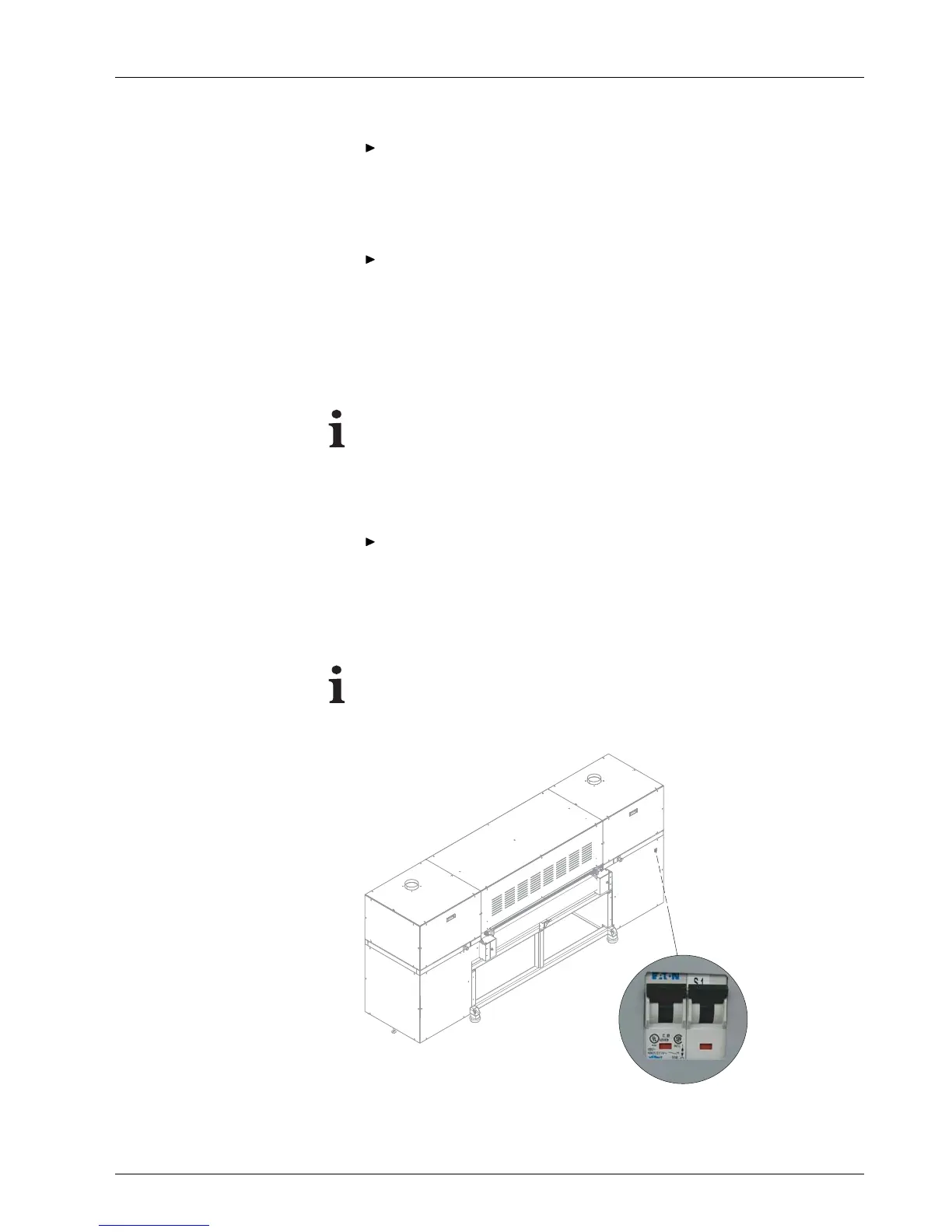
Fig. 10 Location of main switch
2004 – 2014 © Durst Pho totechn ik AG – www.durst-online.co m , Omega 2 , Issued 07/201 4 29 / 91



 To Next Page