FSoftware Omega 2
7.1 Calling up state
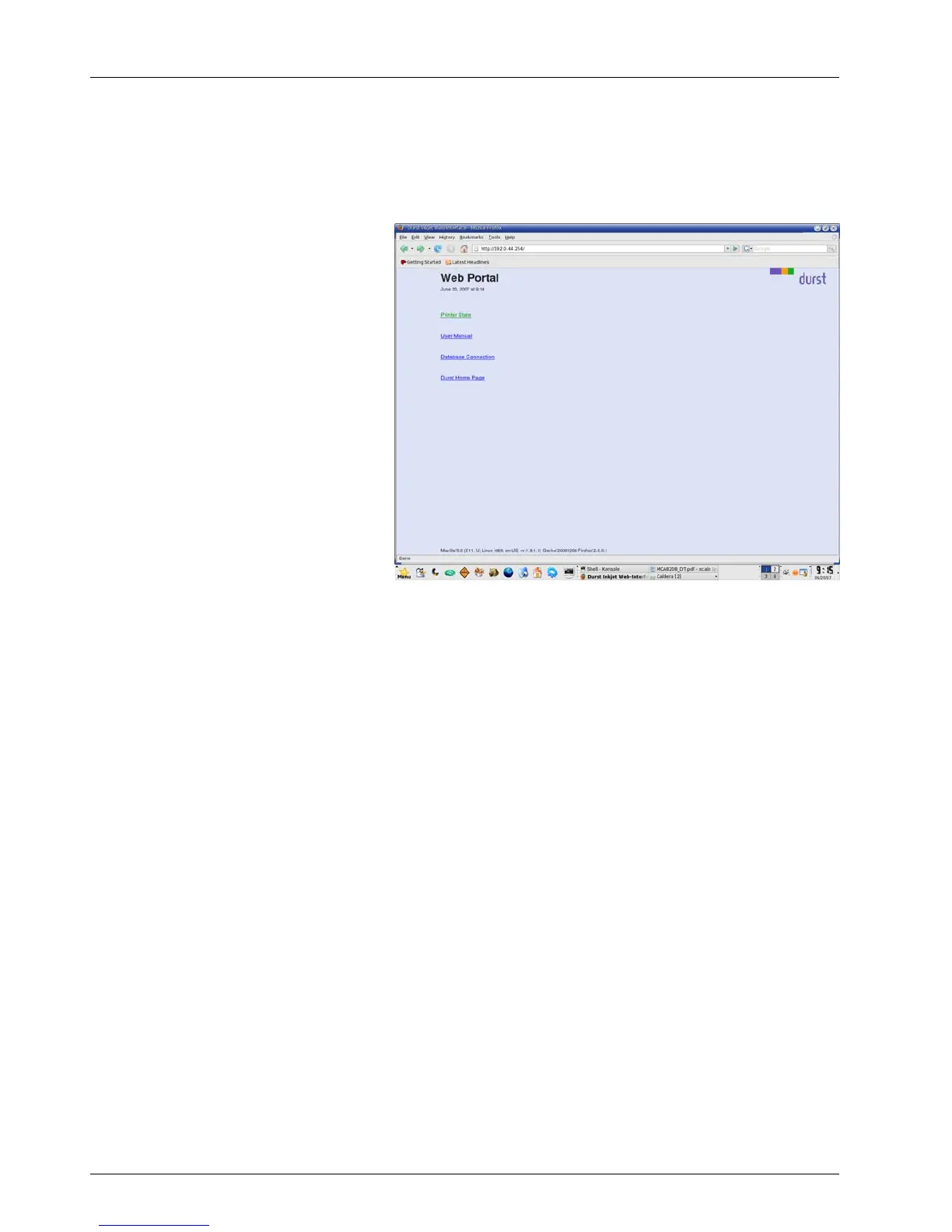
1. Enter the IP address of the printer in the browser.
The Web Portal dialog window appears.
Fig. 47 Web Portal dialog window
2. Click Printer State.
The Printer State window is displayed.
66 / 9 1 2004 – 2014 © Durst Ph ototechnik AG – www.d urst-online .com , Omega 2, Issued 0 7/20 14



 To Next Page