FSoftware Omega 2
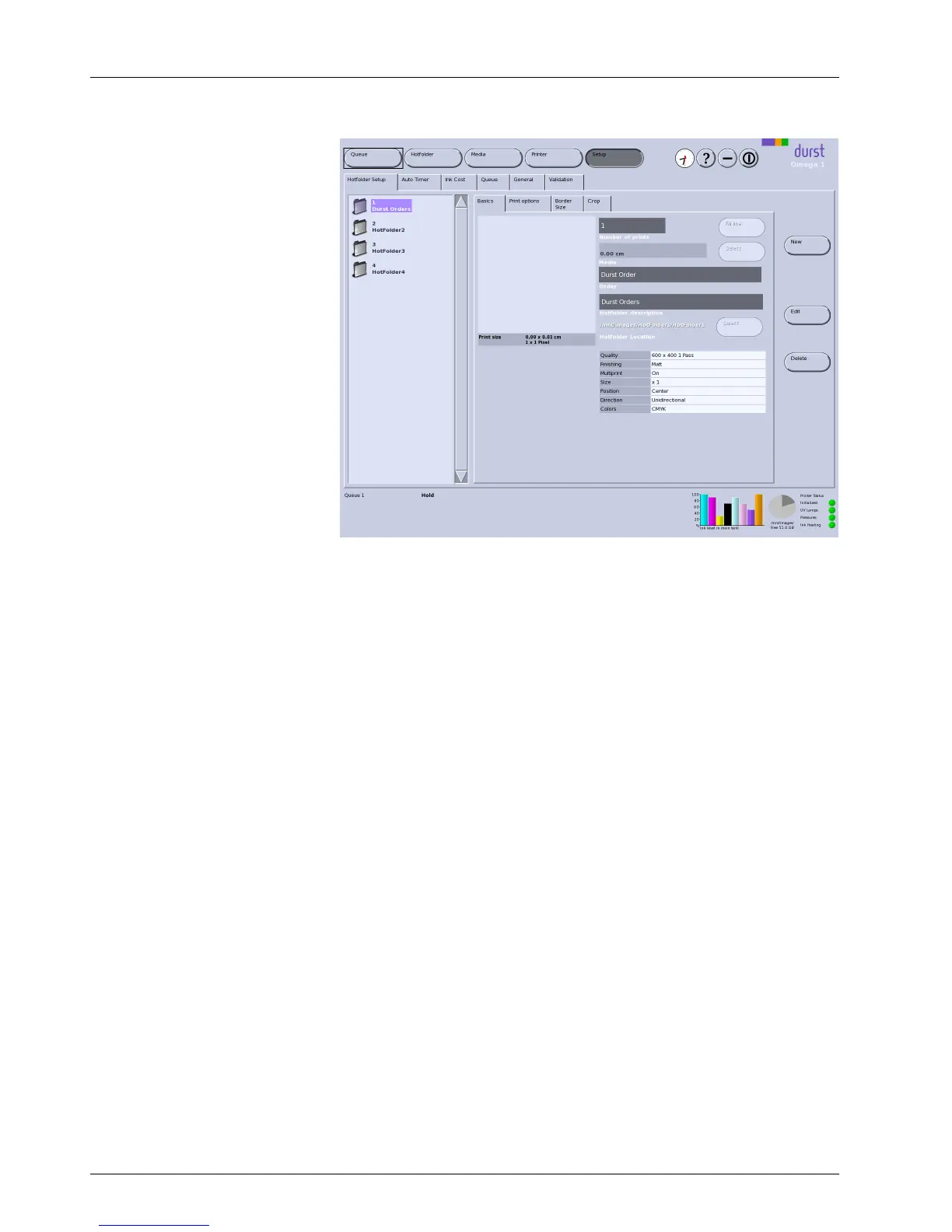
Fig. 29 Basics sub-tab
Basic parameters, such as the n umber of copies, the media channel, the
order name and the job description, are specified here.
Fill line With Fill line, the image is prin ted in succession until the e n tire printin g
width is fi lled up.
2.1.2 Print options
You can define the follow ing print p ar
ameters on the Print options sub-tab:
Print Quality
Print Direction
Image Position
Print F inishing
48 / 9 1 2004 – 2014 © Durst Ph ototechnik AG – www.d urst-online .com , Omega 2, Issued 0 7/20 14



 To Next Page