Omega 2 EOperation
6.4 C utting roll medium on the unloading side and
removing it
6.4.1 Procedure
Falling of the d ancing roller!
Danger of crushing
Relieve tension from medium before cutting it.
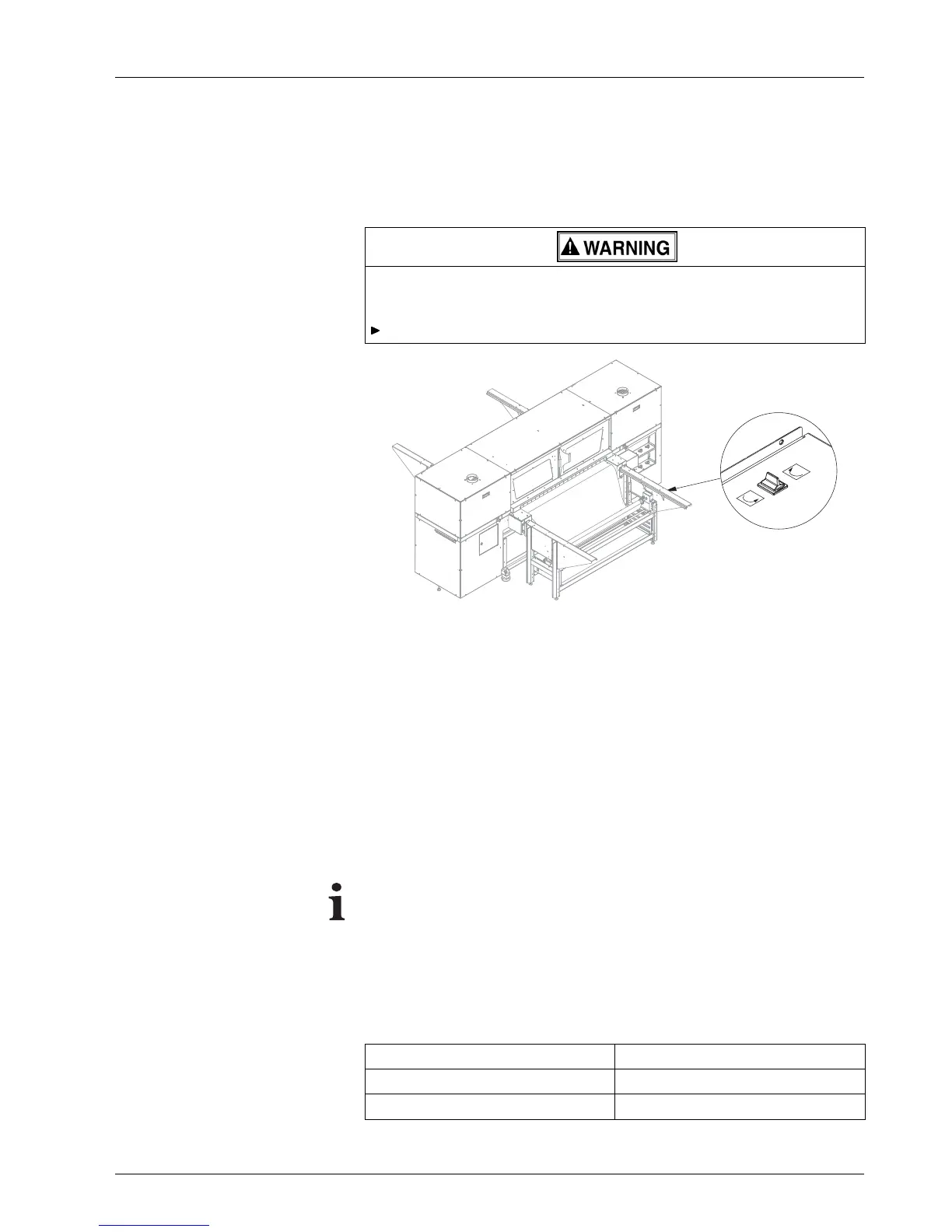
Fig. 22 Reversing direction of rotation with toggle switch
1. S w itch drive of take-up roll wit h toggle
switch in the opposite direction
briefly to relive the medium tension. Th
en switch it off.
2. Cut medium.
3. Take up medium on take-up roll and tape if necessary.
4. Loosen one of the two disks with
asetscrew.
5. R emove take-up roll from the roll mounts.
6.5 L oading a plate medium
The medium can be loade
d by one person.
To ensure fault-free printing, an excessive surface load with heavy
plates is impermissible. For this reason, a certain minimum width m ust
be complied with .
The minimum wi
dth can be calculated according to the following formula:
Minimum width = media weight / 0.04
This yield s the following minimum widths
Media weigh
t[kg]
Minimum wid
th [mm]
50 1250
40 1000
2004 – 2014 © Durst Pho totechn ik AG – www.durst-online.co m , Omega 2 , Issued 07/201 4 41 / 91



 To Next Page