FSoftware Omega 2
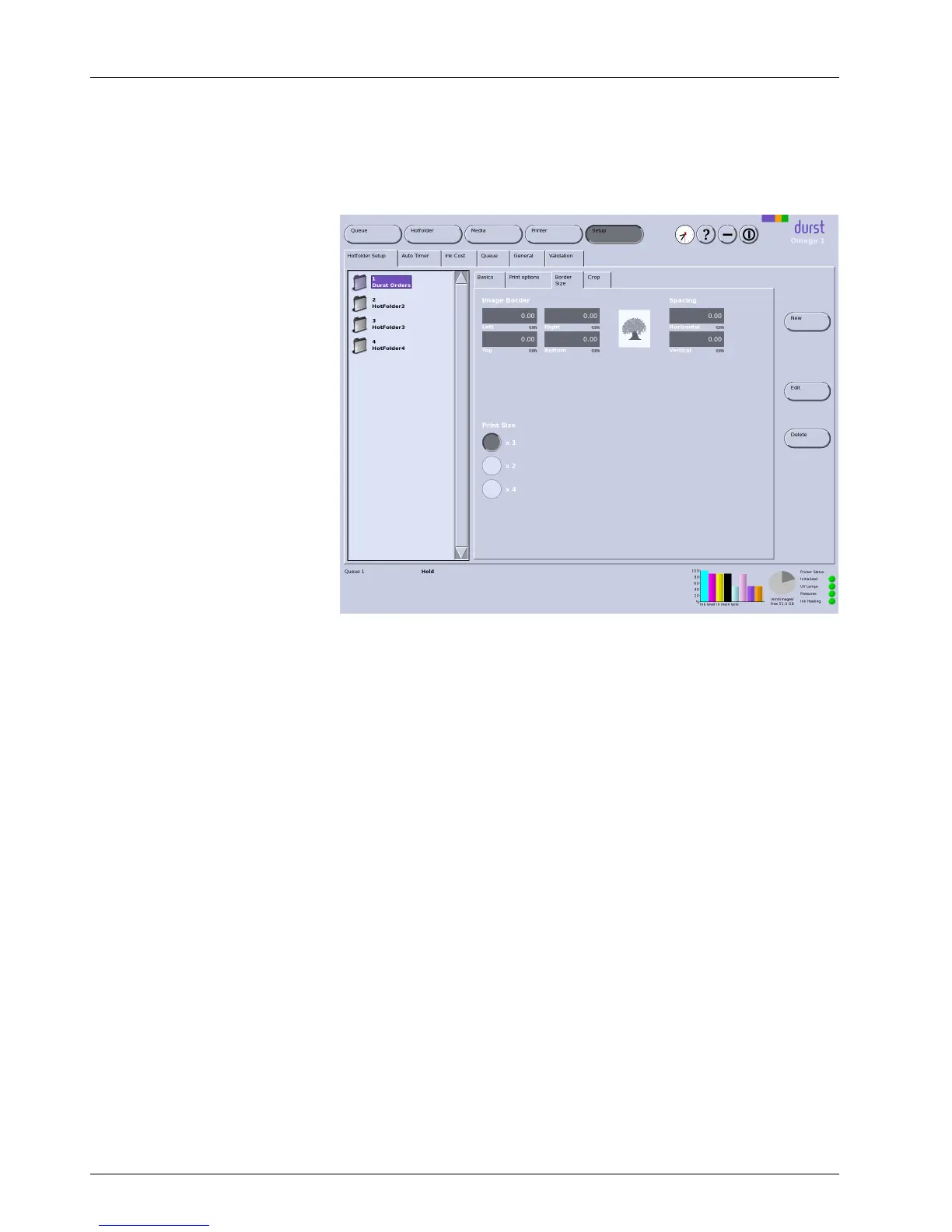
2.1.3 Border/Size
Specify the border width around the image and the desired image
enlargement (in fixed stages) on the Border/Size sub-tab.
Fig. 31 Border/Size sub-tab
Image Border
Printing an image with different border widths
1. Select right alignment for Position on the Print options sub-tab.
2. Enter the right edge on the Border/
Size sub-tab.
2.1.4 Creating hotfolders
Creating a new hotfolder
1. Click Setup.
2. Selec t Hotfolder Setup tab.
3. Click New.
The New Hotfolder di
alog window appears.
4. Confirm with Yes.
The new hotfolder appears in the navigation window.
5. Click Save.
2.2 Switch-on and switch-off times
Define the following settings on the Auto Timer tab:
Time int
ervals for automatic switch-off of UV lamps
Time interval for switching off ink heating
50 / 9 1 2004 – 2014 © Durst Ph ototechnik AG – www.d urst-online .com , Omega 2, Issued 0 7/20 14



 To Next Page