Omega 2 EOperation
✔ The Media Load Position dialog window is opened in the software.
1
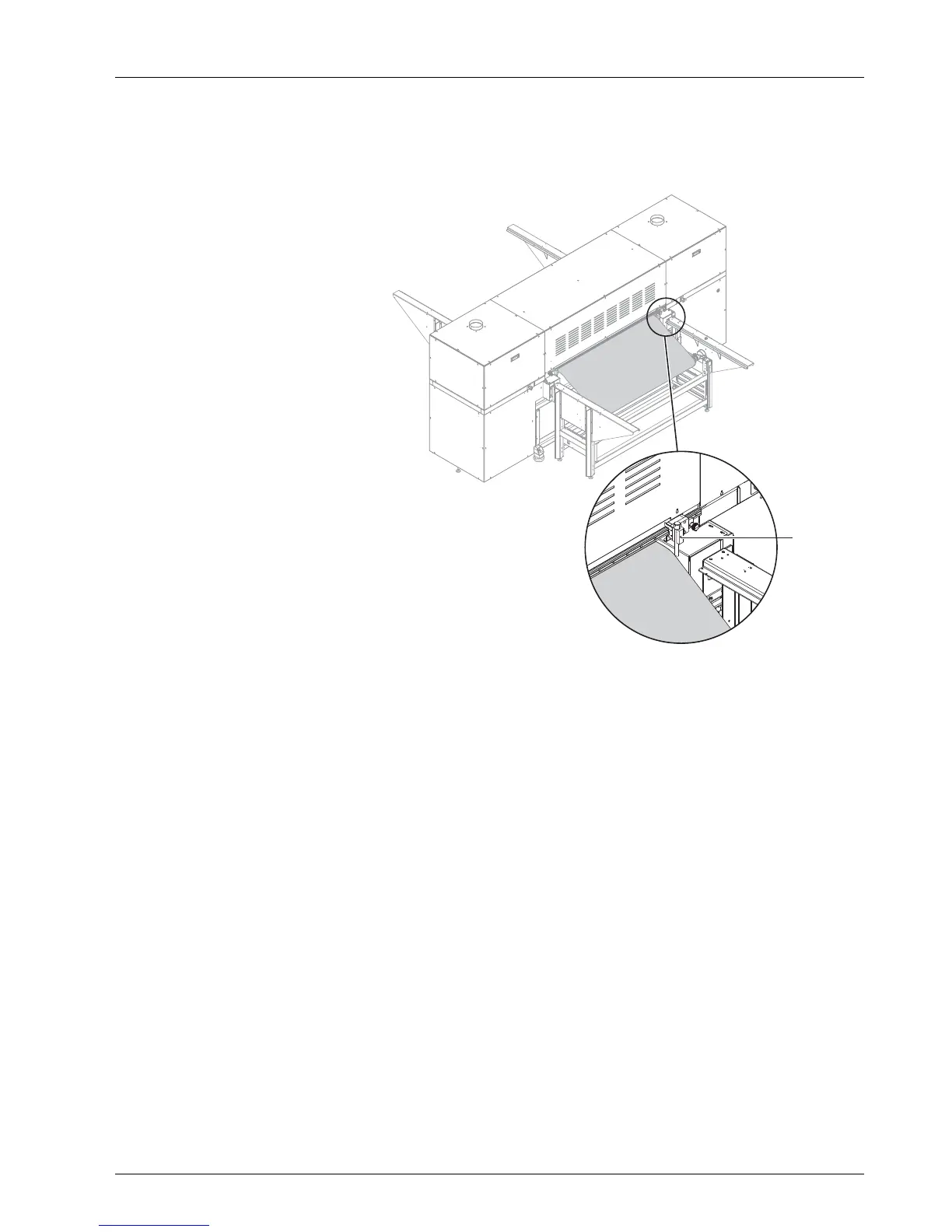
Fig. 19 Reading position of right media edge
1. Read the position of the right-hand medium edge on the loading side with
the scale and right-hand guide (1) and enter it in the software.
2. Confirm with OK.
6.3 Taking up a roll medium on the
unloading side
Onceasufficient length of the medium has been printed, it can be taken up
on the take-up roll on the unloading side.
6.3.1 Procedure
Carry out the follo
wing steps on the unloading s ide:
1. Position axis with core in the roll mounts.
2. Guide medium aro
und dancing roller to take-up roll.
3. If necessary, correct alignment of the core on the axis and secure with
disks.
2004 – 2014 © Durst Pho totechn ik AG – www.durst-online.co m , Omega 2 , Issued 07/201 4 39 / 91



 To Next Page