Omega 2 H S e rvice
6 Changing lubricating plates
Tools/Accessories (→ Page 89 / Accessories a nd spare parts):
Specified clean i ng cloth
4 lubricating plates
Grease gun
Cleaning paper
Lubricant for lubricating plates
Lubricating oil
Energized components, even when the printer has been switched off!
Risk of death via electric shock
Switch off printer with the main switch.
Encoder ruler could be scratched!
Reduced functionality of the printer
Do not touch the encoder ruler with hard objects.
1. Switch off printer.
1
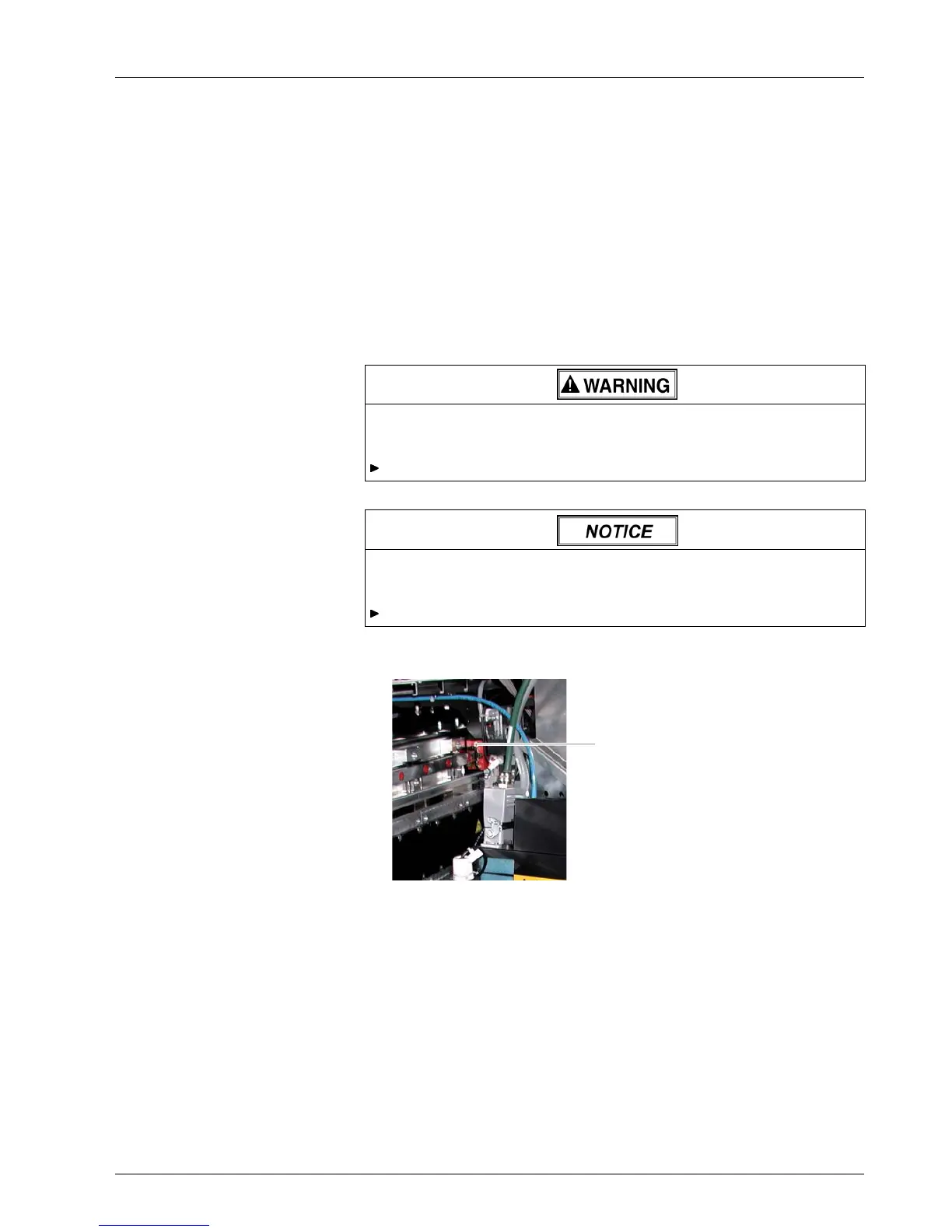
Fig. 51 Loosen screws
2. Loosen screws (
1) at the 4 lubricating plates (2 lubricating plates on each
side of the pri
nt ca rriage).
3. Slide lubricating plates to the ends of the guide rails and remove them.
4. C lea n guid e rails with a cleaning cloth of the specified type.
5. Place new
lubricating plates on the ends of the guide rails and move
them to t
he print carriage.
6. Tighten screws on the lubricating plates.
7. Lubricate each nipple on the 4 carriage bearings with 2 g (0.071 oz) of
the prescribed lubricant with the grease gun.
2004 – 2014 © Durst Pho totechn ik AG – www.durst-online.co m , Omega 2 , Issued 07/201 4 73 / 91



 To Next Page