Omega 2 F Softw are
5.2 P reparation of jobs in hotfolder
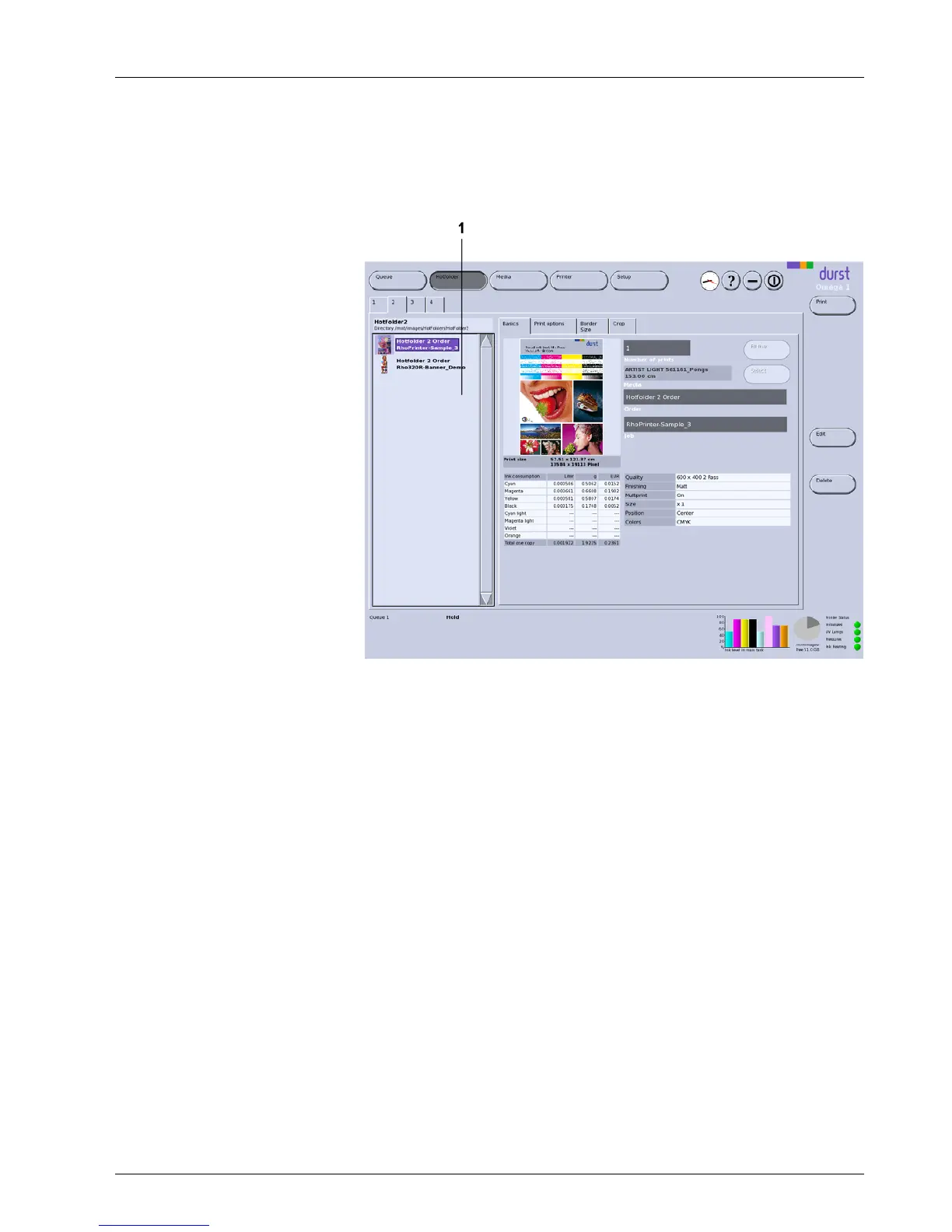
The jobs are prepared in the corresponding hotfolders. The hotfolders are
displayedontabswiththenumbers1, 2 and 3.
1 Navigation window
Fig. 43 Example: 1 tab
Navigation window
The tab of a hotfolder contains the navigation window (1), in which the current
stored jobs are displayed.
Sub-tabs The hotfolders contain the following sub-tabs:
Basics
Print options
Border/Size
Crop
The sub-tabs Basics, Print options and Border/Size corres pond with the
sub-tabs on the Hotfolder Setup tab (→ Page 46 / Hotfolders). You can
modify the preset parameters for each job separately on this sub-tab.
An overview of the recommended levels of quality for different media is found
on the Durst Rho Community Website. The link is found on the Durst website
at www.rho-online.com.
2004 – 2014 © Durst Pho totechn ik AG – www.durst-online.co m , Omega 2 , Issued 07/201 4 61 / 91



 To Next Page