E Operation Omega 2
9. Press green button to initiate loading process.
Suction is started.
Plate medium is drawn in and printed.
10. To load additional plate media, always proceed in the same manner:
– Set plate in place so it touches the loading flap and guide.
– Press green button.
After printing, the plate medium is ejected on the unloading side.
7 Interrupting printing
7.1 Interrupting printing of adhesive film
Adhesive films form creases under the influence of heat and tension.
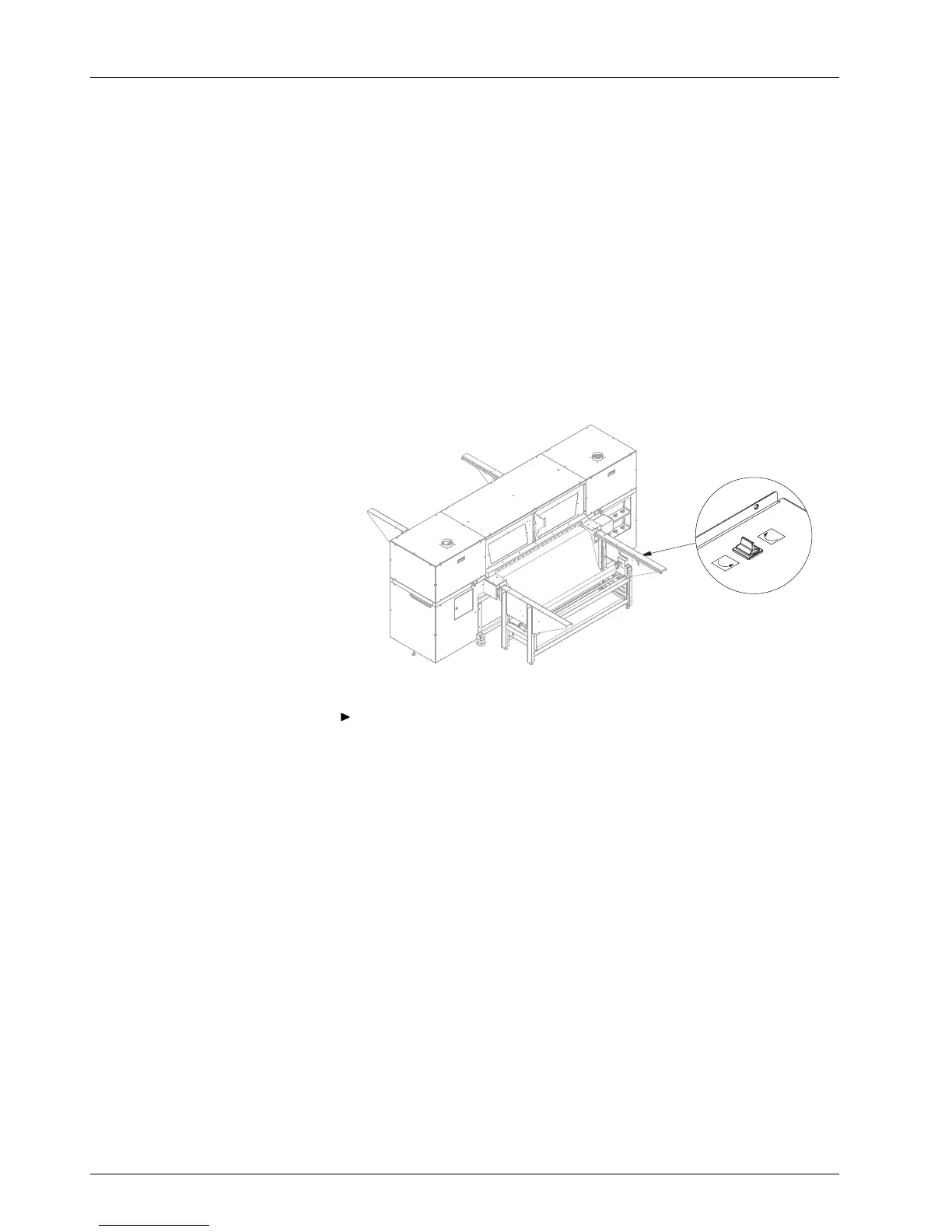
Fig. 25 Setting direction of rotation with to
ggle switch
Switch drive of take-up roll with toggle switch in the opposite direction
briefly to relive the medium tension. Then switch it off.
44 / 9 1 2004 – 2014 © Durst Ph ototechnik AG – www.d urst-online .com , Omega 2, Issued 0 7/20 14



 To Next Page