FSoftware Omega 2
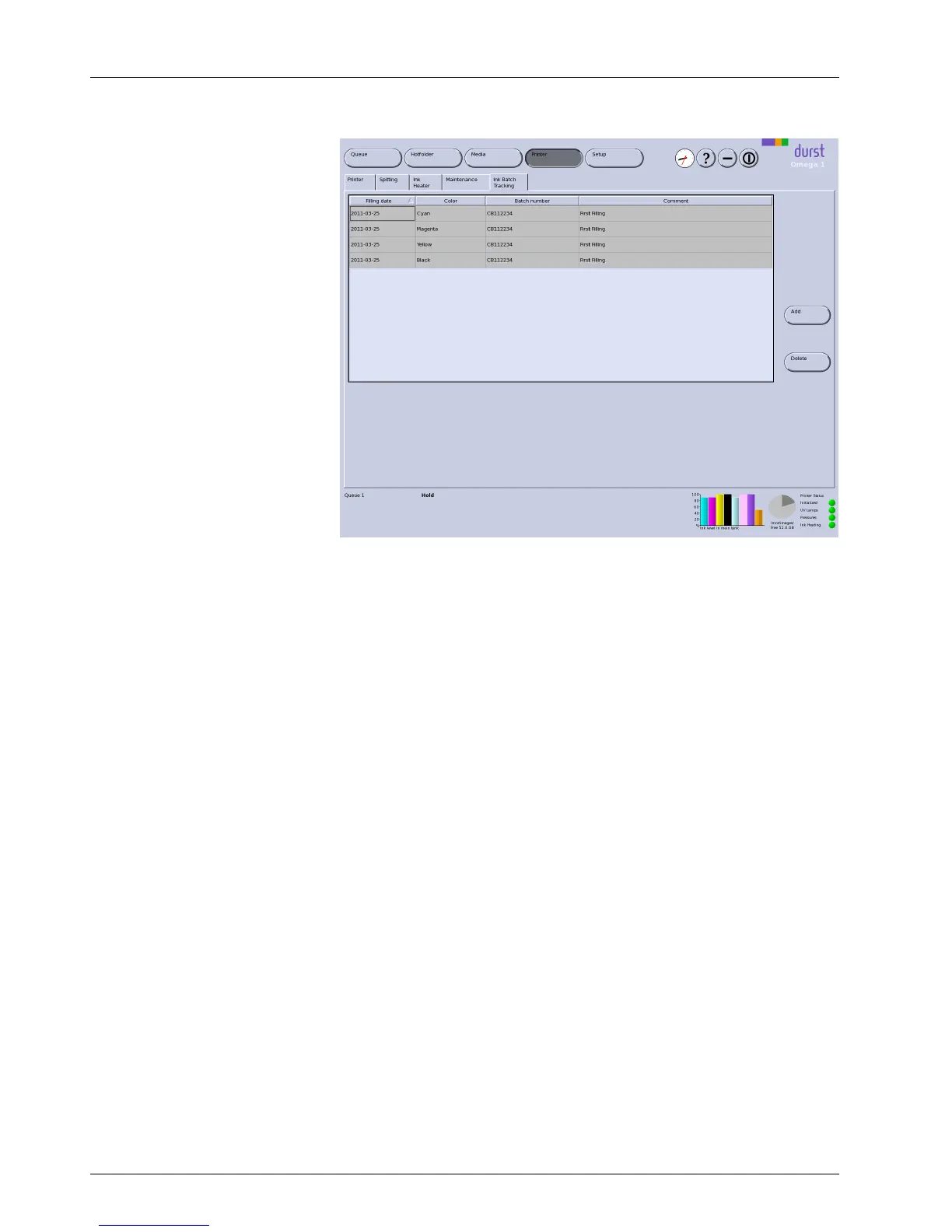
Fig. 42 Ink Batch Tracking tab
If a new ink refi ll container is connected, a new entry must be created for this
refilling procedure on the Ink Batch Tracking tabwiththeAdd button. This
increases the ink-level indicato r on the status line of the softw are by exactly
1 liter. If this is not carried out, or if it is carried out incorrectly, the ink-level
indicator w ill not match the actu al ink level.
5Printing
Image files in the hotfolder All image files to be printed are first stored in the desired hotfolder via the file
system. You can modify the preset parameters of the hotfolder for each image
file separately here. Each new image file stored in the hotfolder is given the
original sett ings of the ho tfolder, however.
Jobs
A job is created by linking the image file to the parameters of the hotfolder or
the job ticket sent from the RIP station.
Queue After adapting the param
eters in the hotfolder, you transfer the desired jobs to
the queue. You start the
printing process in the queue.
5.1 An overview o f activities
5.1.1 Printing image files
1. Stor e image file i
n the desired hotfolder via the folder system.
2. Prepare job in the hotfolder (→ Page 61 / Preparation of jobs in hotfolder).
3. Transfer job to the queue (→ Page 61 / Preparation of jobs in hotfolder).
4. Initiate pr
inting process in the queue (→ Page 63 / Queue).
60 / 9 1 2004 – 2014 © Durst Ph ototechnik AG – www.d urst-online .com , Omega 2, Issued 0 7/20 14



 To Next Page