Omega 2 H S e rvice
1
2
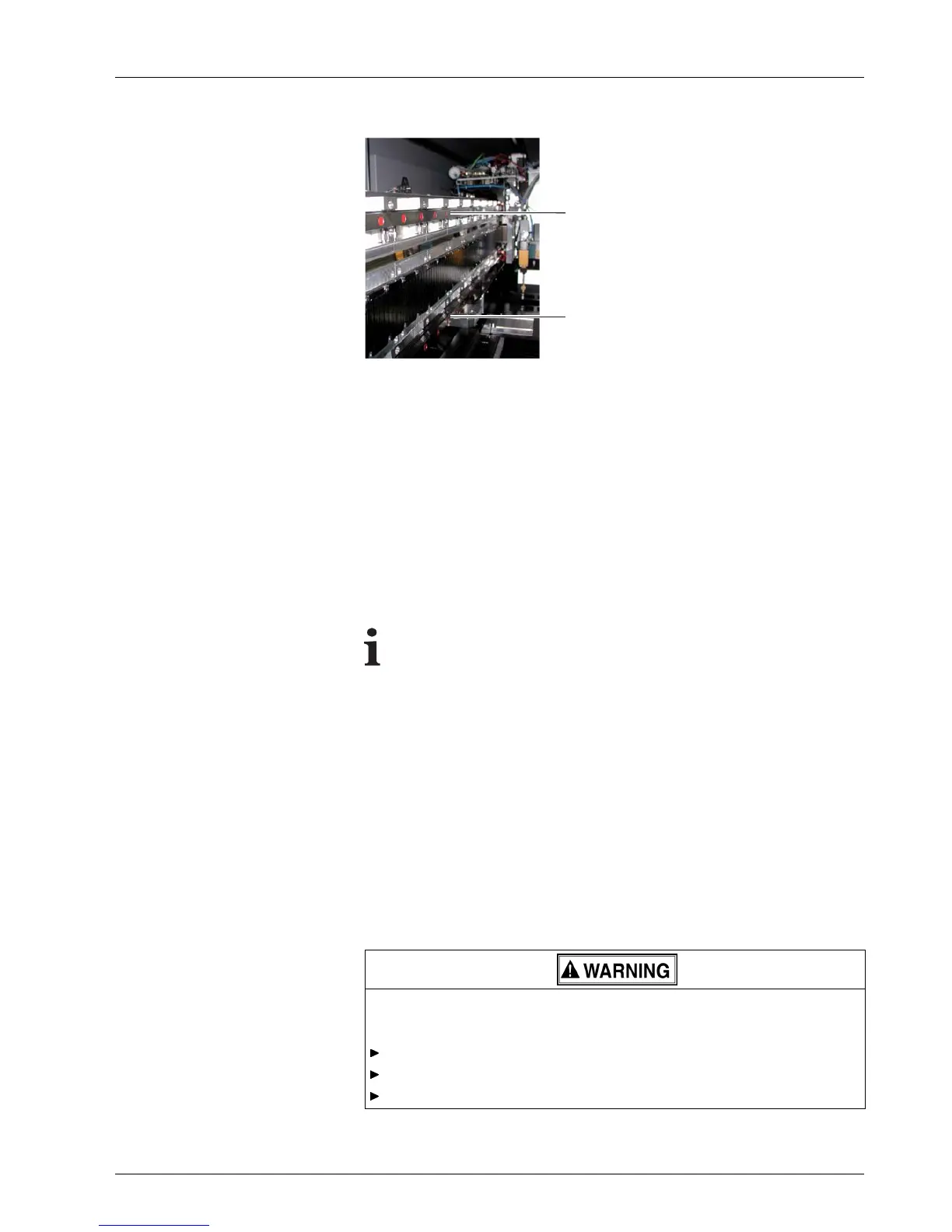
Fig. 49 Location of the carriage guides
1. Move the print carriage to the left.
2. Switch off printer.
3. Clean all a ccessible rail surfaces of soiling and oil accumu lati
ons using a
fresh cleanin g cloth of the t ype specified.
4. Saturate cleaning cloth with the lubricating oil.
5. Wipe top (1) and bottom (2) rails in such a way that all rail surfaces are
fully coated with a thin film of oil.
6. Manually move print carriage to the right.
7. Clean and lubricate the remaining areas of the rails in the same manner.
To prev ent the encoder ruler or medium fro m be
coming soiled,
excess grease and oil drops must be removed.
8. Remove excess grease under the carriage bearings and oil drops on the
carriage bearings with a cleaning cloth.
5 Cleaning encoder ruler
Tools/Accessories:
Protective gloves
Safety goggles
Specified clean i ng cloth
Isopropyl alcohol
Contact with ink!
Health hazard
Wear protective gloves.
Wear safety goggles.
Avoid allowing ink to come into contact with skin and eyes.
2004 – 2014 © Durst Pho totechn ik AG – www.durst-online.co m , Omega 2 , Issued 07/201 4 71 / 91



 To Next Page