E Operation Omega 2
1
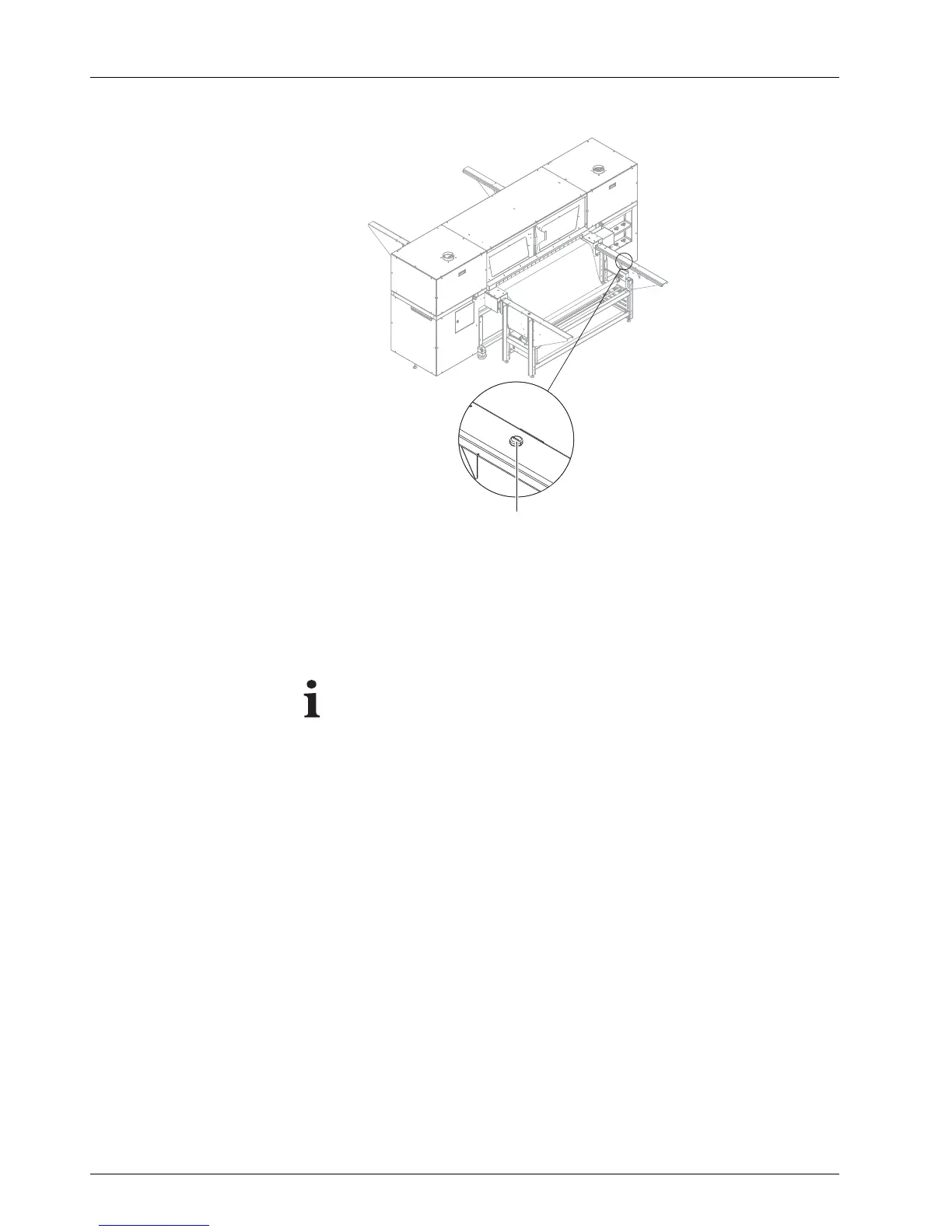
Fig. 18 Starting suction
6. Press green button (1) to start the suction.
The Media Load Position dialog window appears in the software.
6.2.4 Entering position of the medium
It can only be ensured that the printer will not print past the medium
edge if the position of the medium edge is read exactly and entered
in the software.
38 / 9 1 2004 – 2014 © Durst Ph ototechnik AG – www.d urst-online .com , Omega 2, Issued 0 7/20 14



 To Next Page