Omega 2 EOperation
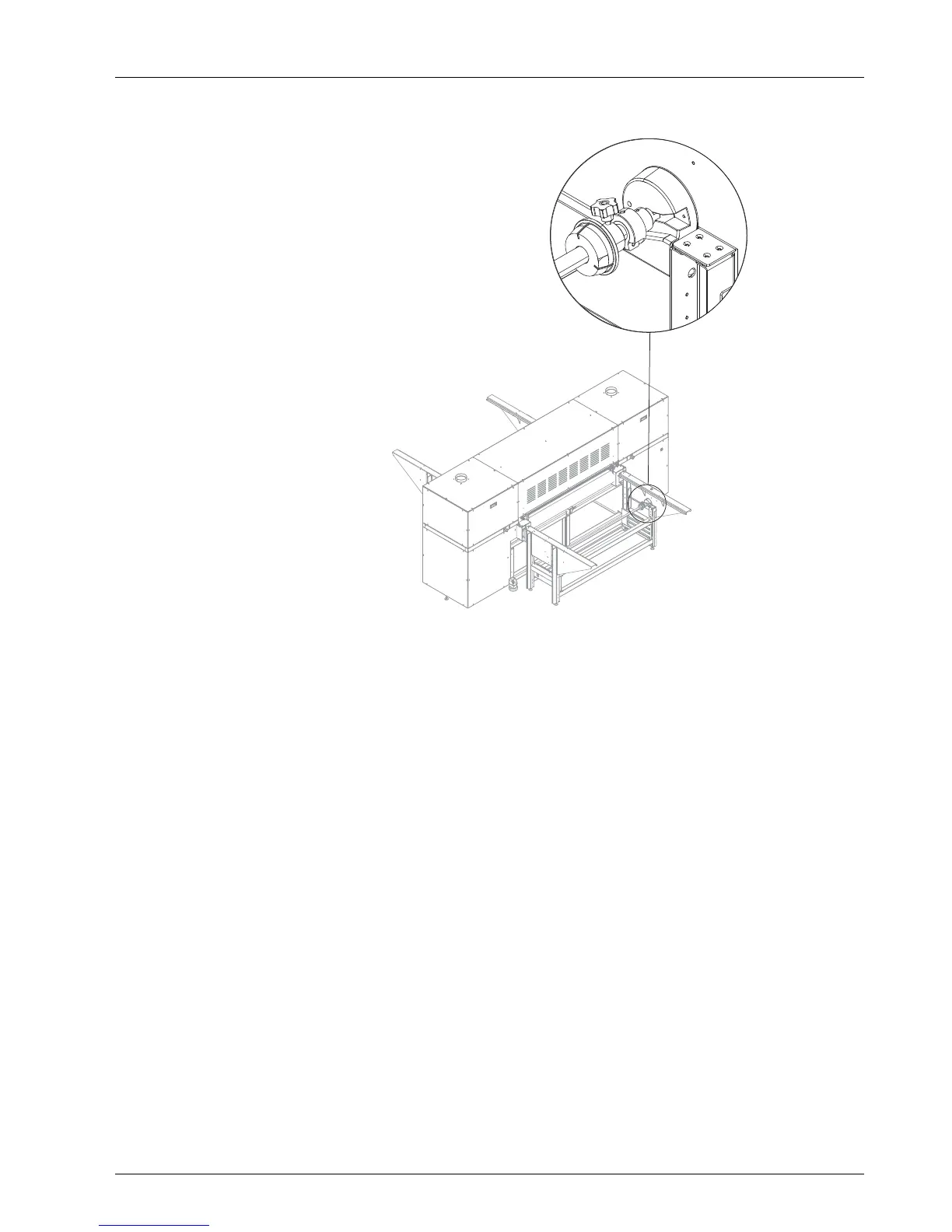
Fig. 17 Roll mount (here: right side)
4. Lift roll with axis and push axis ends into the right and left roll mount.
The axis is engaged in the right and left roll mounts.
5. Align roll approximately centered
on the axis.
6.2.3 Inserting a medium
✔ The new roll is loaded
1. Pull medium upward.
2. Guide medium on the conveyor belt. When doing so, align the medium
approximately in the center using the scale.
3. Guide medium through the printer to the unloading side.
4. Secure disks at the
roll ends with the set screws.
5. Straighten medium on the unloading side.
2004 – 2014 © Durst Pho totechn ik AG – www.durst-online.co m , Omega 2 , Issued 07/201 4 37 / 91



 To Next Page