Omega 2 F Softw are
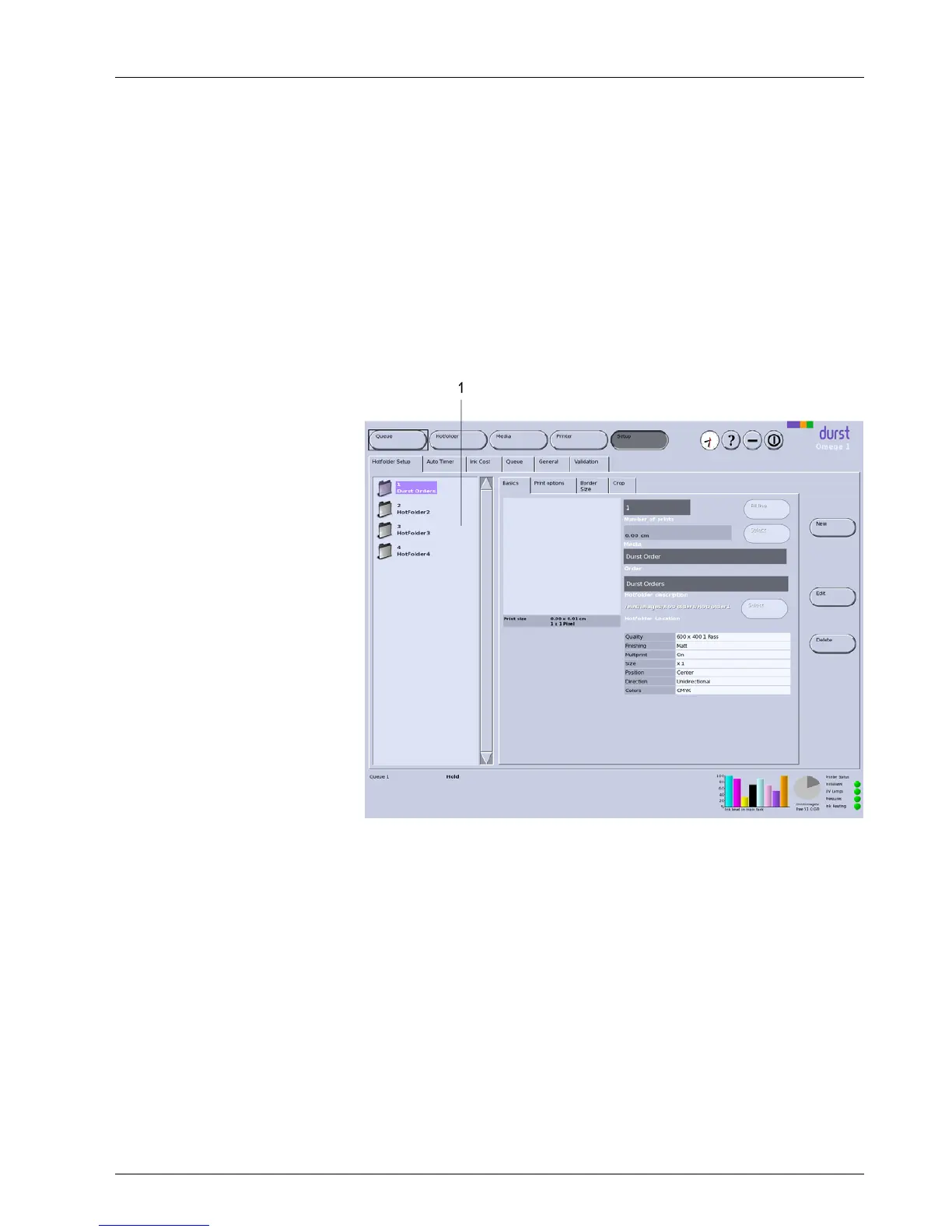
The Hotfolder Setup tab contains the following sub-tabs:
Basics
Print options
Border/Size
Crop (no function)
The navigation wind ow and the New, Edit and Delete buttons are available
on all sub-tabs.
Navigation window
The navigation window (1) displays all hotfolders with previews, order names
and job names.
1 Navigation window
Fig. 28 Hotfolder Setup tab with navigation window
New
New hotfolders are created with the New button .
Edit
Parameters of the se lected hotfolder are modified with the Edit button.
Delete
The selected hotfolder is deleted with the Delete butt on.
2.1.1 Basics
On the Basics sub-tab, you can create new hotfolders and edit and delete
existing hotfolders.
2004 – 2014 © Durst Pho totechn ik AG – www.durst-online.co m , Omega 2 , Issued 07/201 4 47 / 91



 To Next Page