Omega 2 H S e rvice
1
2
3
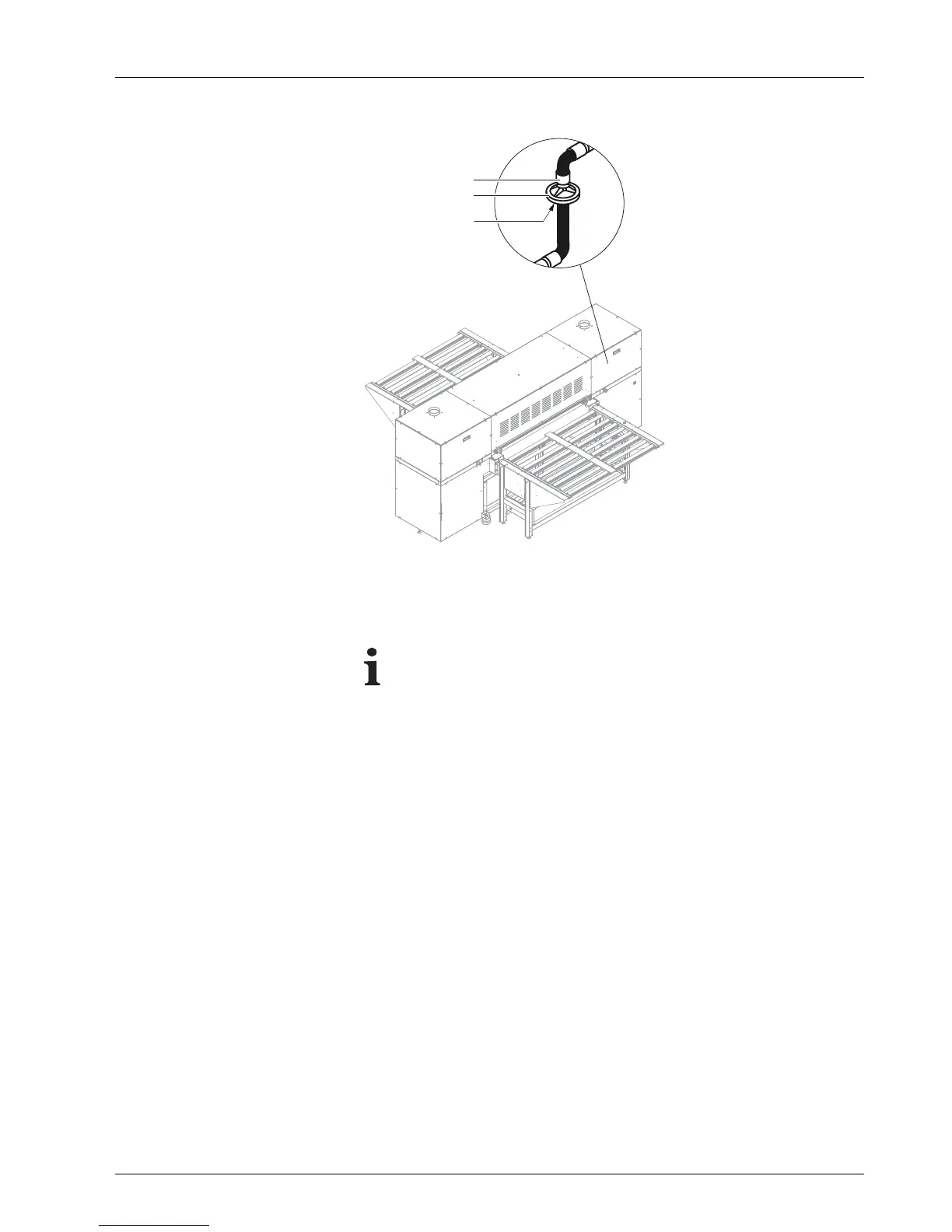
Fig. 52 Location of the main ink filters
1. Switch off printer.
2. S c rew off lid on lo ading side.
Whenscrewingoffthebottomfitting, ink may
flow from the bottom
connection line.
3. Screw off the top (1) and bottom connection fittings (3).
4. Remove filter (2).
5. Change filter. When doing so, ensure that the "Inlet" label on the filter is
facing upwards.
6. Connect new ink filter at bottom and top connections.
7. Screw on cover plate.
8. D ispose o f used ink filters according to local regulations.
2004 – 2014 © Durst Pho totechn ik AG – www.durst-online.co m , Omega 2 , Issued 07/201 4 75 / 91



 To Next Page