Contextual help of the web interface – 103
•
•
•
•
•
•
•
•
1. PressProfile mappingto map RADIUS profile to local profiles.
Default Profile
You can enable & define a default profile for all Radius that are not subject to any specific rules (see below).
Specific Rules
Fill the usual triplet of information as per your radius configuration:
Attribute - The attribute value - Mandatory
Vendor - The vendor value associated to the attribute - Mandatory ( 0 as default value )
Value - The value of the attribute needed for this mapping - Mandatory
Fill the profile you want your specific radius configuration to be mapped with
Profile - the local profile you want users to be mapped
Note: The default mapping is used for eaton-specific value : Attribute 28, Vendor 534, Value 1 and Profile administrator.Please refer
to your RADIUS protocol provider documentation for further information.
2. ClickSave.
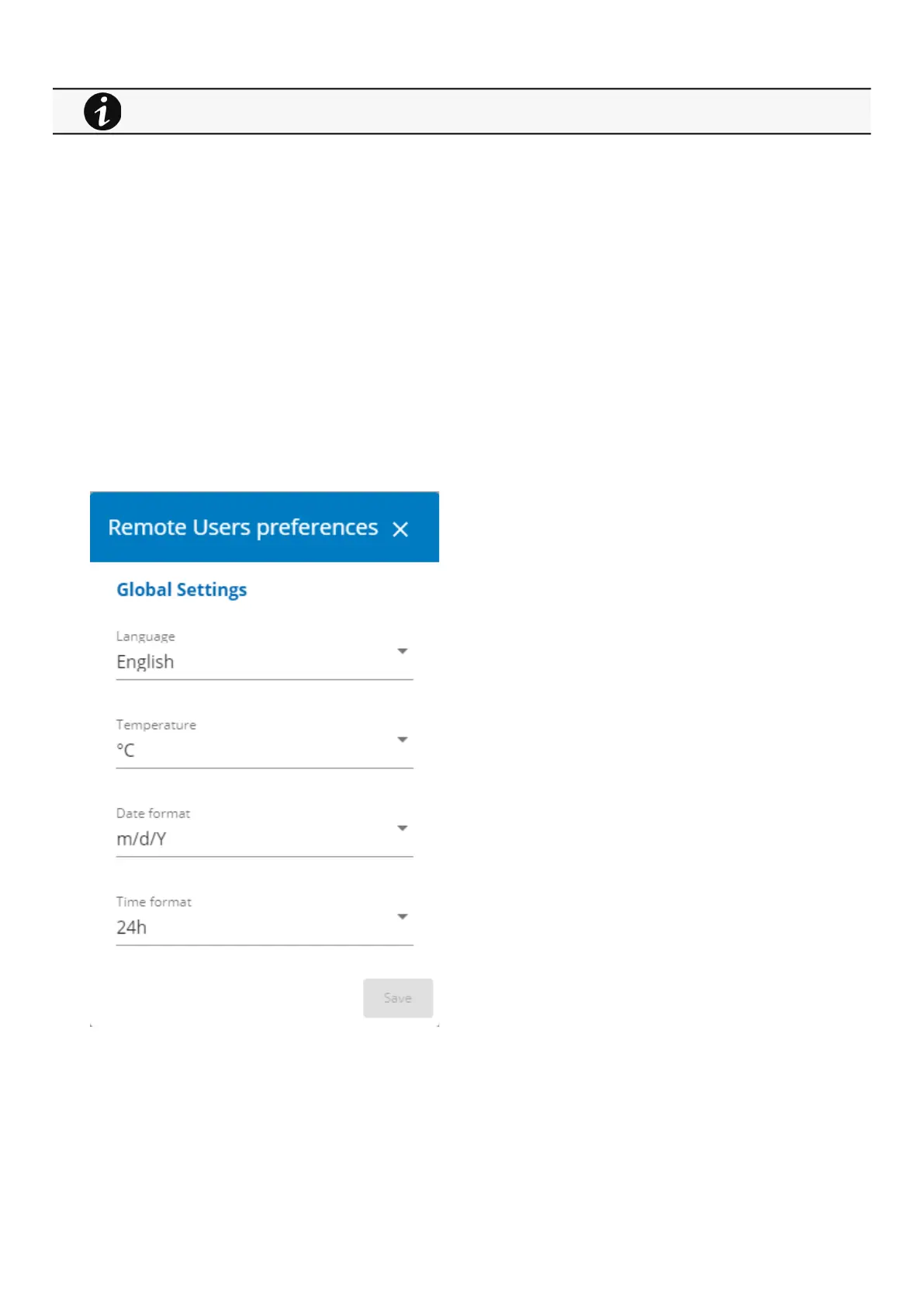
c Users preferences
1. PressUsers preferencesto define preferences that will apply to all RADIUS users
Language
Temperature
Date format
Time format
2. ClickSave.
For the list of access rights per profile refer to the section Full documentation>>>Information>>>Access rights per
profiles.



 To Next Page