Contextual help of the web interface – 129
•
•
•
•
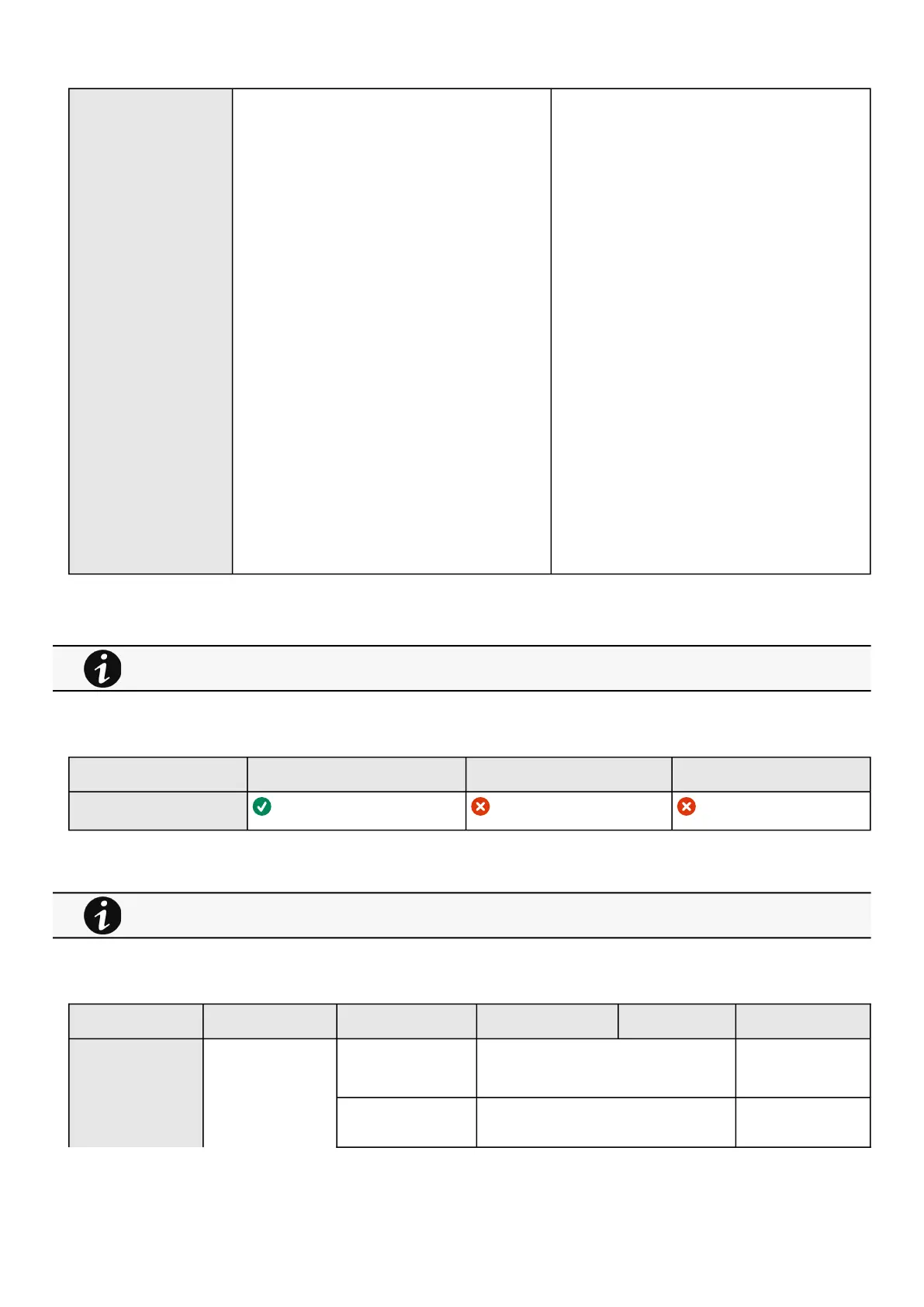
Syslog Inactive
Server#1
Name – Primary
Status – Disabled
Hostname – empty
Port – 514
Protocol – UDP
Message transfer method – Non transparent
framing
Using unicode byte order mask (BOM)–
disabled
Server#2
Name – empty
Status – Disabled
Hostname – empty
Port – 514
Protocol – UDP
Message transfer method – DIsabled in UDP
Using unicode byte order mask (BOM)–
disabled
Inactive/Active
Server#1
Name – 128 characters maximum
Status – Disabled/Enabled
Hostname – 128 characters maximum
Port – x-xxx
Protocol – UDP/TCP
Message transfer method – Non transparent
framing
Using unicode byte order mask (BOM)–
disable/enable
Server#2
Name – 128 characters maximum
Status – Disabled/Enabled
Hostname – 128 characters maximum
Port – x-xxx
Protocol – UDP/TCP
Message transfer method (in TCP)– Octet
counting/Non transparent framing
Using unicode byte order mask (BOM)–
disable/enable
3.7.7.4.1 For other settings
3.7.7.5 Access rights per profiles
Administrator Operator Viewer
Protocols
3.7.7.5.1 For other access rights
3.7.7.6 Save and Restore
SRR section SRR sub section Settings Sub settings Possible values
Syslog rsyslog certificates ca
trustedClient
*
Settings enabled true/false
For other settings, see the Information>>>Default settings parameters section.
For other access rights, see the Information>>>Access rights per profiles section.



 To Next Page