Contextual help of the web interface – 140
•
•
•
•
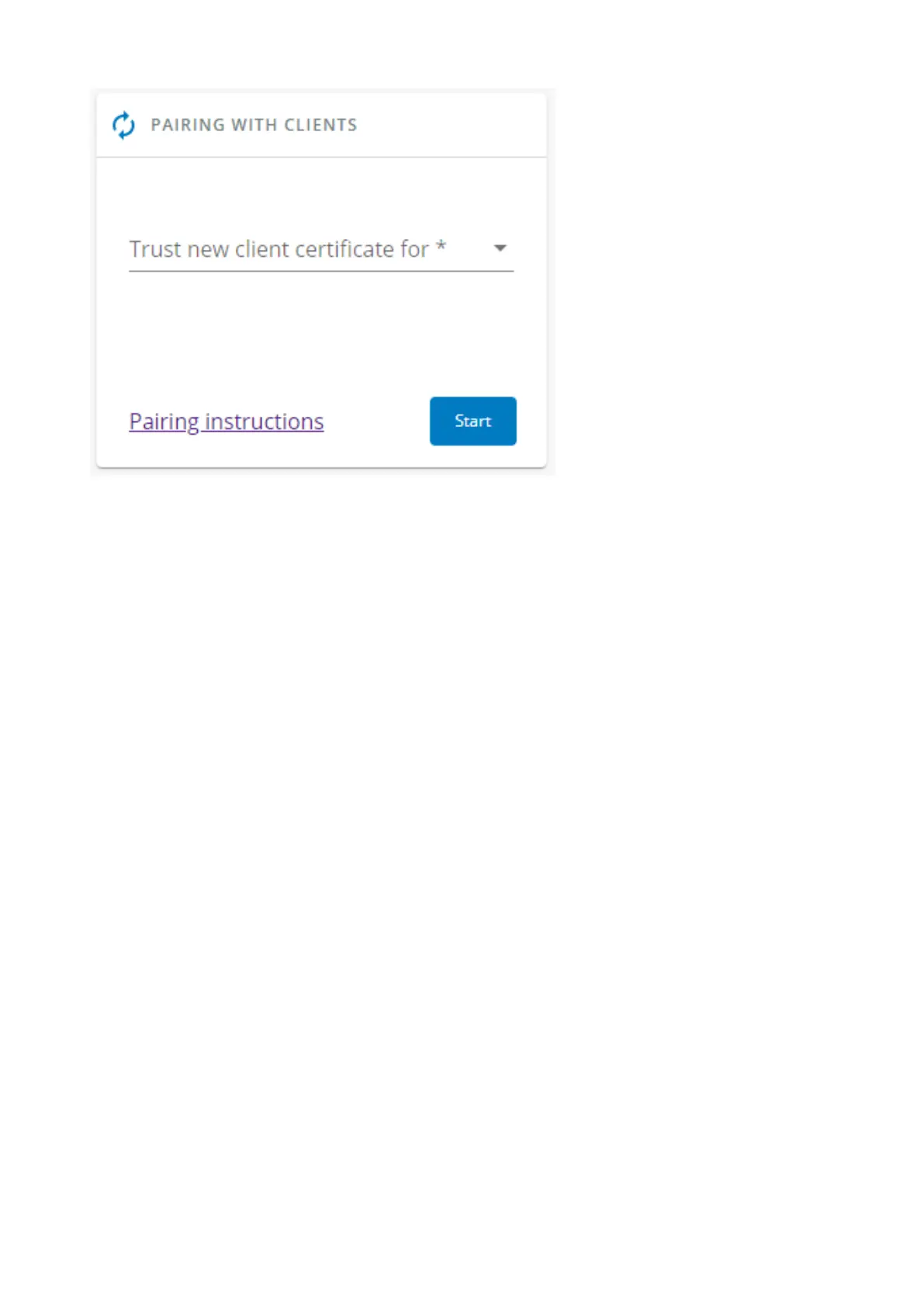
During the selected timeframe, new connections to the Network Module are automatically trusted and accepted.
After automatic acceptance, make sure that all listed clients belong to your infrastructure. If not, access may be revoked using the
Delete button.
The use of this automatic acceptance should be restricted to a secured and trusted network.
For maximum security, we recommend followingone of the two methodson the certificate settings page:
Import agent's certificates manually.
Generate trusted certificate for both agents and Network Module using your own PKI.
3.7.9.1.1 Actions
a Start
Starts the pairing window during the selected timeframe or until it is stopped.
Time countdown is displayed.
b Stop
Stopsthe pairing window.
3.7.9.2 Local certificates
Manage local certificates by :
Generating CSR and import certificates signed by the CA.
Generating new self-signed certificates.



 To Next Page