Contextual help of the web interface – 141
•
•
•
•
•
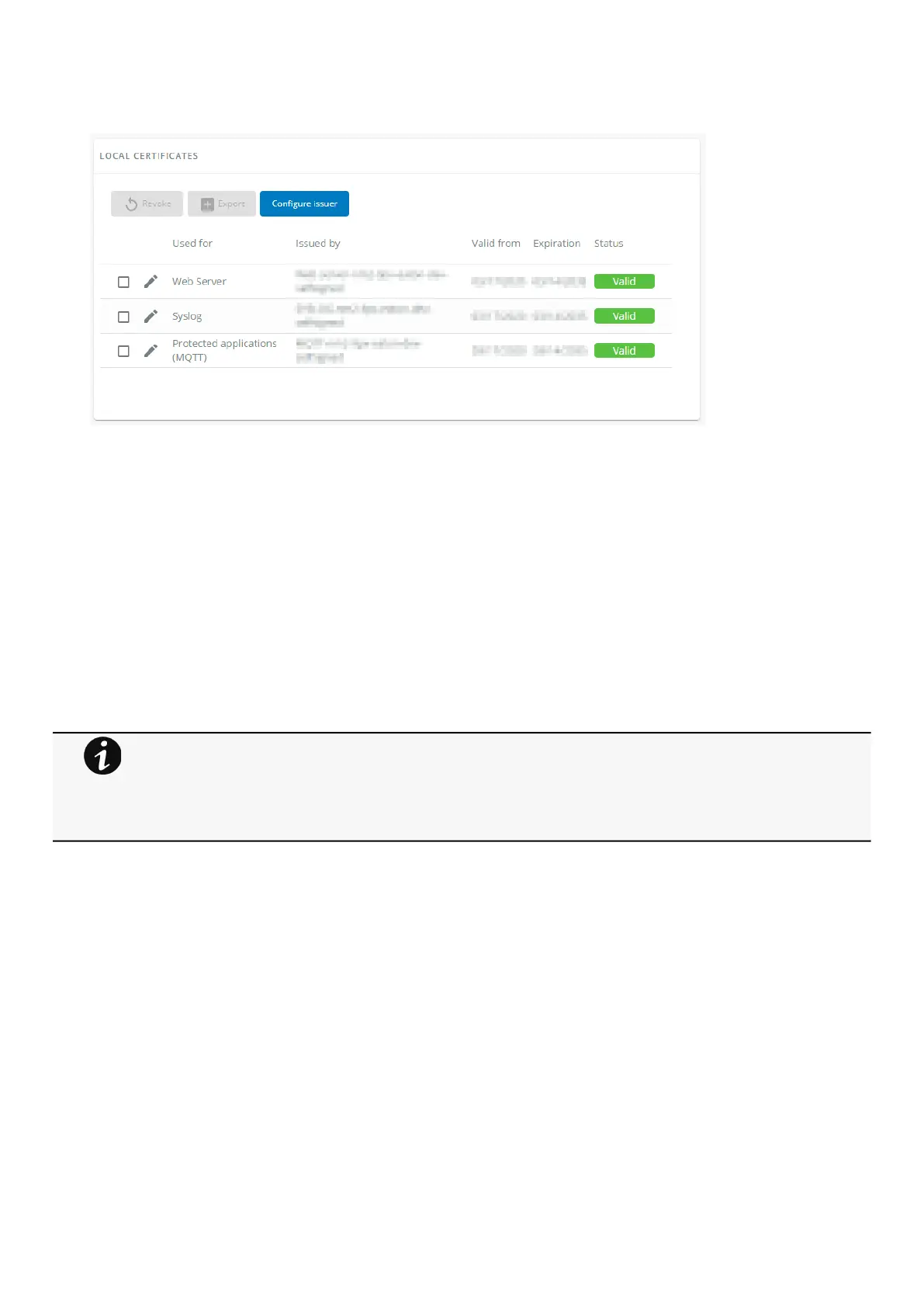
3.7.9.2.1 Local certificates table
The table shows the following information for each local certificate.
Used for
Issued by
Valid from
Expiration
Status — valid, expires soon, or expired
3.7.9.2.2 Actions
a Revoke
This action will take the selected certificate out of use.
Select the certificate to revoke, and then press theRevokebutton.
A confirmation window appears, pressContinueto proceed, this operation cannot be recovered.
b Export
Exports the selected certificate on your OS browser window.
c Configure issuer
Press theConfigure issuerbutton.
A configuration window appears to edit issuer data.
Revoke will replace current certificate by a new self-signed certificate.
This may disconnect connected applications:
- Web browsers
- Shutdown application
- Monitoring application
The certificate that is taken out of use with the revoke action cannot be recovered.



 To Next Page