Contextual help of the web interface – 160
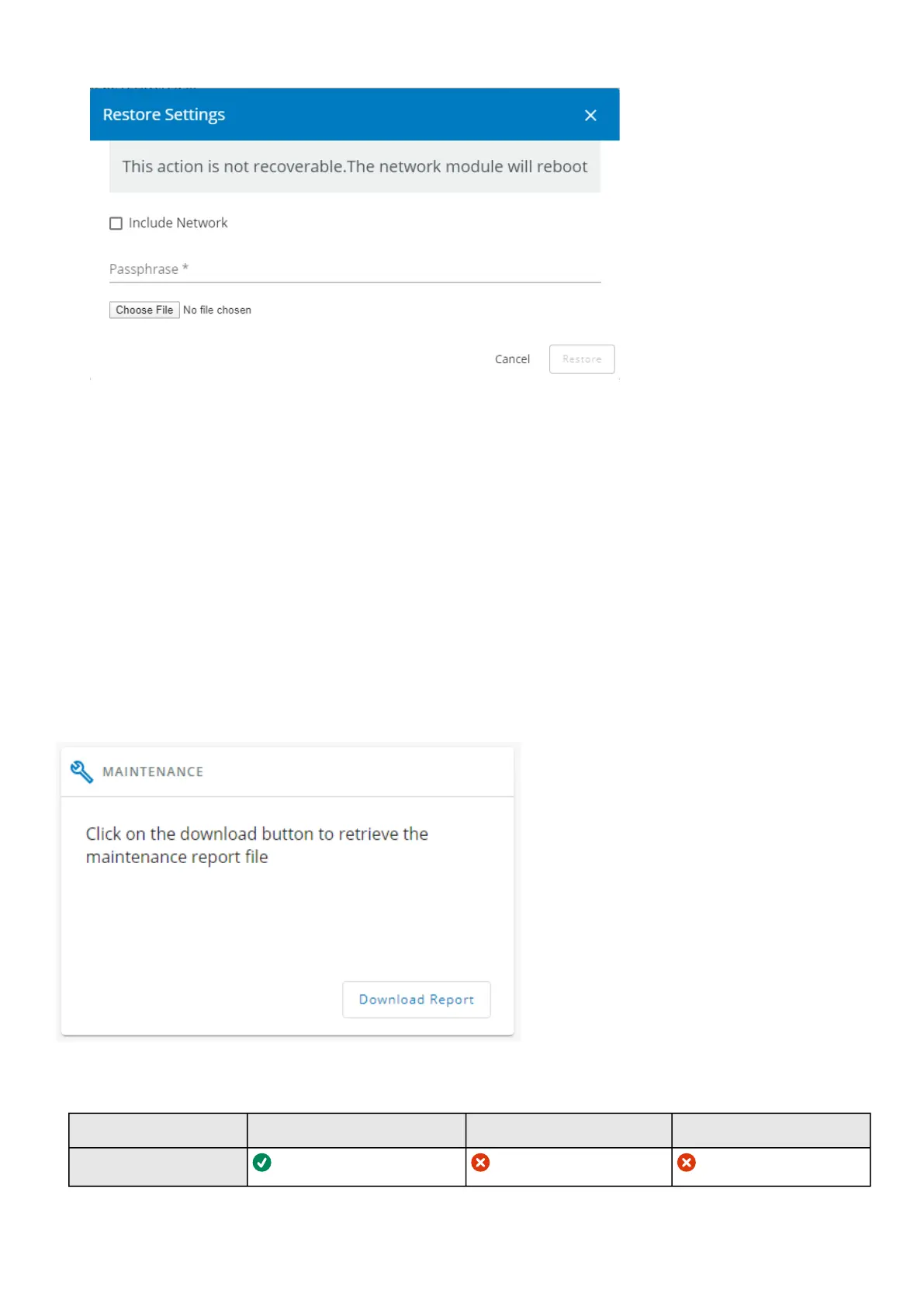
To restore the Network module settings:
1. Click onRestore
2. Select to include the Network settings if needed.
3. Enter the passphrase used when the file was saved.
4. Click on Choose file andselect the JSON file
5. Click onRestoreto confirm
6. For safety reason, re-enter your own password to confirm your idendity
3.9.3.1.6 Maintenance
The maintenance report is for the service representative use to diagnose problems with the network module. It is not intended for
the user, which is why the file is protected by a password.
To download the maintenance report file:
ClickDownload report.
A confirmation message displays,Maintenance report file successfully downloaded.
3.9.3.2 Access rights per profiles
Administrator Operator Viewer
Services



 To Next Page