Contextual help of the web interface – 50
•
•
•
•
•
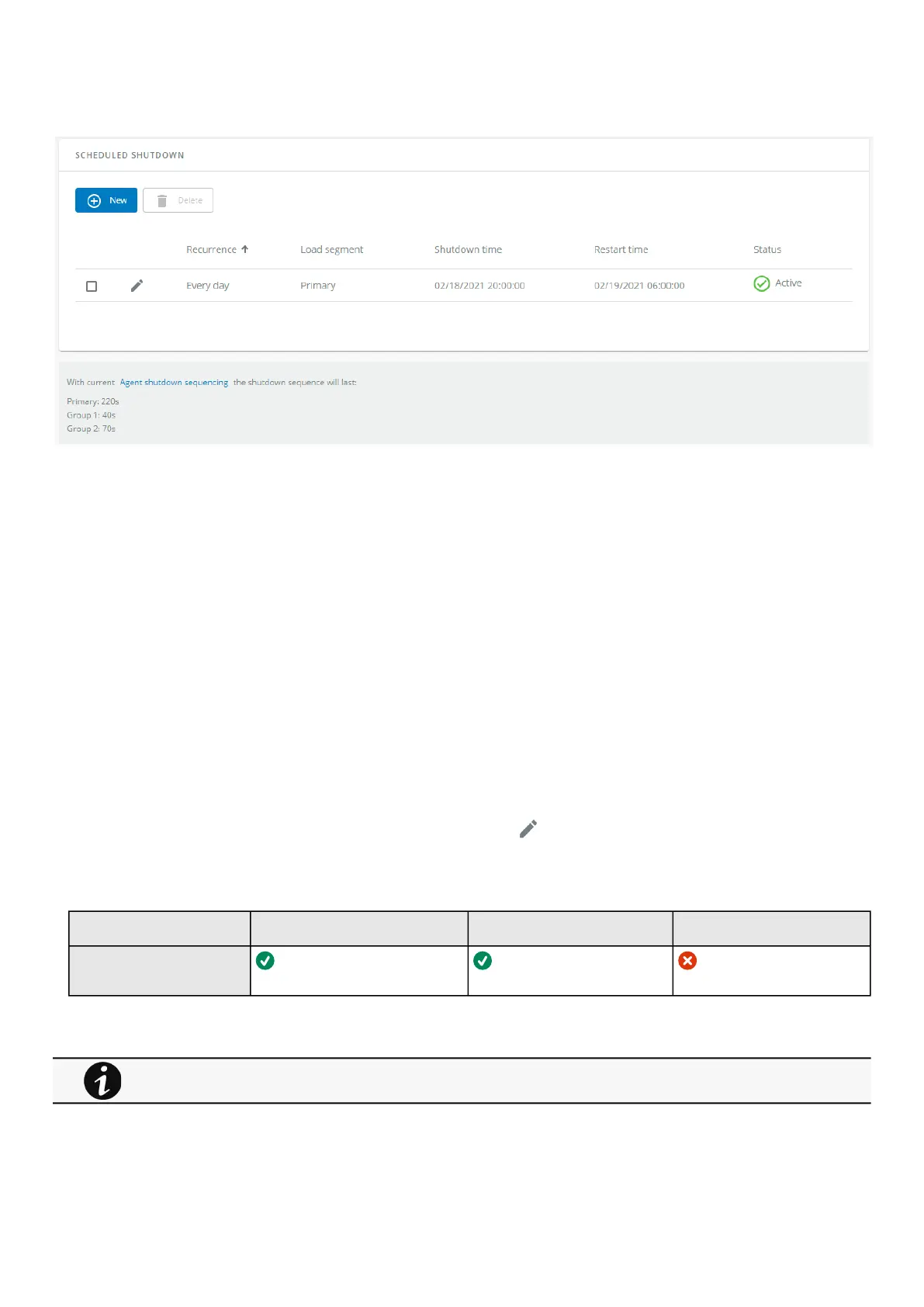
3.4.4.1 Scheduled shutdown table
The table displays the scheduled shutdowns and includes the following details:
Recurrence–Once/Every day/Every week
Load segment –Primary/Group 1/Group 2
Shutdown time –Date/Time
Restart time –Date/Time
Status – Active/Inactive
3.4.4.2 Actions
3.4.4.2.1 New
Press the New button to create a scheduled shutdown.
3.4.4.2.2 Delete
Select a schedule shutdown and press the Delete
button to delete the scheduled shutdown.
3.4.4.2.3 Edit
Press the pen iconto editschedule shutdown and to access the settings:
3.4.4.3 Access rights per profiles
Administrator Operator Viewer
Protection/Scheduled
shutdowns
3.4.4.3.1 For other access rights
For other access rights, see the Information>>>Access rights per profiles section.



 To Next Page