www.eaton.com
Network
Management Card
(Network-MS)
User Manual
Network Management Card
– User Manual 34003991XT_EN/JC
Page
139/143
admin Cleartext-Password := "myPassword"
Service-Type = Administrative-User
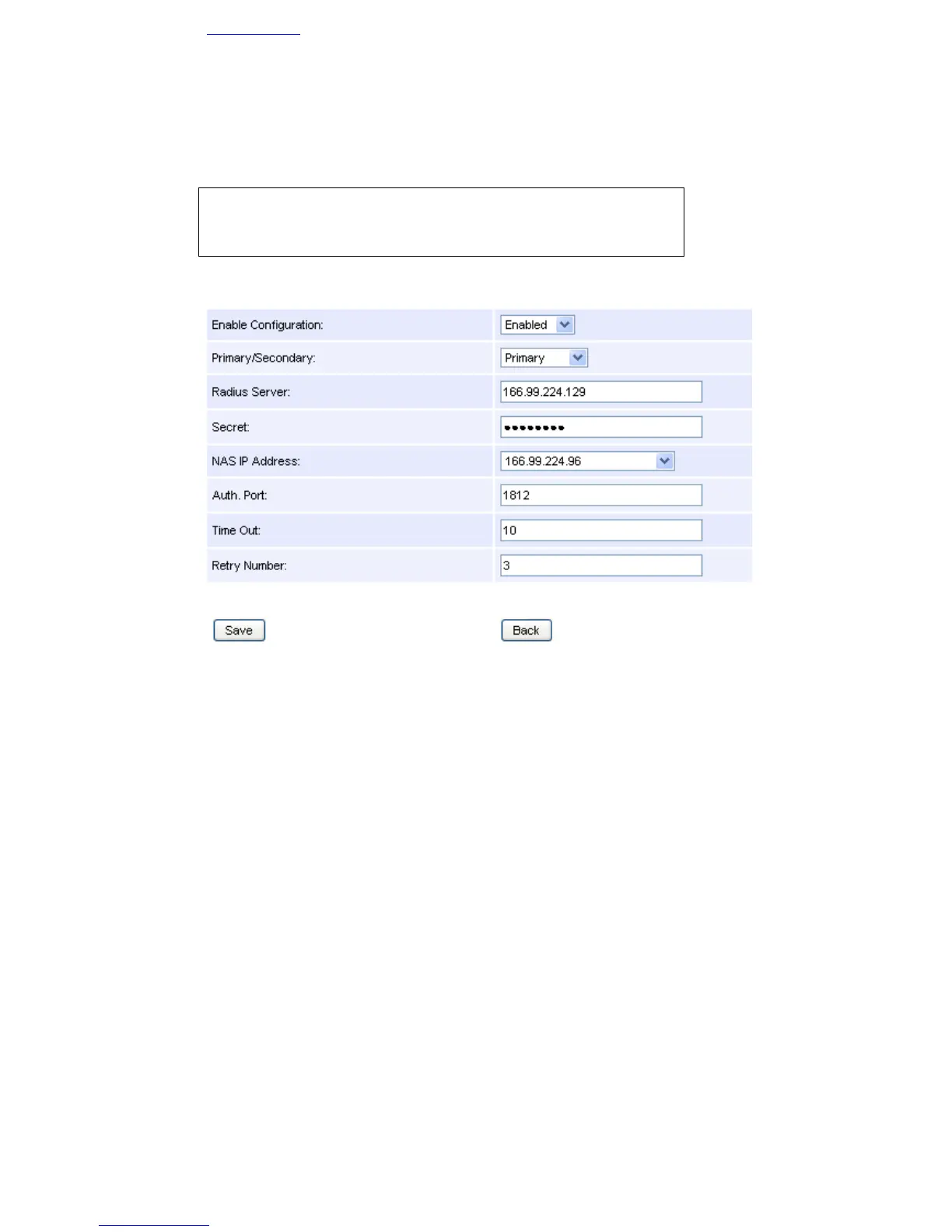
The following RADIUS configuration must be apply( value of the masked field secret: eaton123):
8.3.2 LDAP
A IP card is running with the 166.99.224.96 IP address.
An Active Directory server is running (IP address: 10.130.32.6, port : 389), with the following configuration:
• Base Name : DC=mbdevd,DC=ch,DC=etn,DC=com
• User with the necessary rights to search information about users and groups:
o Distinguish Name : CN=searchUser,CN=Users,DC=mbdevd,DC=ch,DC=etn,DC=com
o Password: eaton
• NMC Card User:
o Distinguish Name: CN=UPSUser,CN=Users,DC=mbdevd,DC=ch,DC=etn,DC=com
o LDAP Class Type: user
o sAMAccountName Attribute: UPSAdmin
o Password: eaton
• Group managing permissions to access to the NMC cards
o Distinguish Name :CN=UPSAdmins,OU=eUPSOU,DC=mbdevd,DC=ch,DC=etn,DC=com
o sAMAccountName Attribute: UPSAdministrators
o Attribute member : CN=UPSAdminUser,CN=Users,DC=mbdevd,DC=ch,DC=etn,DC=com
In order to allow the Web access for the user:
• Login identifier: UPSAdmin



 To Next Page