www.eaton.com
Network
Management Card
(Network-MS)
User Manual
Network Management Card
– User Manual 34003991XT_EN/JC
Page
41/143
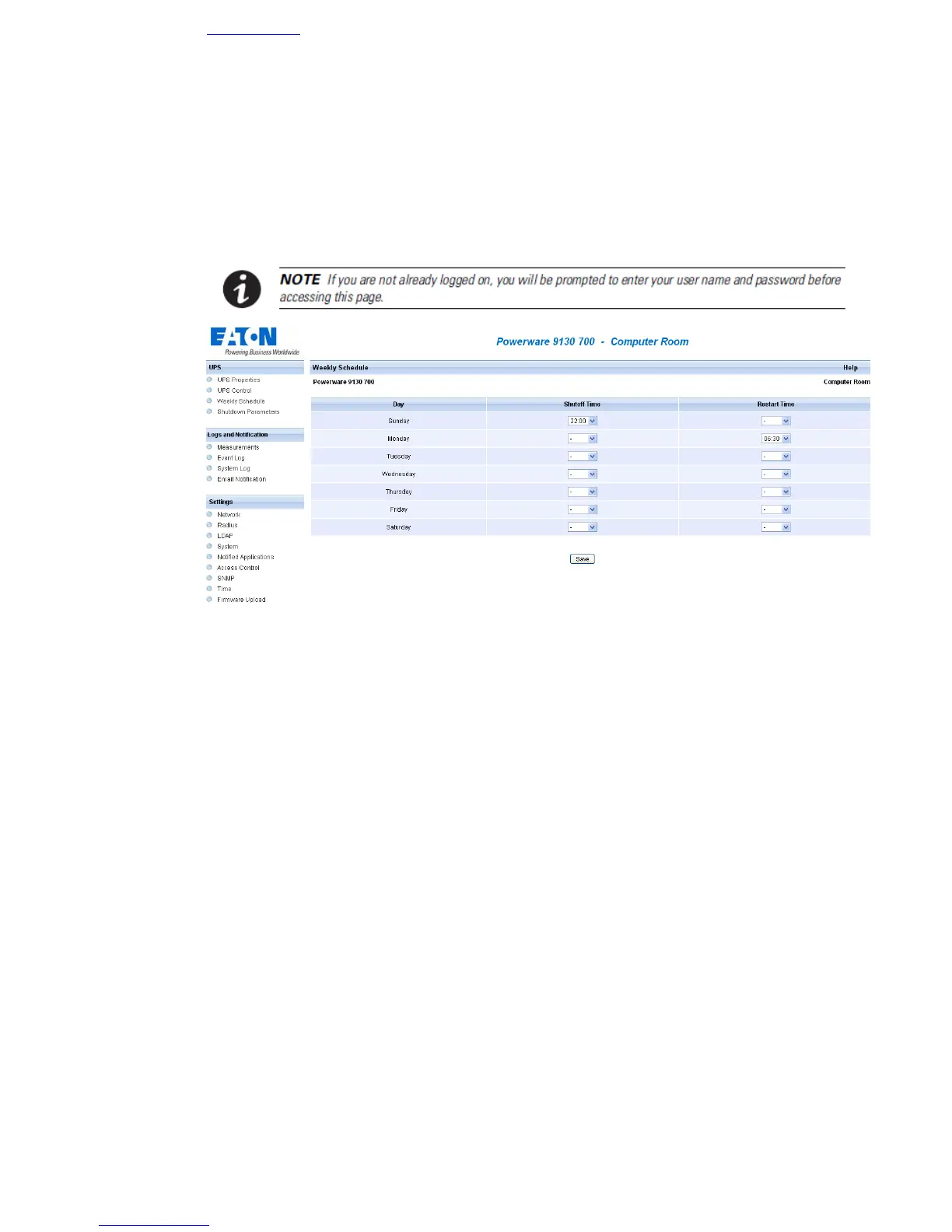
4.2.5 UPS weekly schedule programming
Click on the Weekly schedule section of the menu.
UPS configuration may prevent the shutdown and restart commands from being properly run. Read the UPS user
manual for more information.
The weekly schedule enables the administrator to optimise power consumption or program a reboot of the
protected equipment at a set time.
In a shutdown sequence, the Intelligent Power Protector connected to the card are informed and ensure that
each machine is shut down correctly before the UPS output is switched off. Up to 7 UPS shutdown sequences
can be programmed in one week, with a minimum shutdown delay of 30 minutes.
The On / Off sequences are valid only if the card's time has been properly set.



 To Next Page