www.eaton.com
Network
Management Card
(Network-MS)
User Manual
Network Management Card
– User Manual 34003991XT_EN/JC
Page
54/143
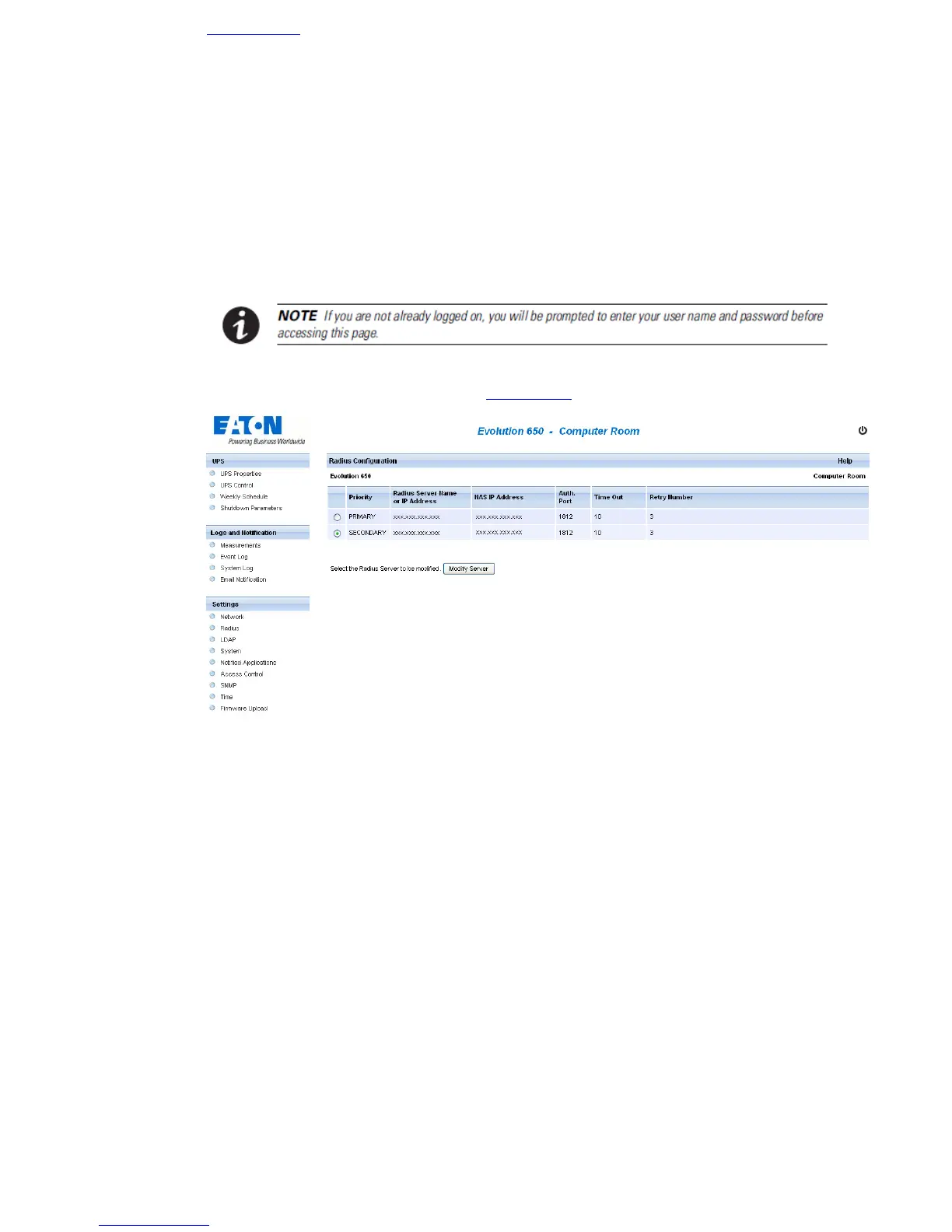
4.4.2 RADIUS
4.4.2.1 Setting Page Configuration
Click on RADIUS in the menu.
This menu allows the administrator to configure RADIUS settings on the card. They are editable only if the
parameter of the External Authentication on the Access control Access controlpage is set to RADIUS.
Two RADIUS servers can be registered. The secondary server is used when the primary does not respond in the
delay (time out) and after the number of retry set.
The button “Modify Server” allows to edit and to modify the server configuration selected.



 To Next Page