www.eaton.com
Network
Management Card
(Network-MS)
User Manual
Network Management Card
– User Manual 34003991XT_EN/JC
Page
24/143
4.2 UPS
4.2.1 UPS properties page
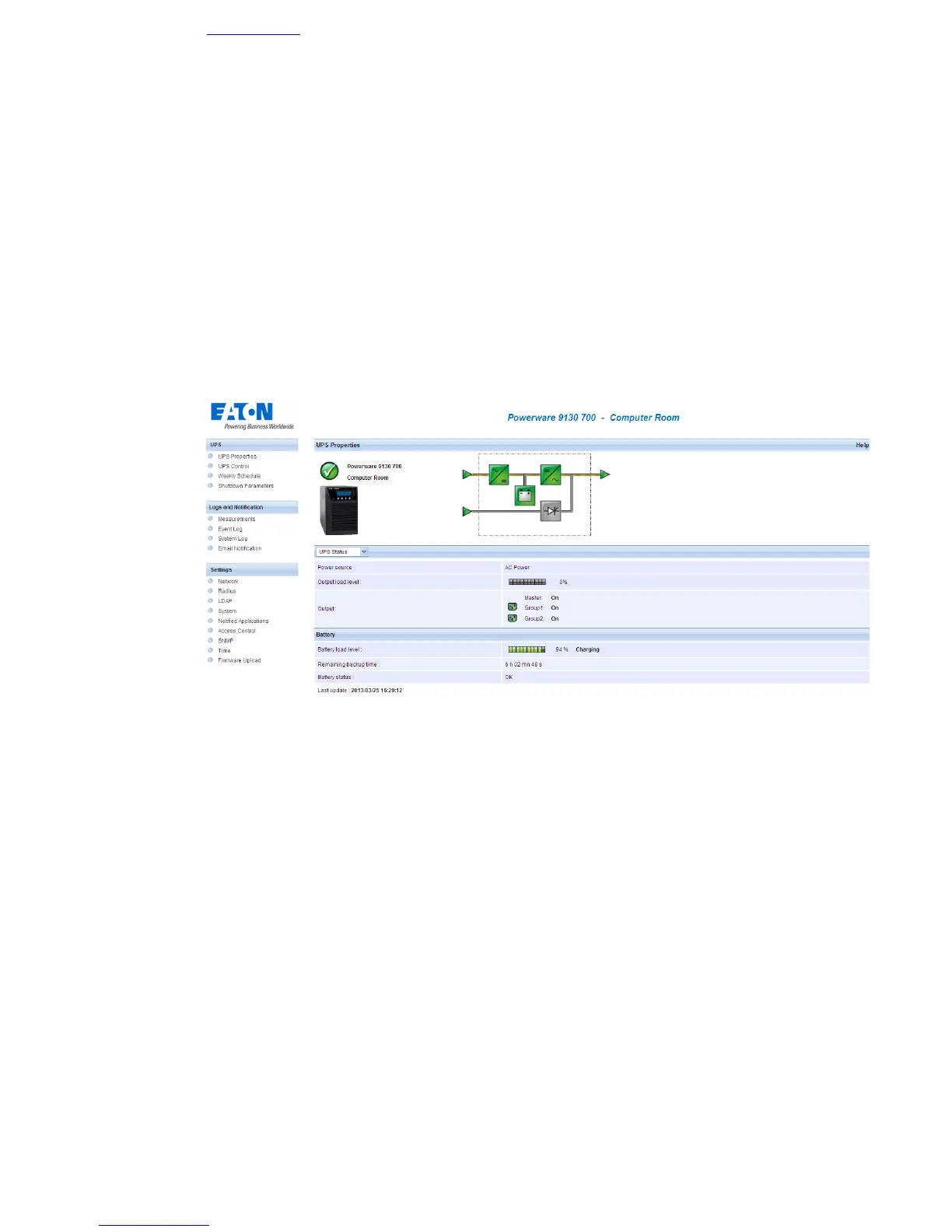
• Essential information about the UPS status is available on the UPS Properties page (see Figure), which
refreshes automatically every ten seconds.
• The UPS Properties page shows an image and generic name of the UPS range. You can customize
Computer Room to name the location of your system (see “System Settings”).
•
An animated diagram displays for online UPSs showing an overview of the current UPS operating
mode.



 To Next Page