www.eaton.com
Network
Management Card
(Network-MS)
User Manual
Network Management Card
– User Manual 34003991XT_EN/JC
Page
70/143
4.4.10 Firmware upload
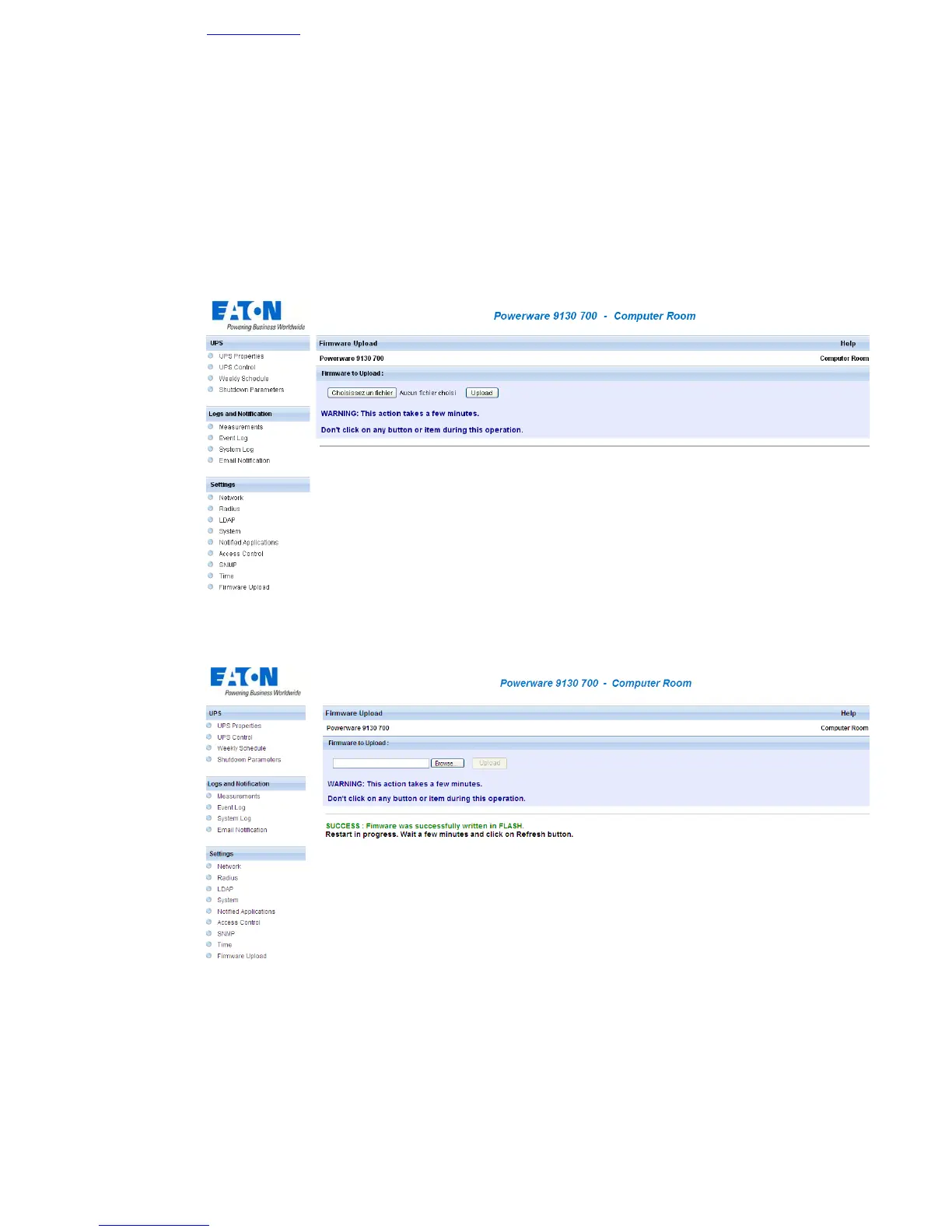
Click on Firmware Upload in the menu.
This menu enables a new firmware version to be uploaded
To upload a new version of the card's firmware, select the file to be loaded using the Browse… button and click
Upload.
Do not interrupt the operation before the card displays the following screen:



 To Next Page