www.eaton.com
Network
Management Card
(Network-MS)
User Manual
Network Management Card
– User Manual 34003991XT_EN/JC
Page
30/143
4.2.1.2 UPS status
• Active sources: (available on parallel or modular UPS)
x UPS + y UPS redundant : x indicates the minimal number of UPS necessary to power the load,
y indicates the number of UPS in redundancy.
An alarm can be generated if the number of UPS in redundancy is less than a configurable threshold. See
UPS modules section.
• Power source: indicates whether the power comes from the utility or from the UPS battery
• Output load level: indicates the power percentage used at UPS output
• Output: indicates if the different UPS outputs are protected.
• Master: indicates if the UPS main output is protected
• Group1 and Group2: indicates if the controlled outlets (if available) are powered.
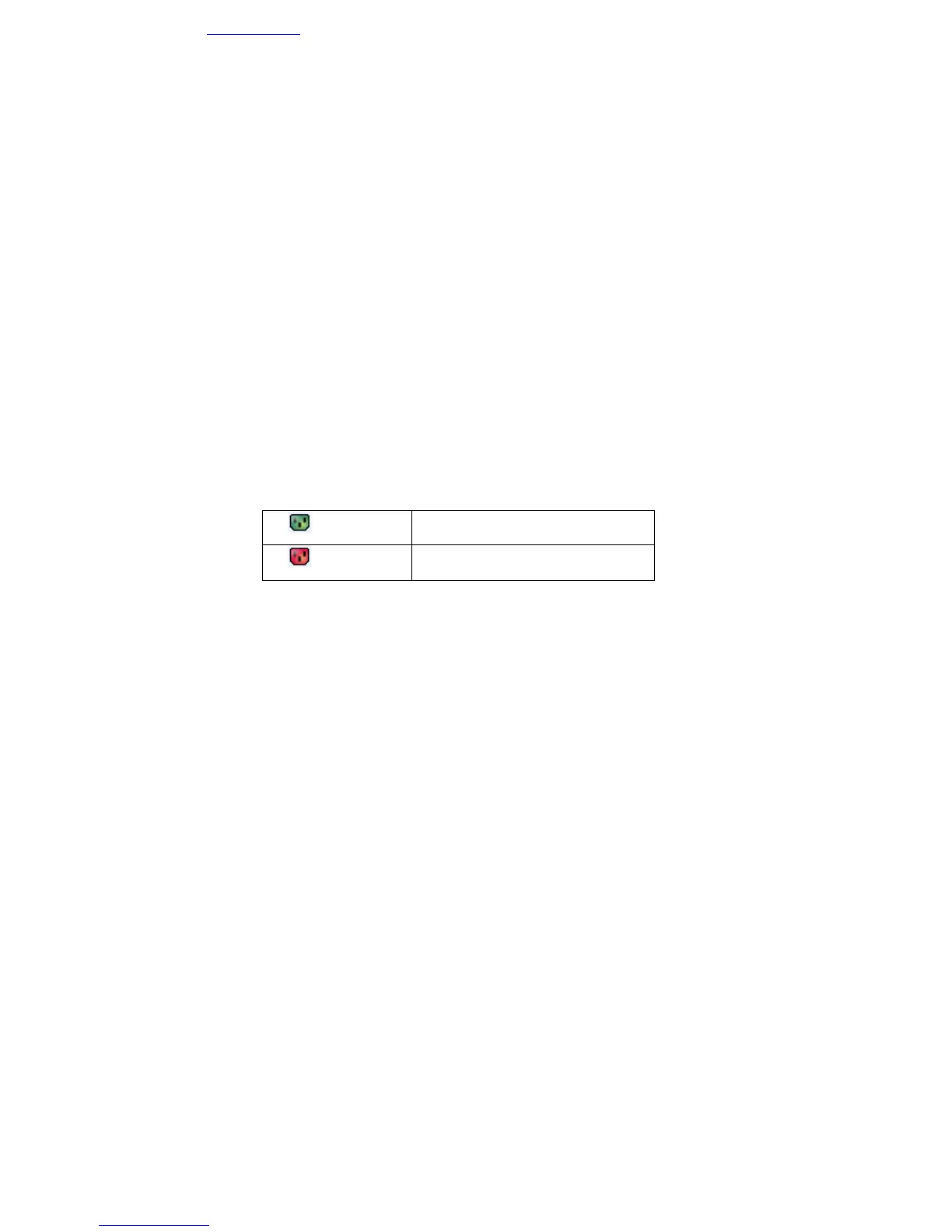
The various icons showing the status of the UPS outputs are:
(green outlet)
Outlet powered
(red outlet)
Outlet not powered or not protected
Battery Information:
• Battery load level: remaining battery charge (in percent).
The information is completed with the 3 following labels
:
- Charging: if the utility power is present and the battery charge is in progress.
- Discharging: if the UPS operates on battery.
- Fault: if the battery is faulty.
• Remaining backup time: Estimation of the battery's maximum backup time remaining before UPS
shutdown
• Battery status: Result of the last automatic battery test carried out by the UPS
Possible values are:
- OK: the test was completed correctly.
- NOK: the battery needs to be checked.
- Deactivated: the automatic battery test is not validated on the UPS.



 To Next Page