Operation of CI 3000
67
Version 2.09 09. April 2014
Scrolling
Use the cursor keys ( ↑ ) and ( ↓ ) to:
‐ Scroll line by line, for example when selecting a variable in a line from a list of predefined variables.
‐ Scroll block by block to view values that extend beyond the capacity of the display.
Paging
The cursor keys ( ← ) and ( → ) can be used to page through screens containing more than one page. If a menu
contains more than three submenus, the remaining items can be viewed by scrolling with the cursor keys ( ↑ )
and ( ↓ ).
Entering values and text
Use the cursor keys ( ↑ ) and ( ↓ ) to select the line wanted and press the ENTER key ( ↵ ). The cursor jumps to
the entry field. The cursor keys ( ↑ ) and ( ↓ ) or numeric keys can then be used to enter or change values. Keep
the cursor key (↑) or (↓) depressed to change values in fast mode.
Entering text
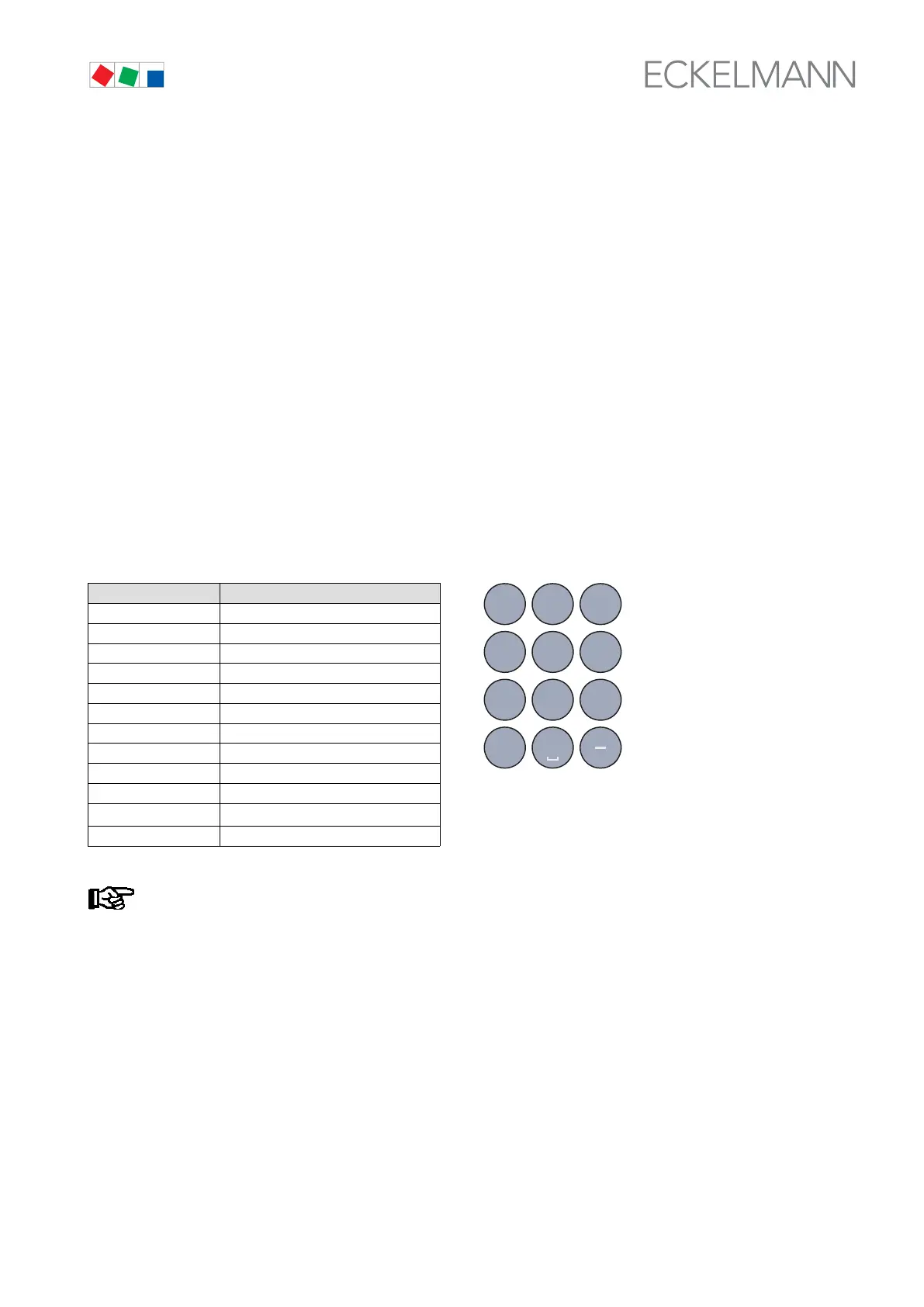
In fields that allow text entry, text can also be entered by the alphanumeric keypad. Repeatedly press the nu
meric keys to generate letters. Press the ENTER key (↵) to confirm the entered value or text. Press the MODE
key to shift between upper and lower case letters..
Key Letter/Character
0 äöüß0 Space
1 1
2 abc2
3 def3
4 ghi4
5 jkl5
6 mno6
7 pqrs7
8 tuv8
9 wxyz9
-
. _ -
, Insert space
With telephone numbers, special characters (0123456789N*#!&:;,=)
can be entered using the cursor buttons (
↑) (↓).
Deleting text entry
Simultaneously press the MODE and minus (-) keys to delete a complete line of text. Press the MODE and deci
mal (.) keys to delete one character.
Cancelling an entry
Press the ESC key to cancel an entry at any time. The entry will not be applied.
,
9
WXYZ
7
PQRS
8
TUV
6
MNO
4
GHI
5
JKL
3
DEF
2
ABC
1
0
ZNR. 51203 68
430 D0



 To Next Page