Installation and Startup of CI 3000 / SIOX
51
Version 2.09 09. April 2014
5.10.1 Downloading software update
Danger of a loss of the configuration! All archives and configurations will be lost when updating
the software! In order to safeguard the configuration of the CI 3000 Store Computer a complete ar
chiving using the PC software LDSWin must be carried out before a firmware update. Following up
date, the configurations and settings can be written back to the CI 3000 Store Computer.
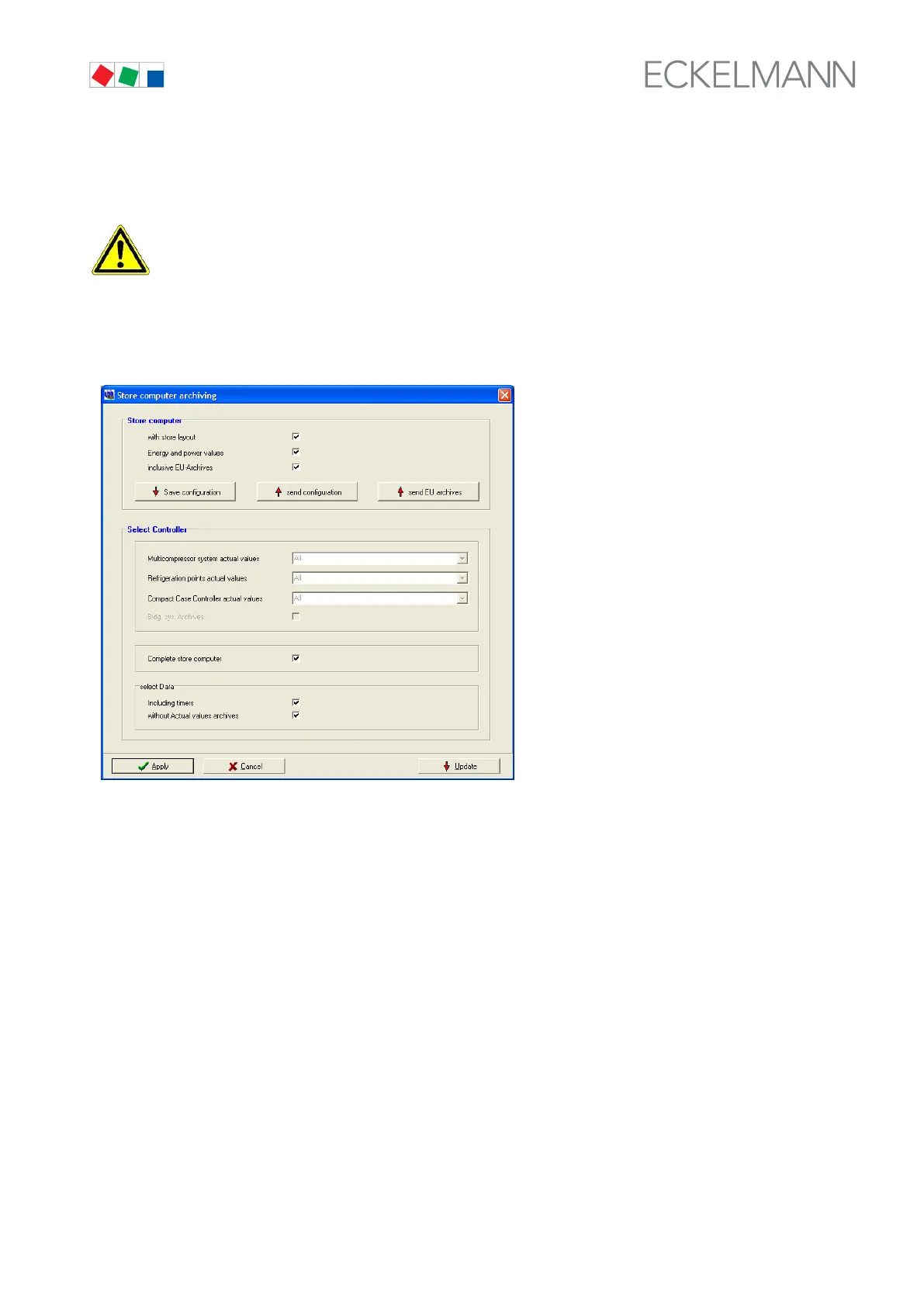
S Back up the store configuration in the LDSWin software by opening the Store menu and choosing Save Ar
chiving (see the LDSWin operating instruction for details):
S Turn off power to the CI 3000 Store Computer.
S New model:: Set the DIP switch WDOG to OFF
Previous model: Remove the WDOG jumper (next to the LIGHT connector).
S New model: Set the DIP switch BOOT to ON.
Previous model: Connect the BOOT jumper (next to the CAN BUS connector).
In other words, exchange the jumper location.



 To Next Page