Introduction to the system en│11
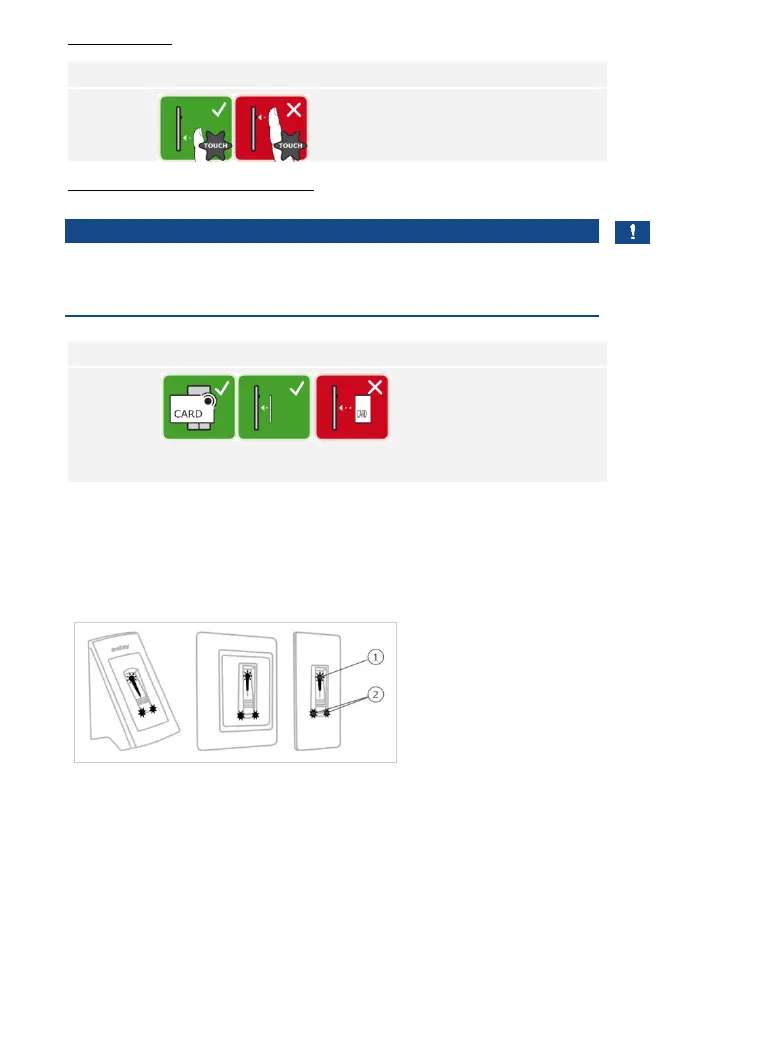
“Finger Touch”
Briefly touch the sensor with
your finger.
“Holding up the RFID transponder”
NOTICE
Only in the case of an RFID function: The “holding up the RFID
transponder” option is only available for finger scanners with an RFID
function.
Hold the RFID transponder
face parallel to the finger
swipe area of the finger
scanner at a distance of 1
to 5 cm.
Optical signals on the finger scanner
There are 2 types of LED:
□ Status LED for operating status
□ Function LED for indicating the function of the overall system
1 Status LED
2 Function LEDs
Fig. 4: Optical signals on the finger scanner



 To Next Page