Installation Control Unit IV Reference Manual
2-4 529-0004 Ver.3
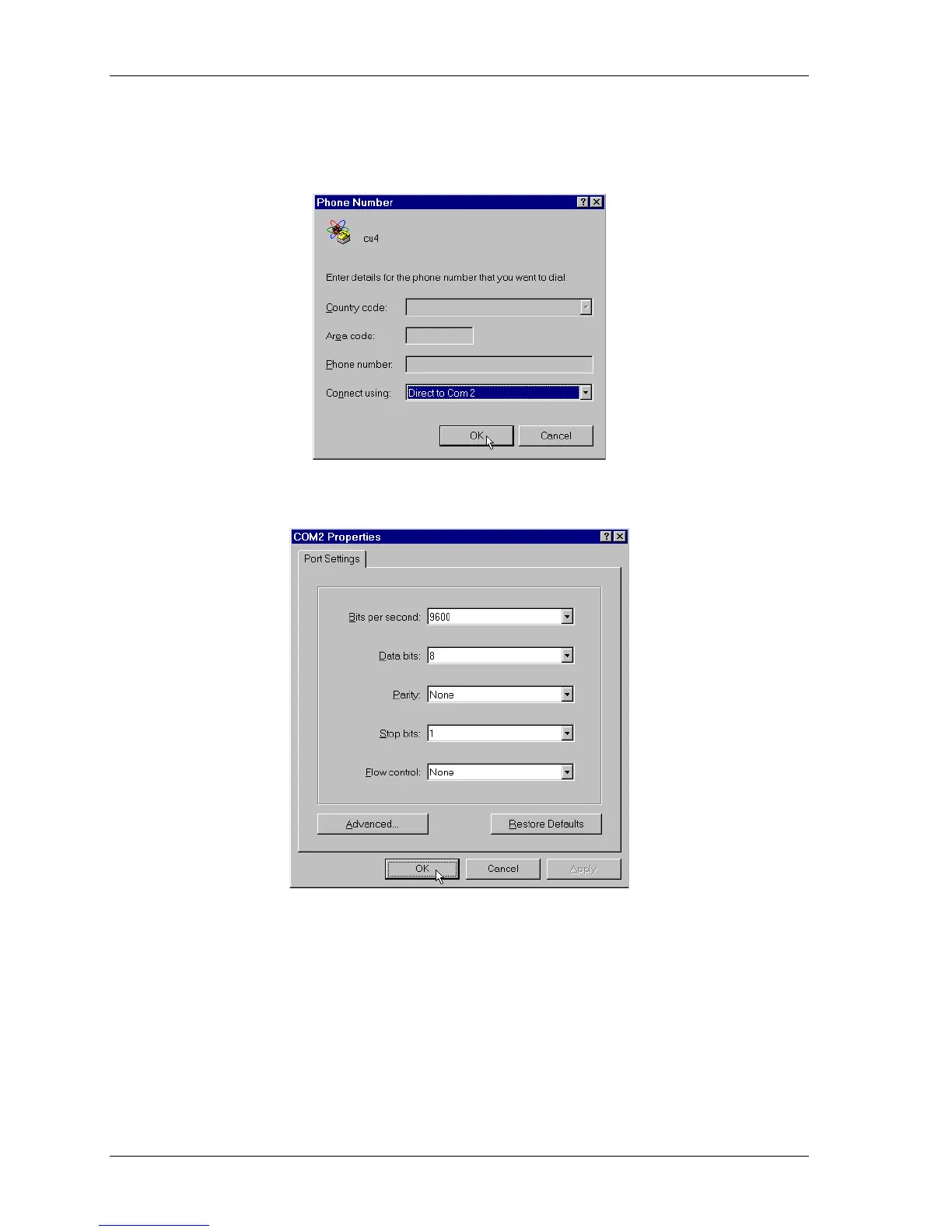
3. In the Phone Number window, go to the Connect using field and select a
communication port for the host computer that is not used by other devices. For
example, select Direct to Com 2.
Click
OK
. This calls up the communication port properties window for the port you have
selected.
4. Set up the communication port by choosing a value for each parameter. If you are going
to use the connection to set up the Control Unit, select 9600 bps, 8 data bits, 1 stop bit,
no parity and no flow control. If you are going to use the connection to exchange data,
select the parameters that match the Control Unit’s port you will be using (COM 1 or
COM 2). Click
OK
to complete the setup.



 To Next Page