Technical Support - MDM
13/104
599 77 39-16 Rev. 00
Every time you touch a sensor, you need to lift your finger up by a centimetre and half a second needs to
elapse before touching it again, otherwise the electronic system does not recognise that the sensor has been
touched for a second time.
The sensors used for adjusting the: Temperature, Spin, delayed Start and Time Manager have a continued
variation of values as long as your finger is in contact with the sensor.
3.3.2.3 Buttons – Sensors – LEDs
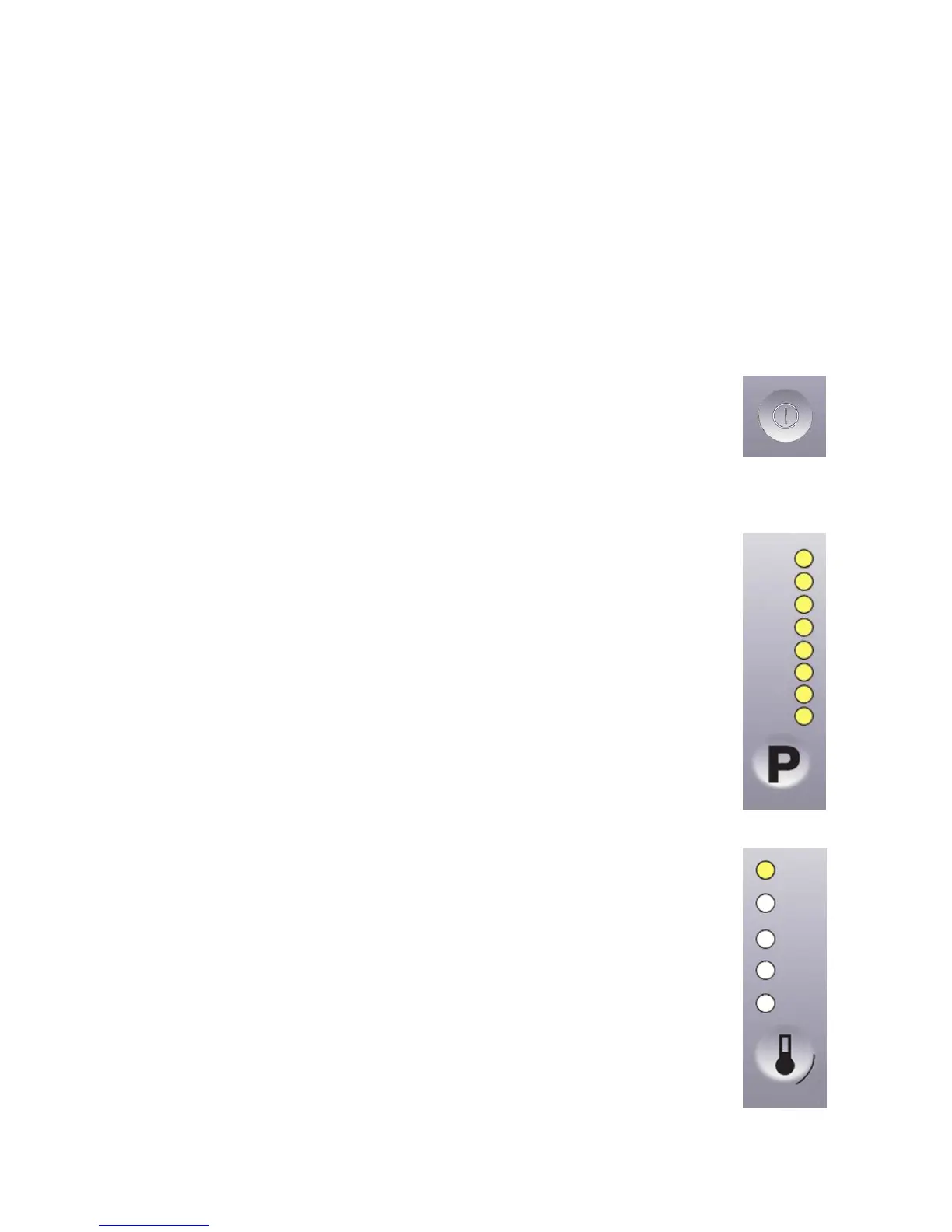
Button no. 1: ON/OFF – ON
Press it to turn the appliance on, at the same time the buzzer will sound a tone (if enabled), the LEDs of the first
four touch sensors (S1÷S4) will light up from the bottom up, then the LEDs relating to the following will stay on:
the main programme, the recommended spin speed and temperature.
The operation of the ON/OFF depends on the configuration of the main circuit board.
It can cut the appliance off from the electricity mains completely (0 Watt circuit) or
set the appliance to low energy consumption mode (without 0 Watt circuit) in which
case you will need to take the plug out of the socket to cut off the electricity supply
completely.
Press the ON/OFF button to cancel the chosen programme.
To switch the appliance off, hold down the button for 1 second, at the same time the
buzzer will sound a tone (if enabled), all the LED will switch off, all the options
selected and any programme that is running will be cancelled.
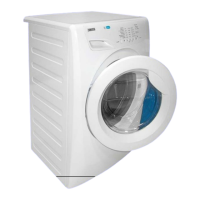
Sensor no. 1: PROGRAMMES
The programmes are associated with the second sensor, combined with eight LEDs (L1÷L8).
As soon as the appliance is switched on, the first LED at the top corresponding to the
main programme lights up.
To the left of each LED, there is a description of the programme and each time the sensor
is touched, the LED underneath it lights up, so the programme selection occurs from the
top down; once the last programme has been reached, if you touch the sensor again, the
selection returns to the top, i.e. the initial programme.
The selected programme is shown by the LED beside the description silk-screen printed
on the control panel lighting up.
For a quicker selection, hold your finger down on the sensor for longer.
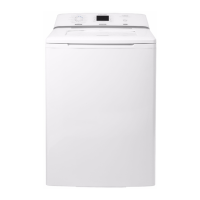
Sensor no. 2: TEMPERATURE
The temperature is associated with the second sensor, combined with five LEDs (L9÷L13).
The initial temperature displayed is that set for the chosen programme.
By touching the sensor you can lower the temperature. Once this has been reached the
selection starts again from the highest available one for the selected programme.
The selected temperature is shown by turning on the LEDs near the silk-screen printed
value on the control panel.
The temperatures available are: 90 °C, 60 °C, 40 °C, 30 °C, cold cycle.
The initial temperature set for each programme is configurable;
For a quicker selection, hold your finger down on the sensor for longer.
P1
S1
L1
L8
S2
L9
L13




 To Next Page