DCM00002 REV. 16 39
5.2 Run Screen
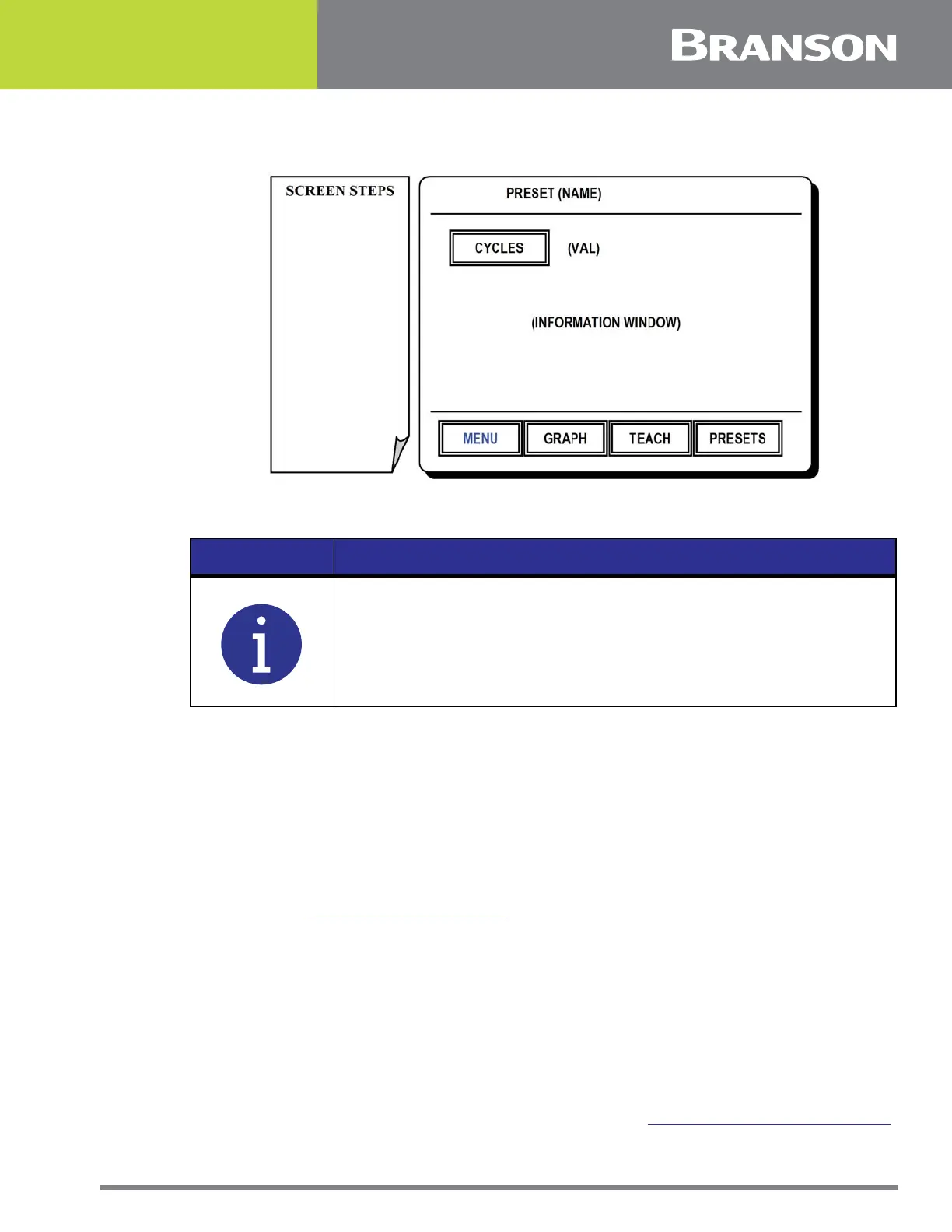
Figure 5.1 Run Screen
Run Screen
This is the Run Screen. When you turn on your Controller it will start at this screen.
Navigating from this menu will allow setup and configuration of the unit for your
application.
Press one of the following options for this screen:
MENU
To go to the Menu Options which allows access to the settings and features of the
controller. See 5.3 Menu Options Screen.
GRAPH/ DATA TOGGLE
To alternately display:
Power/ time graph of previous weld.
Current weld settings and feedback from previous weld.
TEACH TOGGLE
To accept teach samples when TEACH is shown highlighted. Used in standard mode the
PRESET button will be replaced by an ACCEPT button which is pressed to add the previous
weld data to the sample set. For more on Teach Mode see 5.23 Teach Mode Setup Screen.
NOTICE
An image similar to the above will accompany the controller
instructions in this section. The image on the right side resembles the
controller touchscreen display. The left sidebar shows the screen
steps required to arrive at the current display. If you are viewing the
manual on a computer you may click on the blue links which will
emulate many of the touchscreen operations.



 To Next Page