DCM00002 REV. 16 85
6.2 Parts Replacement
The Touchscreen Controller is designed for a long service life. In the event the system
malfunctions, many of the internal components (Modules) are replaceable as a unit.
Power Supply Cover
The cover is held in place with seven screws, three on each side of the case and one on
the rear. Lift the rear of the cover up to remove it. The cover must be in place when the
system is operating due to fan-forced ventilation design.
Circuit Boards and Modules
Replaceable modules are shown in Figure 6.1 Touchscreen Controller - Top view with cover
removed. Be sure to note ribbon cable and connector orientation prior to removing
components for maintenance or replacement. The cooling fans use identical wiring
harnesses, with one tying back the ‘extra’ lead length. Make note of any wiring paths if
you are removing a module, before you disassemble. In some cases, there are several
possible paths, but one preferred location. Be especially careful with harnesses and wires
that go between the two portions of the case, as they can be pinched by the metal case if
miss-routed.
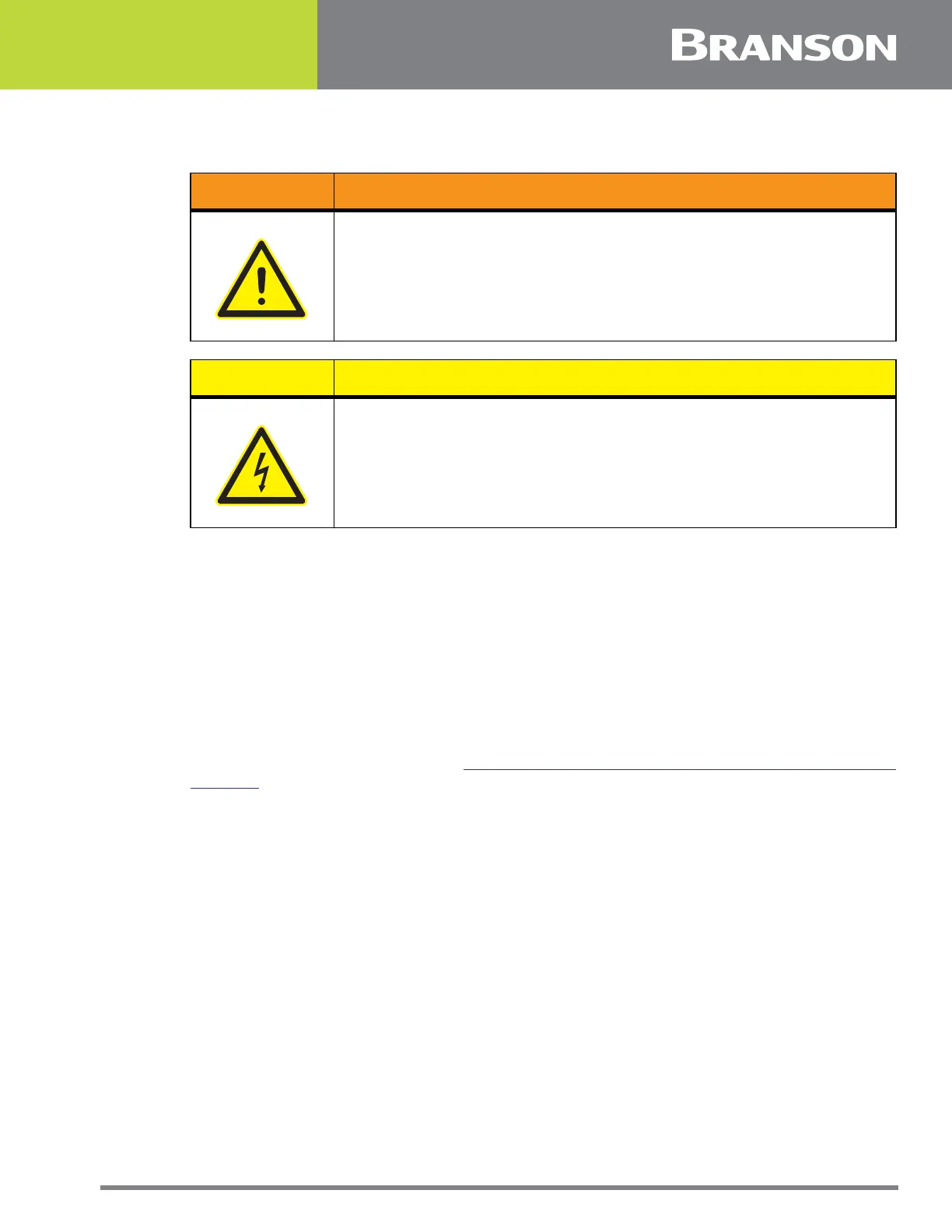
WARNING General Warning
If a particular module has failed, it should be replaced or repaired at
an Branson Depot Facility.
CAUTION High Voltage Hazard
The Branson Touchscreen Controller contains components that can be
degraded or damaged by electrostatic discharge. Always use a
Grounded Wriststrap and use a grounded work area when handling or
servicing the Touchscreen Controller.



 To Next Page