DCM00002 REV. 16 55
5.13 Sending Screen
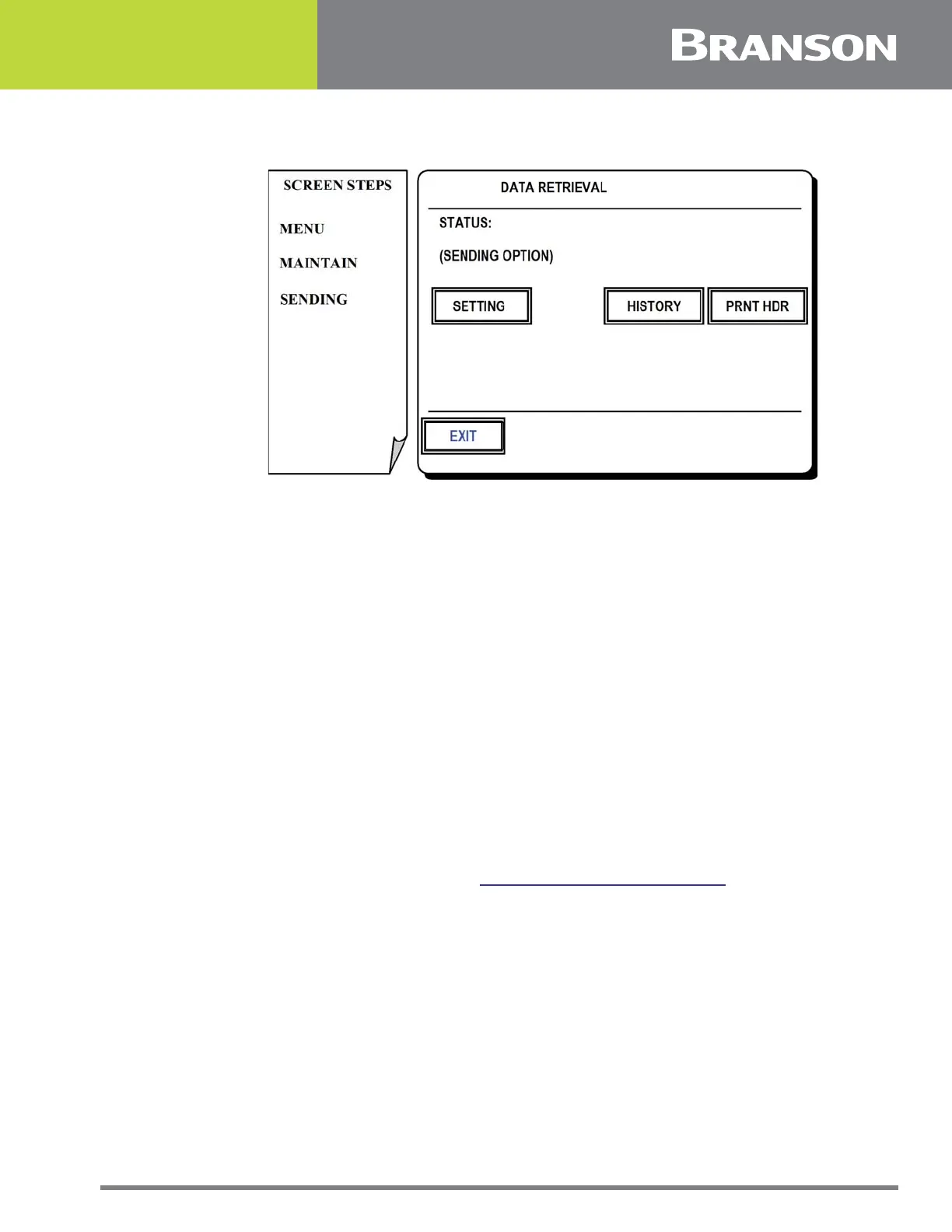
Figure 5.12 Sending Screen
Sending Screen
This screen is for setup and test the RS232 port used for recording weld information.
Press one of the following options for this screen:
SETTING
To select the sending options which include:
Sending off
Send each weld
Send on alarm
HISTORY
To send weld history information for previous welds. Send up to 128 welds.
PRNT HDR/NO HDR
To toggle header on and off.
EXIT
To return to Maintenance Menu. See 5.10 Maintenance Menu Screen.



 To Next Page