DCM00002 REV. 16 73
5.30 Sequence Error Screen
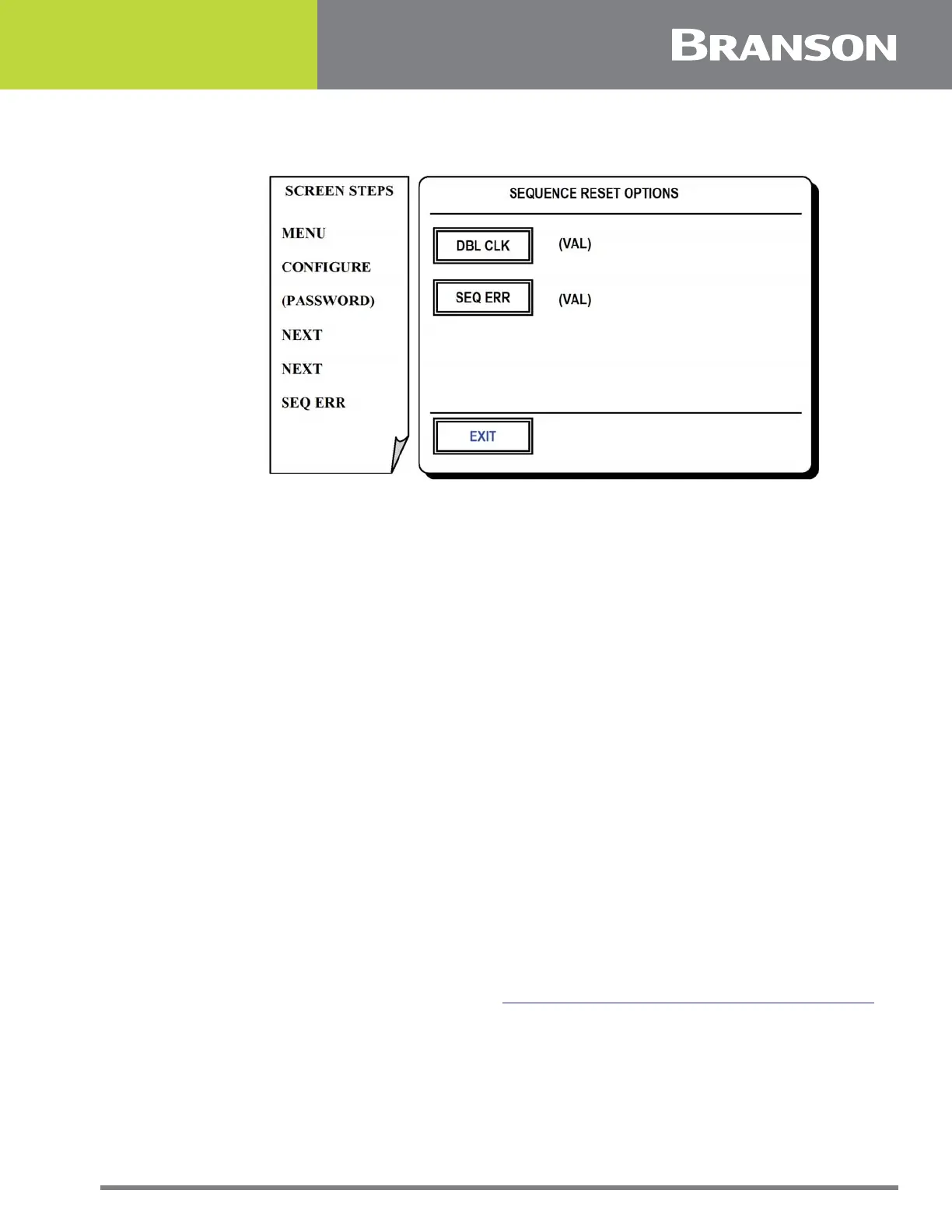
Figure 5.29 Sequence Error screen
Sequence Error Screen
When a weld error occurs while running in Sequence mode, options are available for when
the system is reset. This screen allows for setting these options.
The double click functions are applicable only when the controller is equipped with a
remote reset button.
Press one of the following options for this screen (Display will toggle between options):
DOUBLE CLICK (To Next)
To move to the next step in the sequence.
DOUBLE CLICK (Not Allowed)
Turns Double Click option off.
DOUBLE CLICK (Restart)
Restart – to restart sequence from step 1.
SEQUENCE ERROR
To toggle between sequence options which apply after a weld error is cleared.
Restart: To restart the sequence from step 1.
Reweld: To reweld the same step in the sequence.
EXIT
To return to System Configuration. See 5.28 System Configuration Screen (Next, Next).



 To Next Page