DCM00002 REV. 16 77
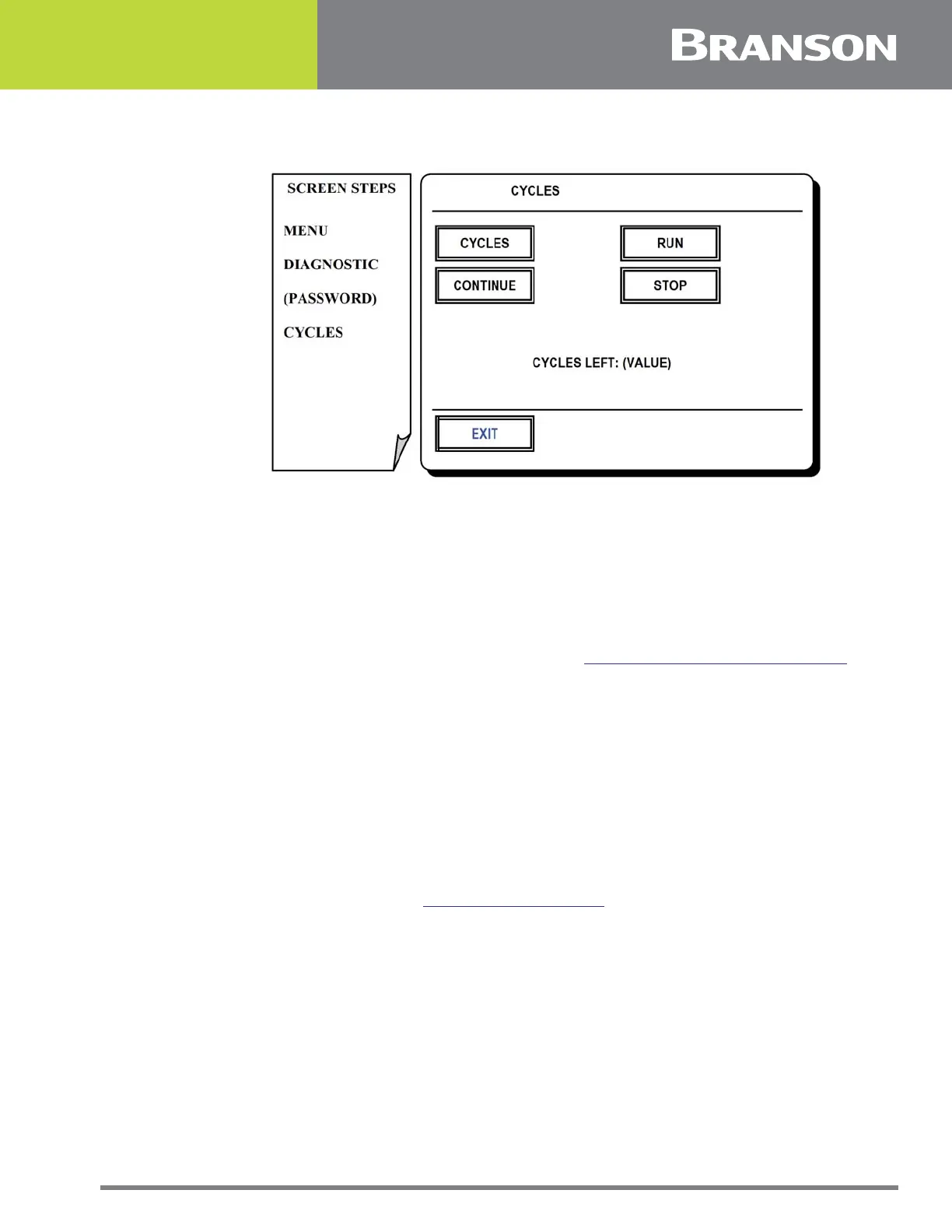
5.34 Cycles Screen
Figure 5.33 Cycles screen
Cycles Screen
This screen allows automatic cycling of the weld actuator for a designated number of
cycles. This feature is used for test purposes.
Press one of the following options for this screen:
CYCLES
To set the number of cycles to be completed. See 5.35 Typical Keypad Entry Screen.
CONTINUE
To continue the actuator cycling after initiating a stop command without resetting the
counter.
RUN
To start actuator cycling.
STOP
To stop actuator cycling
EXIT
To return to Diagnostics. See 5.32 Diagnostic Screen.



 To Next Page