78 DCM00002 REV. 16
5.35 Typical Keypad Entry Screen
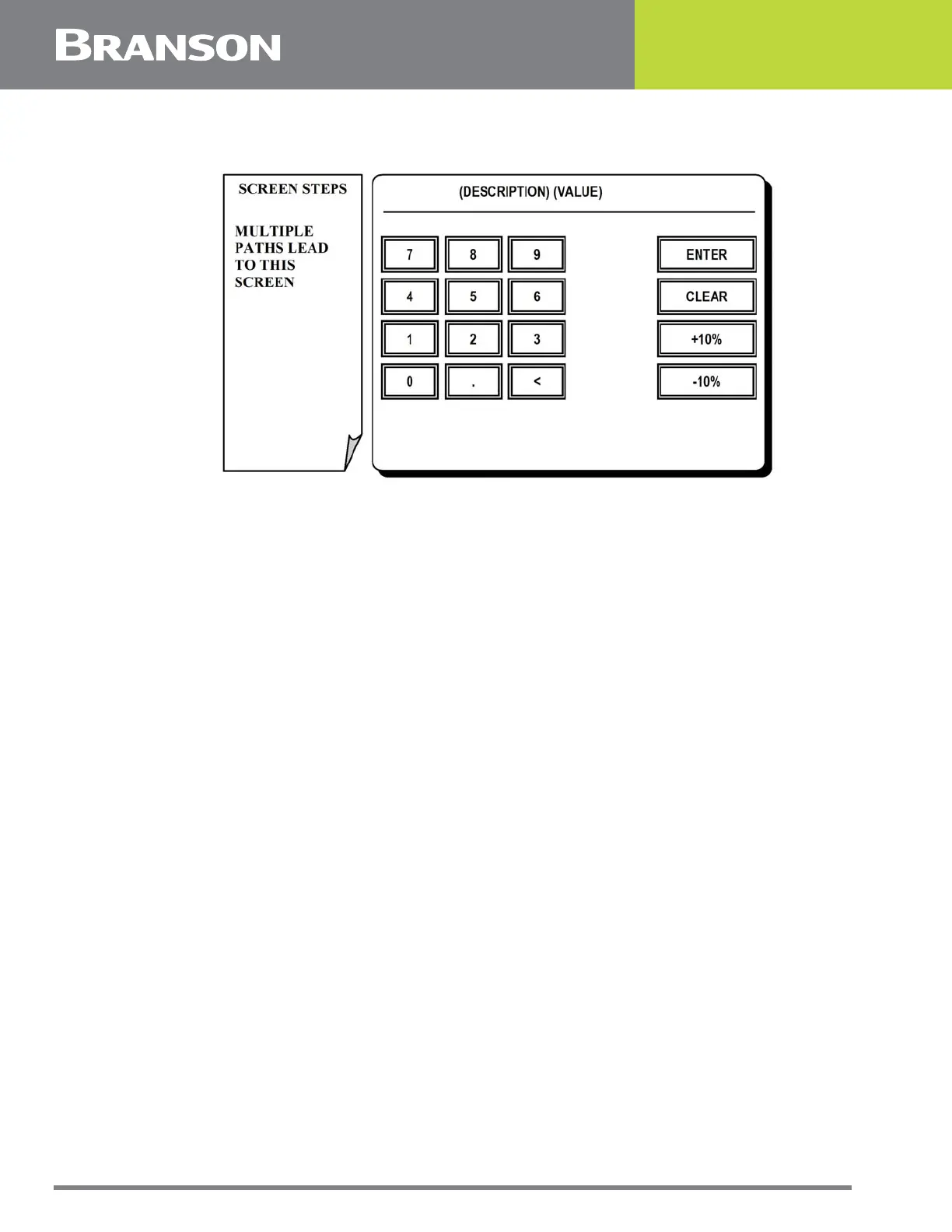
Figure 5.34 Typical Keypad Entry screen
Typical Keypad Entry Screen
A number of touchscreen menu paths lead to a numerical entry keypad screen similar to
that shown above. Generally the current variable and its value are displayed at the top of
the screen.
Note that some screens do not contain the 10% keys.
Press one of the following options for this screen:
NUMERIC KEYPAD
To enter a new value.
+10% or -10%.
To increment the current setting by plus or minus 10 percent.
CLEAR
To undo the value you entered.
CLEAR then ENTER
To return to settings and leave the previous value unchanged.
ENTER
To save the new value and return to previous screen.



 To Next Page