DCM00002 REV. 16 79
5.36 Advanced Function Switch Select
Once you connect external controls to the power supply, you can set the following
Advanced
Functions using the Switch Select block:
• Seek: Provides options for controlling, monitoring, and storing operating frequency
• Amplitude Control: Allows for varying amplitude (50% - 100%) via external controls or keeping
the amplitude fixed
• Select Start: Provides four starting ranges. Select start allows the power supply to ramp
amplitude to accommodate different converter and load requirements
• Memory: Stores horn frequency at end of each weld
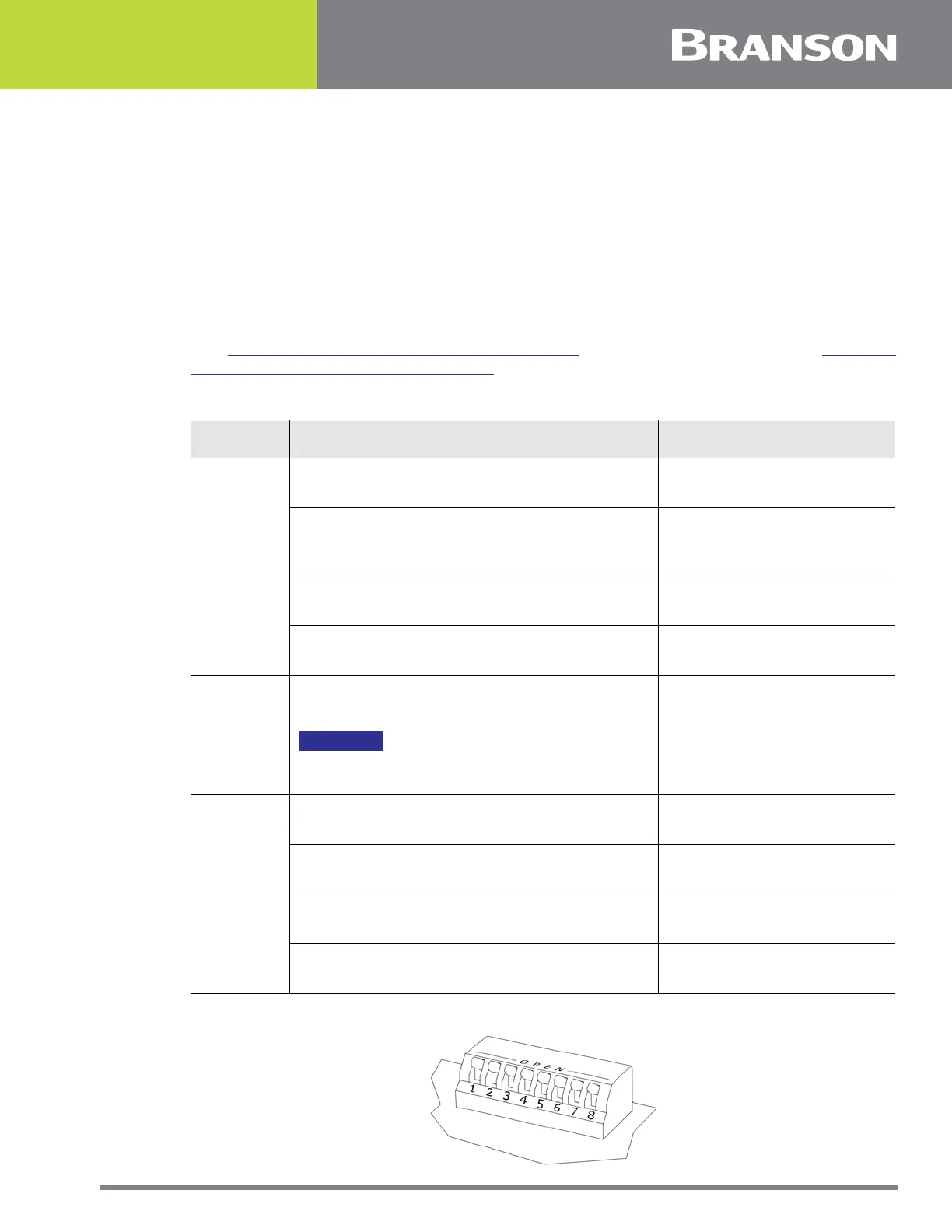
See Figure 5.35 Advanced Functions Dip Switch for switch location. Refer to Table 5.1
Advanced Function Switch Select Table for switch settings.
Figure 5.35 Advanced Functions Dip Switch
Table 5.1 Advanced Function Switch Select Table
Function Options Set Toggles...
Seek
Seek on power up - Checks horn frequency
upon power up and stores it in memory.
1 – Closed = OFF
1 – Open = ON (Default)
Auto Seek - Checks horn frequency once
each minute, timed from the last activation
of ultrasonics.
2 – Closed = OFF
2 – Open = ON
Auto Seek Duration - Indicates the length of
time the Auto Seek function is active.
3 – Closed = 100 ms
3 – Open = 500 ms
Store at End of Weld - Updates horn
frequency memory at the end of each weld.
4 – Closed = OFF
4 – Open = ON
Amplitude
Control
Variable - Front panel adjustment of
amplitude (50% to 100%)
NOTICE
Pin 6 must be Open or Amplitude Control
will not work.
6 – Closed = Fixed at 100%
6 – Open = Variable
(Default)
Start
Short - Sets ramp time to 10 ms.
7 – Closed
8 – Closed
Medium - Sets ramp time to 35 ms.
7 – Open
8 – Closed
Standard - Sets ramp time to 80 ms.
7 – Closed
8 – Open (Default)
Long - Sets ramp time to 105 ms.
7 – Open
8 – Open



 To Next Page