OXY5500 Optical Oxygen Analyzer BA02195C
5
–18 Endress+Hauser
Ethernet subnet mask
Examples
Configuration of a continuous measurement
• Precondition: Sensor is connected, and sensor constants and
calibration values are already set up correctly (OP-9).
The goal for this configuration is a continuous measurement with a 1-minute
interval with the pressure sensor and RTD (Pt100) are deactivated. Instead, a
manual fixed value will be transmitted. Refer to Table 5–17.
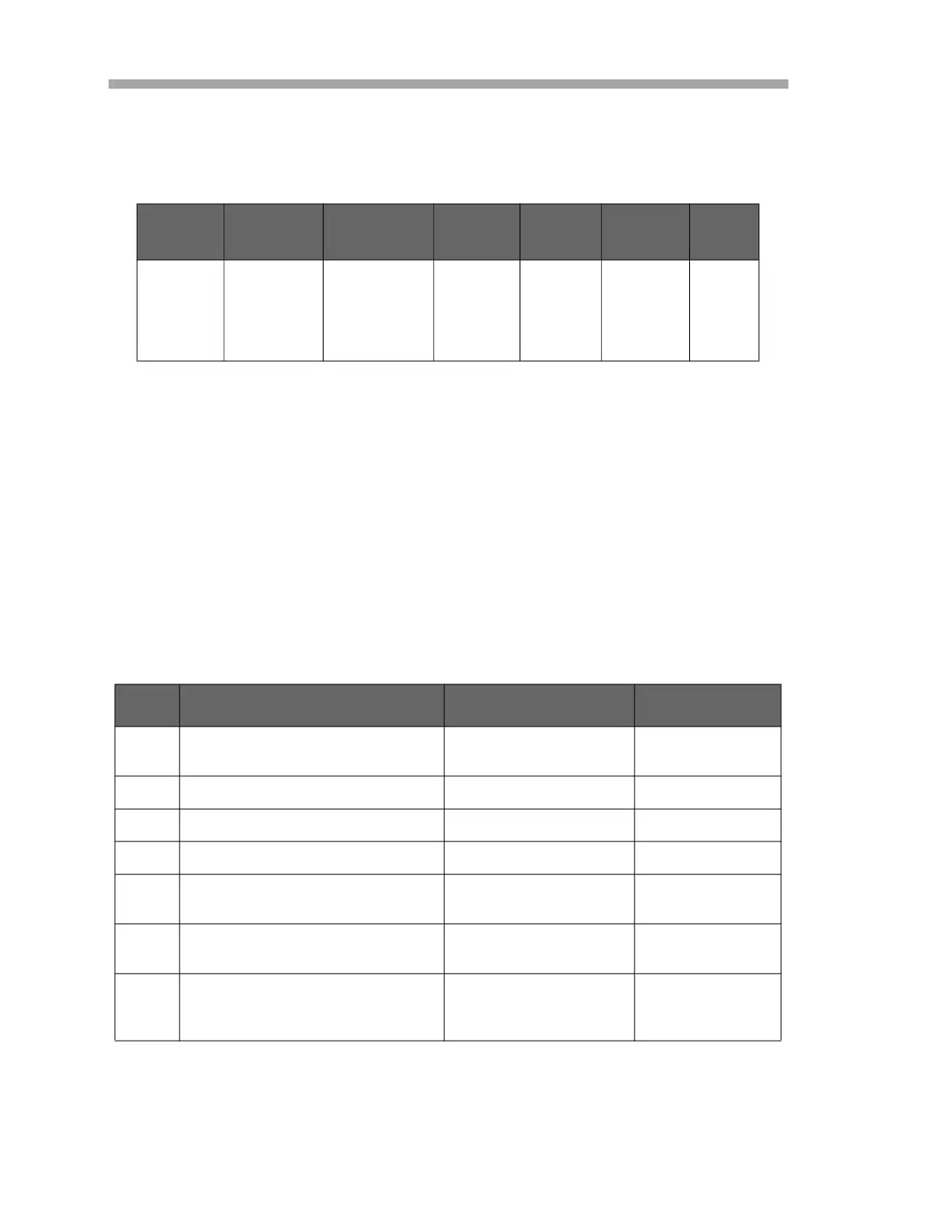
Table 5–16 Definition of register 5685
Start
Register
Number of
Registers
Reg1/
Reg2
Reg3/
Reg4
Reg5/
Reg6
Reg7/
Reg8
Write
Access
5685 8 Int32:
Ethernet
Subnet Mask
Octet 1
Int32:
Ethernet
Subnet
Mask
Octet 2
Int32:
Ethernet
Subnet
Mask
Octet 3
Int32:
Ethernet
Subnet
Mask
Octet 4
Yes
Table 5–17 Configuration for a continuous measurement
Step Description Register(s) Value
1 Stop the measurement, if it is run-
ning.
5707, 5708 0 (Int32)
2 Set pressure mode to “Manual”. 5705 0 (Boolean)
3 Set manual pressure to “1006.23”. 3147, 3148 1006.23 (Float)
4 Set temperature mode to “Manual”. 5611 0 (Boolean)
5 Set manual temperature to
“20.56”.
2409, 2410 20.56 (Float)
6 Set the interval rate to 1 min. (“60”
seconds).
3499, 3500 60 (Int32)
7 Activate the interval mode and
start the continuous measurement
immediately.
5707, 5708 5 (Int32 trans-
lates to 00000101
binary)







 To Next Page