Multi-Function Control ETMFC610 http://www.entecene.co.kr
11. TIME
Place the curser on “TIME” in Main menu, press [ENT] button to move in this menu.
TIME
In this menu, you can check and set the current data and time. This
menu applies local time and UTC time is managed internally
depending on the time zone setting.
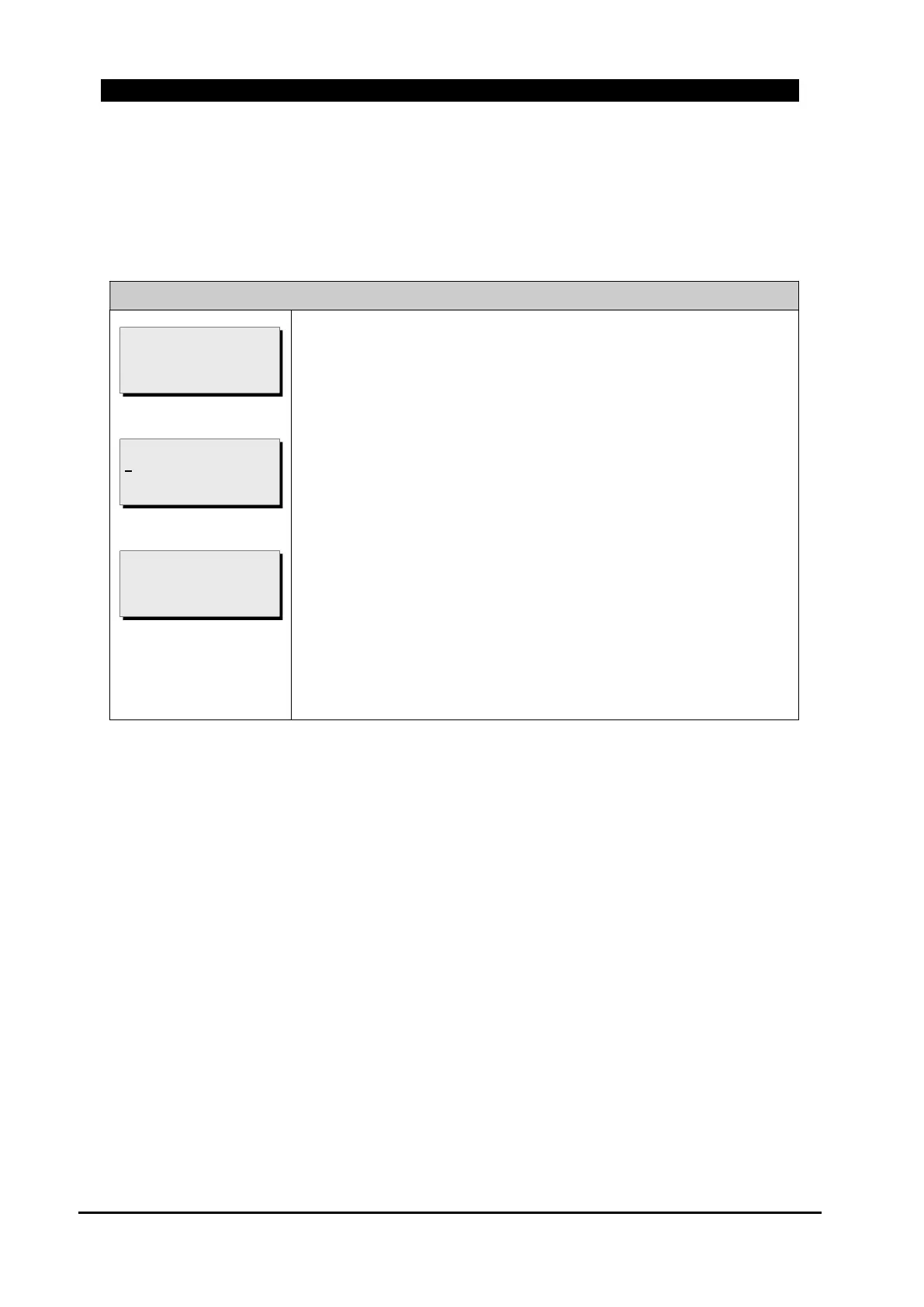
Here's how to change the present date and time;
1) Press [ENT] button to select and change a setting.
2) To change a number, use [▲][▼] button and to move next item,
press [ENT] button.
3) To save all changed setting, press [ENT].
If
“
GLOBAL SETTING / GENERAL / DEVICE / TIME ZONE /
Time Syn
’
Type
”
is
“
GMT
”
and
“
GLOBAL SETTING / GENERAL /
DEVICE / H/W OPTION / IRIG Use
”
is
“
ON
”
, do not set current
time manually.
2006/11/06 15;01:50
PRESS <ENT> TO SAVE
2006/11/05 21:02:38
USE [UP/DOWN/ENTER]
PRESS <FUNC> : ABORT
2006/11/05 21:02:38
PRESS <ENT> TO SET



 To Next Page