Multi-Function Control ETMFC610 http://www.entecene.co.kr
8.5.11. Load Current Alarm
ETMFC610 generates a Load Current Alarm event when the value over the detect level of RMS
current is maintained for a constant time. Load Current Alarm event is generated individually for
each A, B, C, N phase and Negative Sequence. Then, the peak current measurement value is
updated by each phase current and negative sequence current at which the load current alarm event
is generated. If the function is disabled, the peak current measurement value will not be updated
even if a large current flows.
For details of the Load Current Alarm event recorded by this function, refer to “9.9. Load Current
Alarm Event” and the peak current updated by this function can be checked in the “METERING/
CURRENT” menu (Please refer to“13.1. Current” ).
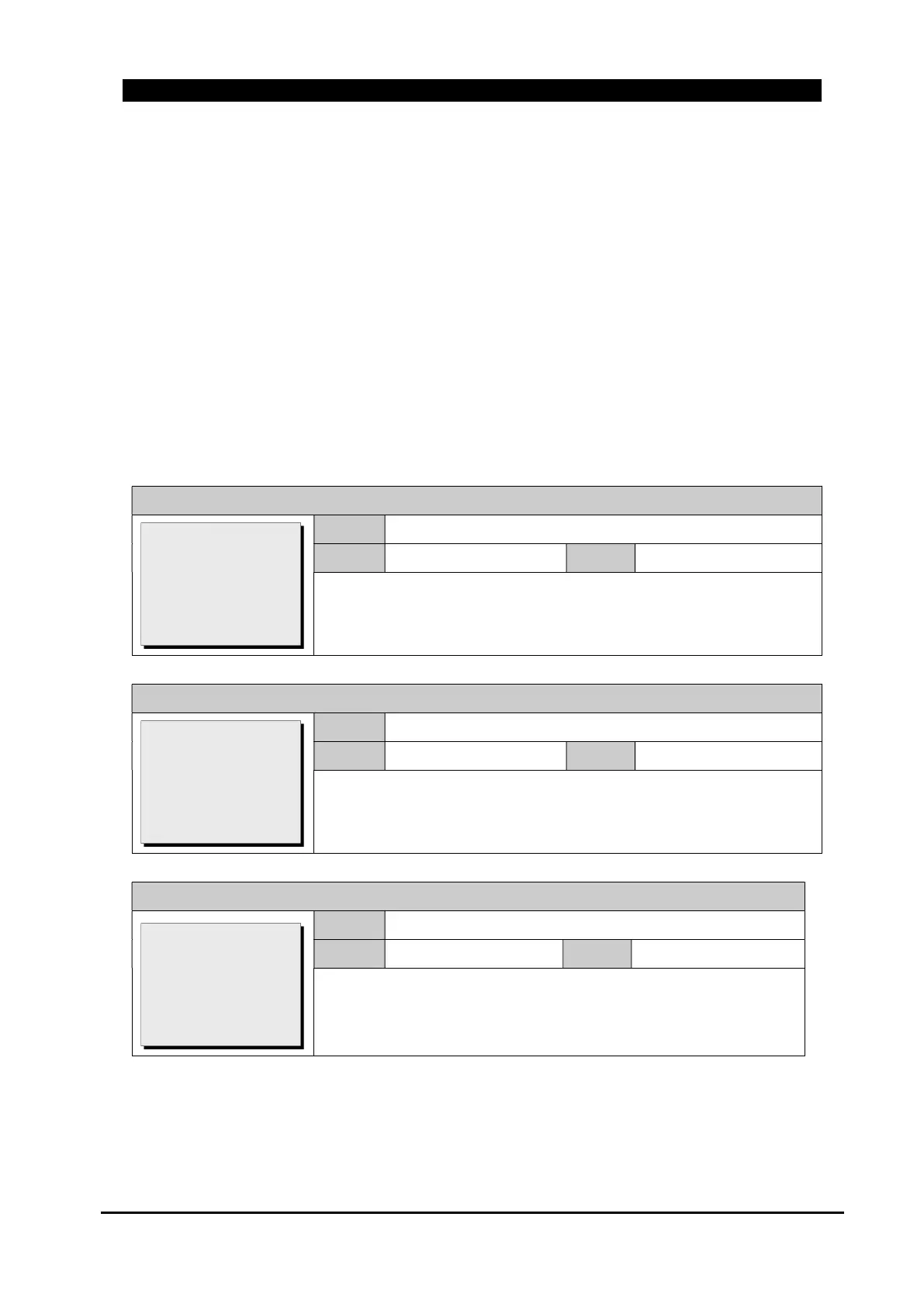
Load Current Alarm setting items are same as below.
GROUP # / MONITORING / LOAD CURR’ ALARM / Function
Range
DISABLE, ENABLE
Default
DISABLE
Step
~
Set whether to use load current alarm function.
GROUP # / MONITORING / LOAD CURR’ ALARM / P-Pickup
Range
0(OFF), 10 ~ 1600A
Default
500
Step
1A
Set the detect current of load current alarm about phase current.
GROUP # / MONITORING / LOAD CURR’ ALARM / P-Time Delay
Range
0.00 ~ 600.00 sec
Default
0.00
Step
0.01sec
Set the detect time of load current alarm about the phase current.
>Function: DISABLE
P-Pickup: 500
>P-Time Delay: 0.00
G-Pickup: 250
>G-Time Delay: 0.00
[DISABLE/ENABLE]
Function: DISABLE
>P-Pickup: 500
>P-Time Delay: 0.00
G-Pickup: 250
>G-Time Delay: 0.00
[0(OFF),10~1600:1A]
Function: DISABLE
P-Pickup: 500
>P-Time Delay: 0.00
G-Pickup: 250
>G-Time Delay: 0.00
[0.00~600.0:0.01s]



 To Next Page