Multi-Function Control ETMFC610 http://www.entecene.co.kr
COMMUNICATION
Set items related to communication elements.
Consists of PROTOCOLS, PORTS, DIALUP MODEM, FTP-SSL, WIFI and EVENT&ETC.
SAVE SETTING
Save all changed values in the menu.
6.2.3. GROUP Setting
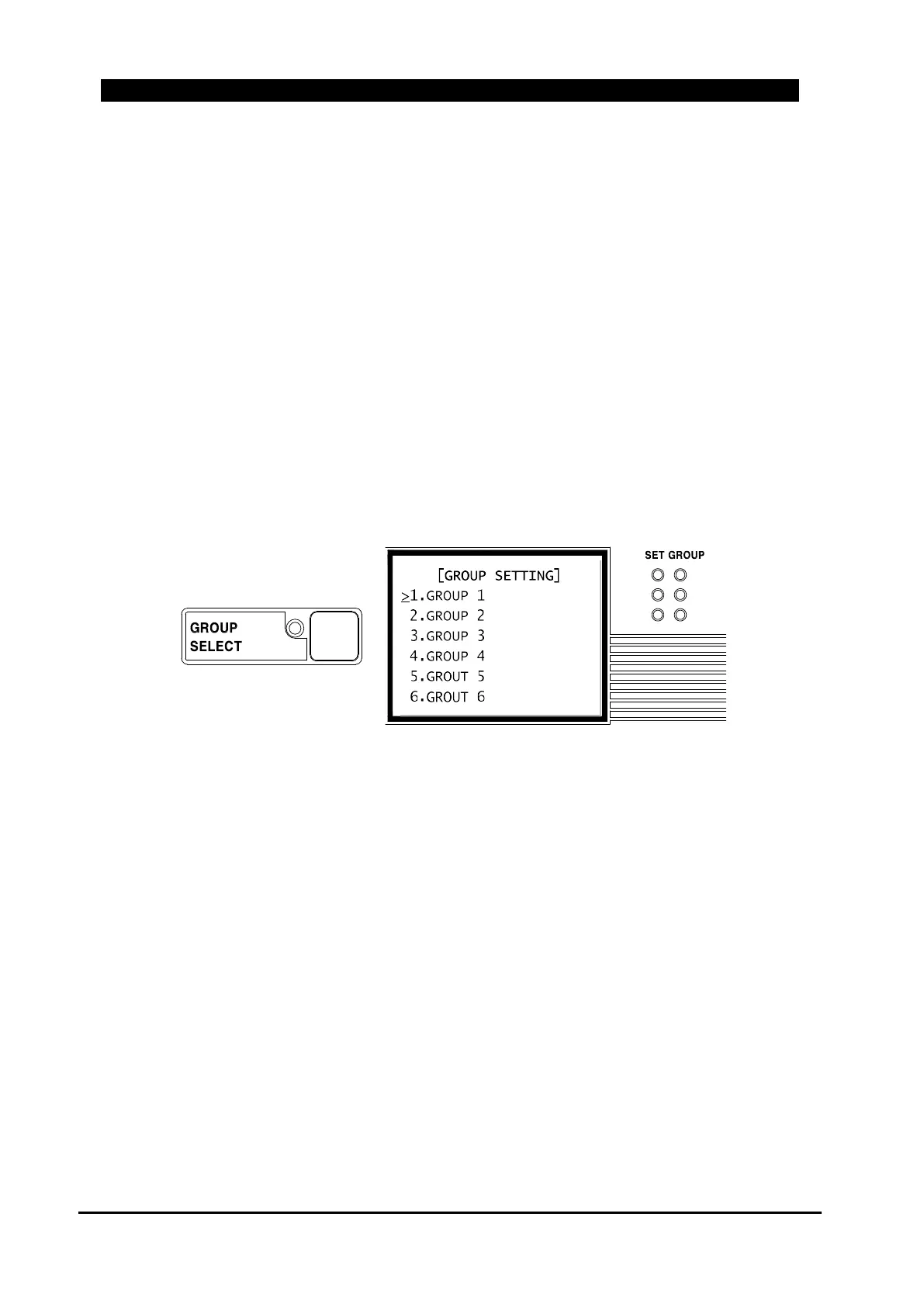
This menu is divided into GROUP 1~ 6 for user’s convenient. Selected group circularly changes
each time of pressing the [GROUP SELECT] button. Consists of GROUP 1~6 settings,
respectively. If ‘GROUP #’ LED is ON, ‘GROUP # SETTINGS’ settings are applied to
ETMFC610.
1
3
5
2
4
6
Figure 6-15. GROUP SELCT Button and GROUP Setting
The [GROUP SELECT] button is used to select a set group applied to present ETMFC610. Please
refer to the explanation of “GROUP SELECT” button in “6.1.2. Local Control Section” for
procedure of changing the set group locally.
All set groups have the same submenus. Each set group is classified into FAULT INDICATION,
PROTECTION, DIRECTION, COLD LOAD PICKUP and MONITORING sub menus.
When set to “Fault Indication type (FITYPE” type in “MAIN MENU / GLOBAL SETTING /
GENERAL / DEVICE / CONTROL TYPE”, “PROTECTION” menu is not operated.
But, when set to “Protection type (PROTYPE)” type, “FAULT INDICATION” menu is not
operated.



 To Next Page