Multi-Function Control ETMFC610 http://www.entecene.co.kr
6.3.4. Setting Save
To save all changed values, steps are as follows;
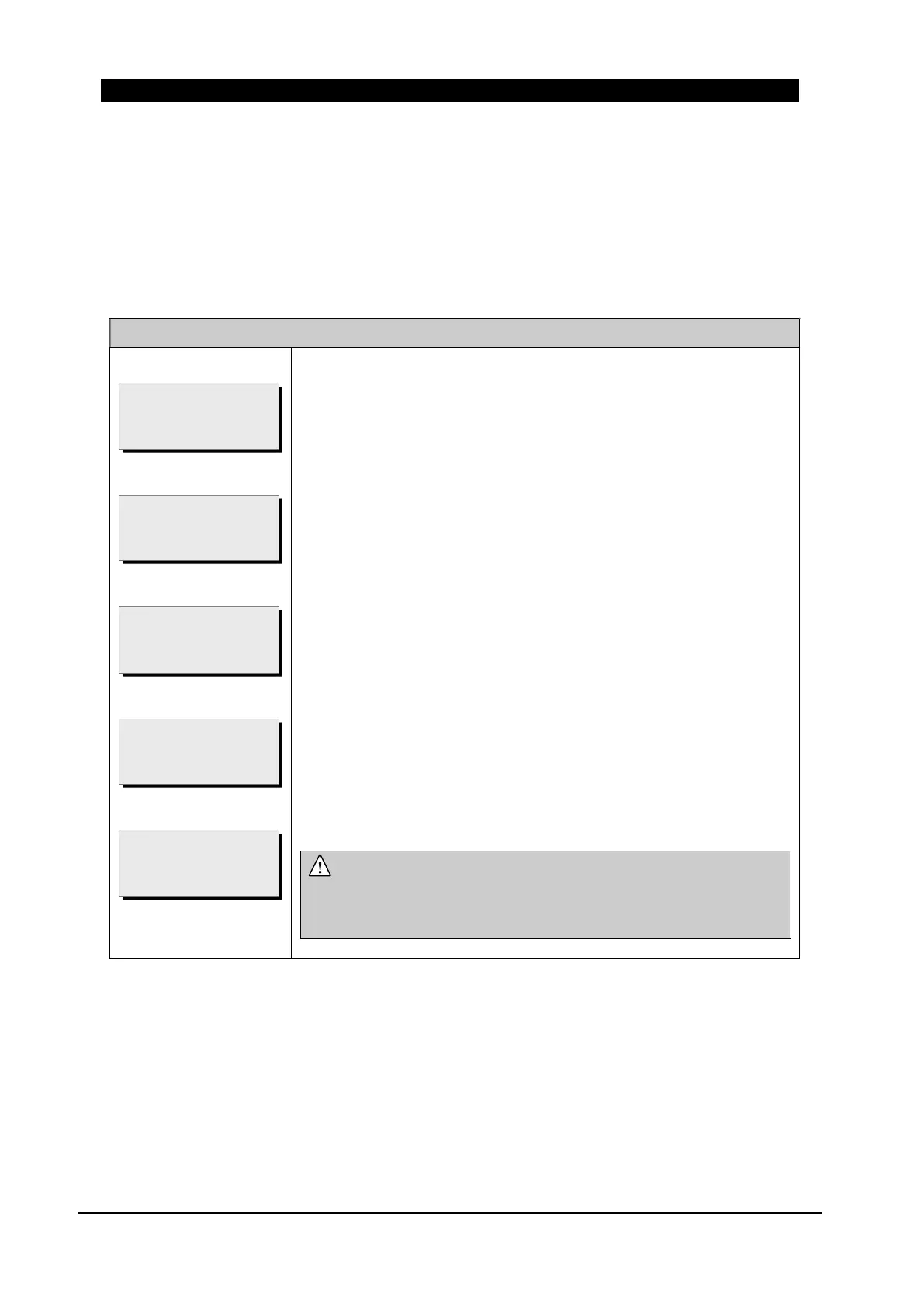
Move to “MAIN MENU/ GROUP SETTING/ GROUP #/ *. SAVE SETTING” and follow each
step as below (“Global Setting / General”, “Global Setting / Communication” and “Group
Setting” menu have “*.Setting Save” menu).
MAIN MENU / GROUP SETTING / SAVE SETTING
①
②
③
④
⑤
① To save a changed set value, press [ENT] button.
② Enter Passcode and press [ENT] button. If Passcode is correct, ③
screen appears; otherwise ② screen appears again.
Passcode 1 is applied when changing General Global settings and
Group Settings, and Passcode 2 is applied when communication
setting is changed.
③ If the changed value is set successfully, ③ screen is displayed for
short period.
If there is no change value and select “*. SAVE SETTING”, then,
screen ④ is displayed.
If you do not want to save changed setting value, please go to ① screen
through [▲] [▼] button and to ⑤ screen [ENT] button.
NOTE :
Changed set value is applied if the changed set value is saved.
If changed set value saving is cancelled, previous value is
remained.
SETTING CHANGED
PRESS <ENT>
TO SAVE (UP/DOWN)
* NOTHING CHANGED *
[SAVE SETTING]
* SUCCESS *
ENTER PASSCODE 1
SETTING CHANGED
PRESS <ENT>
TO SAVE (UP/DOWN)



 To Next Page