Multi-Function Control ETMFC610 http://www.entecene.co.kr
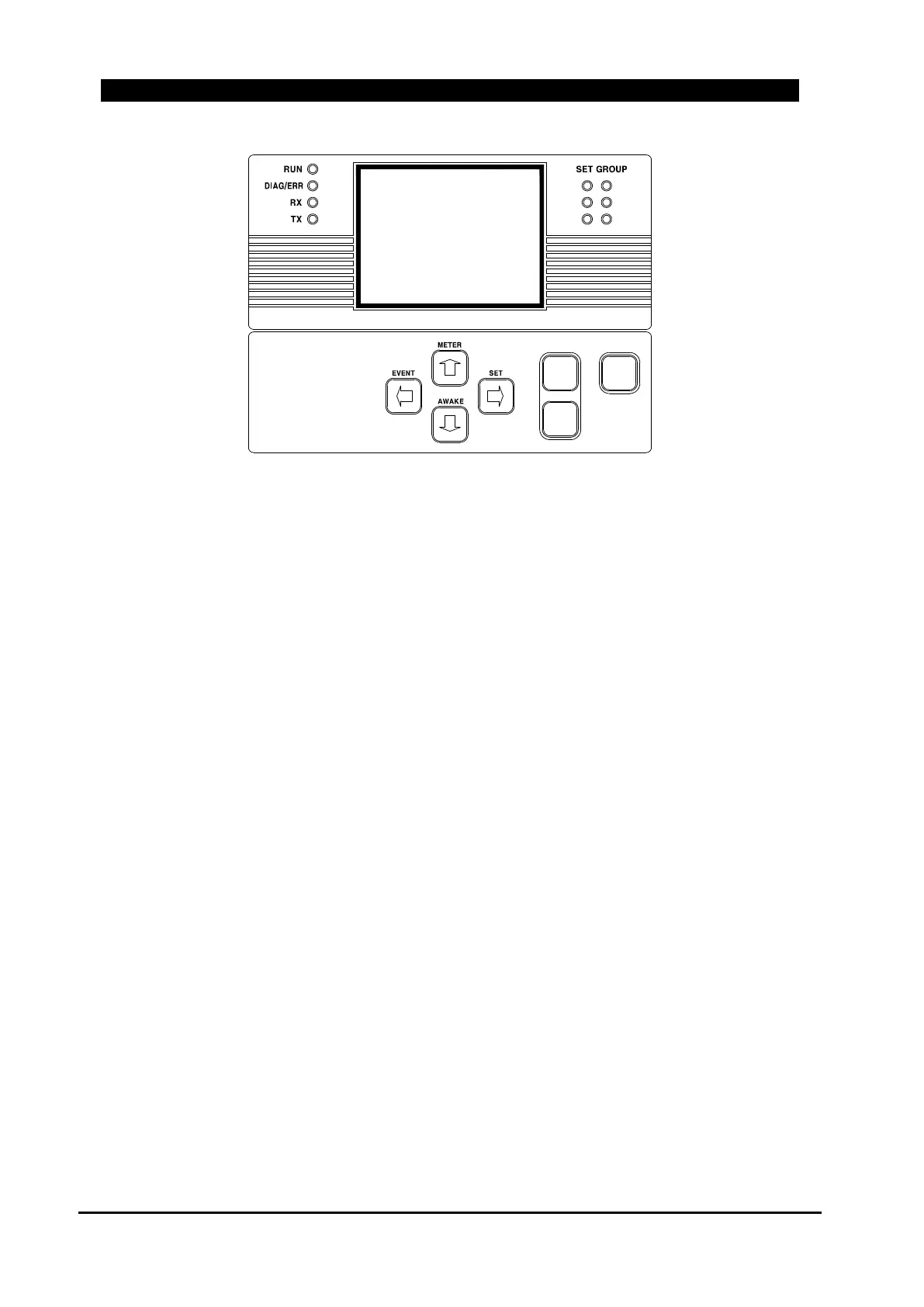
Figure 6-6. Menu Control Section
[FUN] Key
Press [FUN] key to enter Main menu for displaying information or changing settings. [FUN] key is
also used to display a help message in setting change mode and to cancel the help message display.
[ESC] Key
The ESC key can be used to cancel data input mode and return to the previous menu.
[ENT] Key
ENT key is used to select a menu by using Up and Down arrow key. Enter key is also used to
accept a new setting by using Up or down arrow key.
[◀] [▶] Key
Use the left and right arrow keys to move cursor when you are in the data input mode and when
you change display message.
[▲] [▼] Key
Use Up and Down arrow keys to move through the various menus and to decrease or increase value
when you are in the data input mode.
ENT
ESC
FUN
1
3
5
2
4
6



 To Next Page