RECLOSER CONTROL EVRC2A-N6,NT http://www.entecene.co.kr
77
ENHANCED
TECHNOLOGY
From Ver 6.15 of EVRC2A
RELAY SETUP / CLOCK
①
②
③
④
⑤
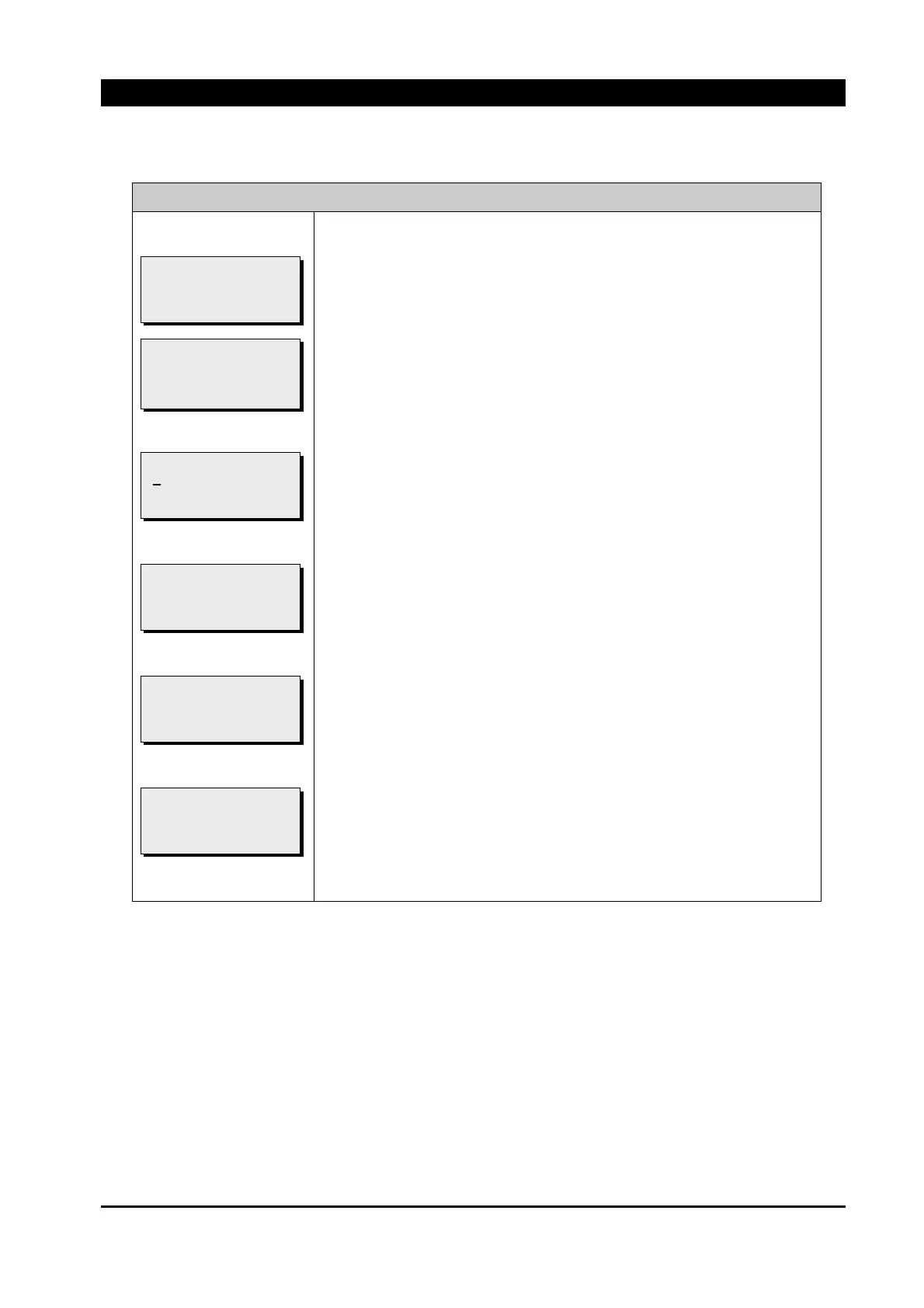
Screen ① indicates the present time.
ⓐ Indicates the local time type’s present time.
ⓑ Indicates the GMT time type’s present time.
Press [ENT] button at ① and then as shown at ②, a cursor is marked
to be able to change current date and time.
It sets the present time to GMT Time or Local time according to the
“TIME SET&DIS’ TYPE” menu’s “Set Type” setting.
1) Use [▲][▼] button to change number and press [▶] button to
move to next item.
2) After all settings for time are changed, press [ENT] button to save.
Press [ENT] button at ③ to save the changed time settings
If procedure of saving is completed, ④ is shown.
If [ESC] button is pressed at ③, ⑤ is shown and the changed time
settings are not saved.
[SAVE TIME]
* ABORT *
[SAVE TIME]
* SUCCESS *
[SAVE TIME]
L2009/01/01 09:00:00
PRESS <ENT> TO SAVE
[SETTING TIME]
L2
009/01/01 09:00:00
PRESS <ENT> TO SAVE
[CURRENT TIME]
L ⓐ
G ⓑ
PRESS <ENT> TO SET
[CURRENT TIME]
L2009/01/01 09:00:00
G2009/01/01 00:00:00
PRESS <ENT> TO SET



 To Next Page