RECLOSER CONTROL EVRC2A-N6,NT http://www.entecene.co.kr
76
ENHANCED
TECHNOLOGY
5.3. Clock
In order to configure current date and time, go to “PRIMARY, ALTERNATE or EDITBANK
SETTING / RELAY SETUP / CLOCK” menu.
The “CLOCK” menu screen can vary according to the EVRC2A version.
Prior to Ver 6.15 of EVRC2A
RELAY SETUP / CLOCK
①
②
③
④
⑤
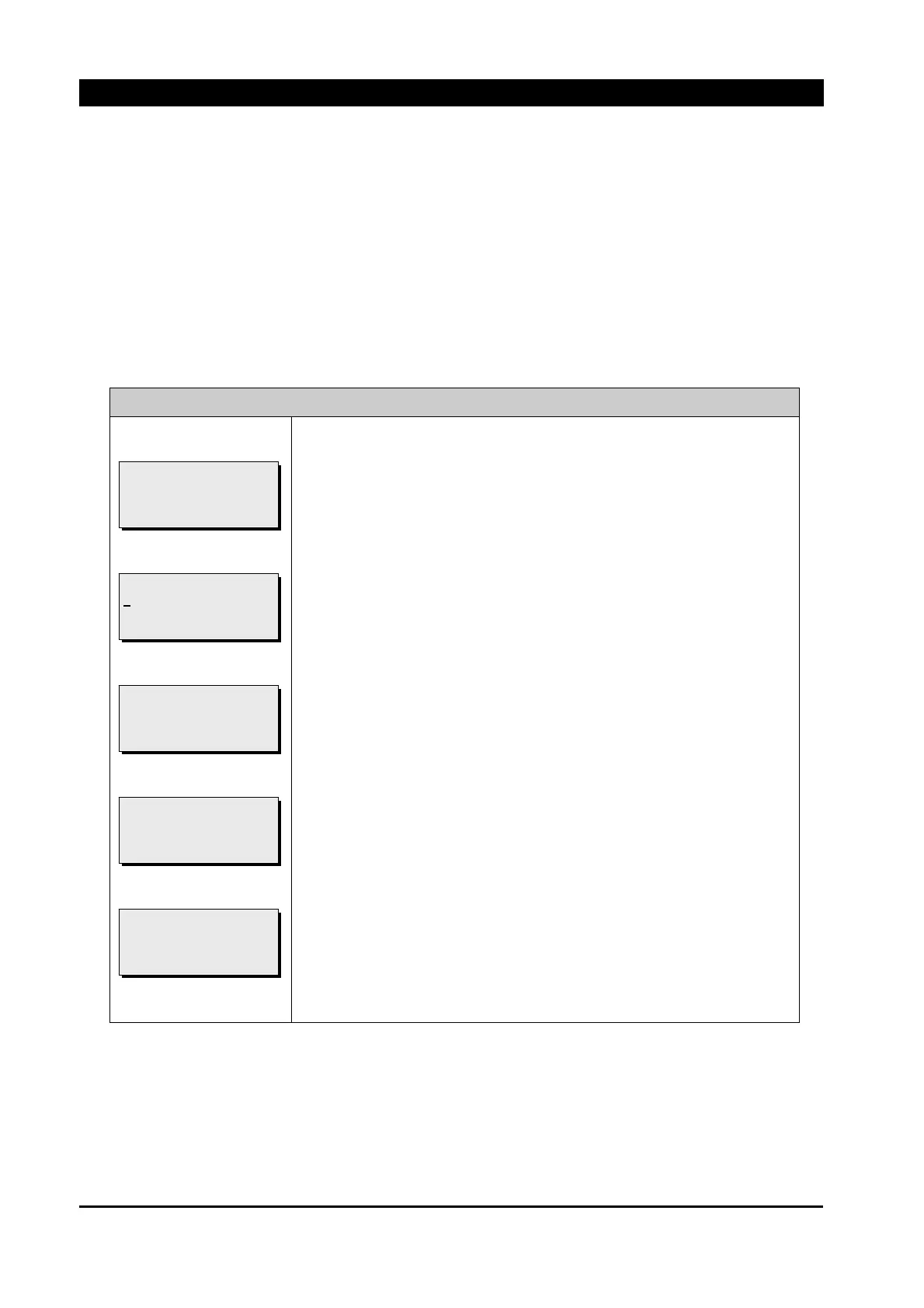
Press [ENT] button at ① and then as shown at ②, a cursor is marked
to be able to change current date and time
1) Use [▲][▼] button to change number and press [▶] button to
move to next item.
2) After all settings for time are changed, press [ENT] button to save.
Press [ENT] button at ③ to save the changed time settings
If procedure of saving is completed, ④ is shown.
If [ESC] button is pressed at ③, ⑤ is shown and the changed time
settings are not saved.
[SAVE TIME]
* ABORT *
[SAVE TIME]
* SUCCESS *
[SAVE TIME]
2009/11/06 15;01:50
PRESS <ENT> TO SAVE
[SETTING TIME]
2
009/11/05 21:02:38
PRESS <ENT> TO SAVE
[CURRENT TIME]
2009/11/05 21:02:38
PRESS <ENT> TO SET



 To Next Page