RECLOSER CONTROL EVRC2A-N6,NT http://www.entecene.co.kr
91
ENHANCED
TECHNOLOGY
6.5. Panel Sleep Time
6.5.1. Description
Menu to set the interval time that User interface panel turns into sleep mode.
6.5.2. Setting
PRIMARY SETTING / SYSTEM SETUP / PANEL SLEEP TIME
Range
OFF, 1 ~ 100 min
Default
5
Step
1 min
Enter the sleep mode entering time
Setting the interval time of which Panel indicator turns into Sleep
mode.
On “sleep mode”, press [▼] button to be out from the “sleep mode”.
6.6. Opto Input Set - Option
6.6.1. Description
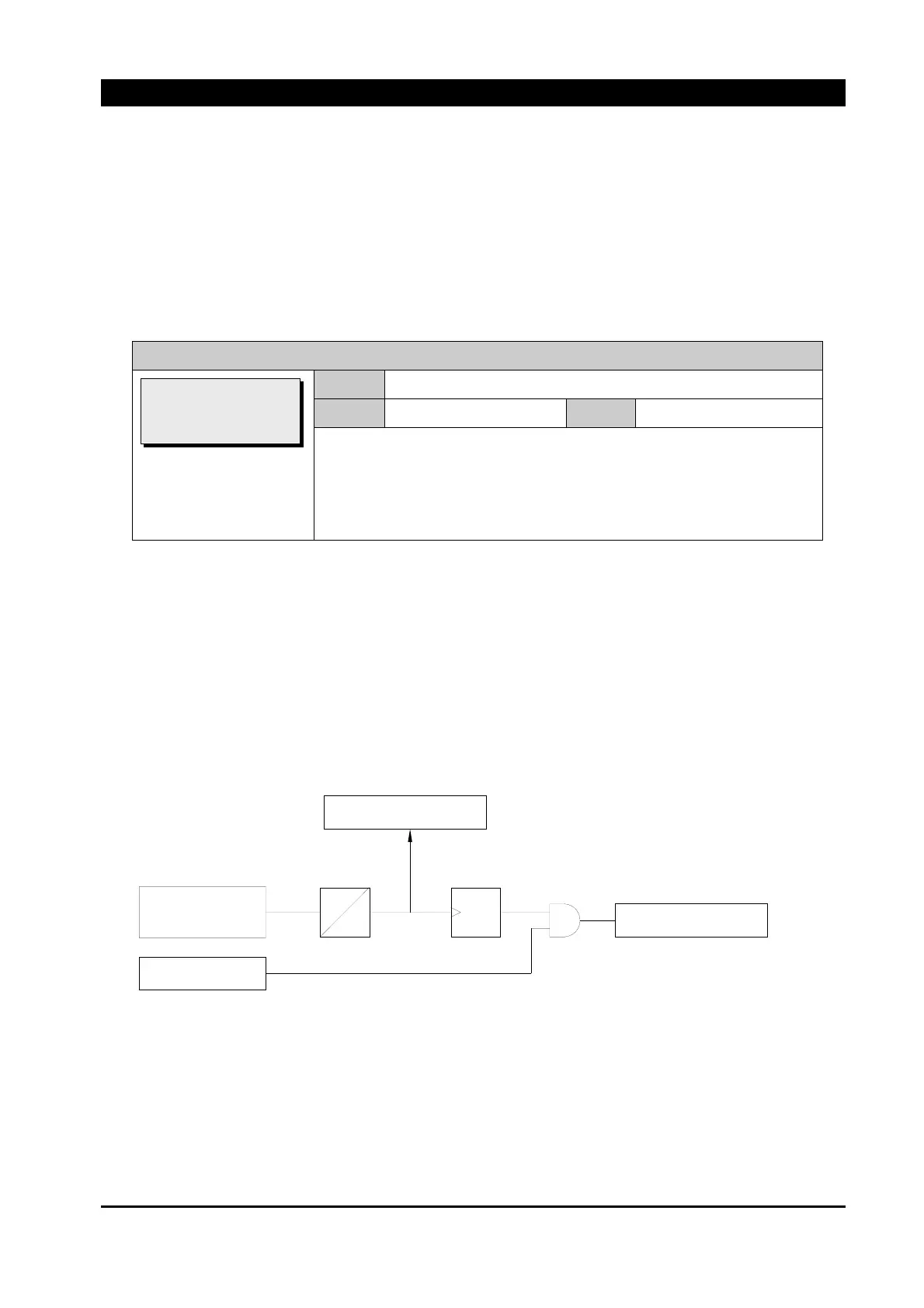
Menu to set External input terminal function and Debounce time
The opto input is available as an ordering option.
Figure 6-2. Input logic
EXTERNAL
Function execute
X
X
INPUT
REMOTE mode
Triger
time
Debounce
Status LCD Display
[PANEL SLEEP TIME]
>Interval(m): 5



 To Next Page