EasyManua.ls Logo

Entec EVRC2A-N6-NT - 4. SELECT SETBANK; SELECT SETBANK; PRIMARY; SELECT SETBANK; ALTERNATE; SELECT SETBANK; EDIT

Default Icon
306 pages
Print Icon
To Next Page IconTo Next Page
To Previous Page IconTo Previous Page
Loading...
RECLOSER CONTROL EVRC2A-N6,NT http://www.entecene.co.kr
40
ENHANCED
TECHNOLOGY
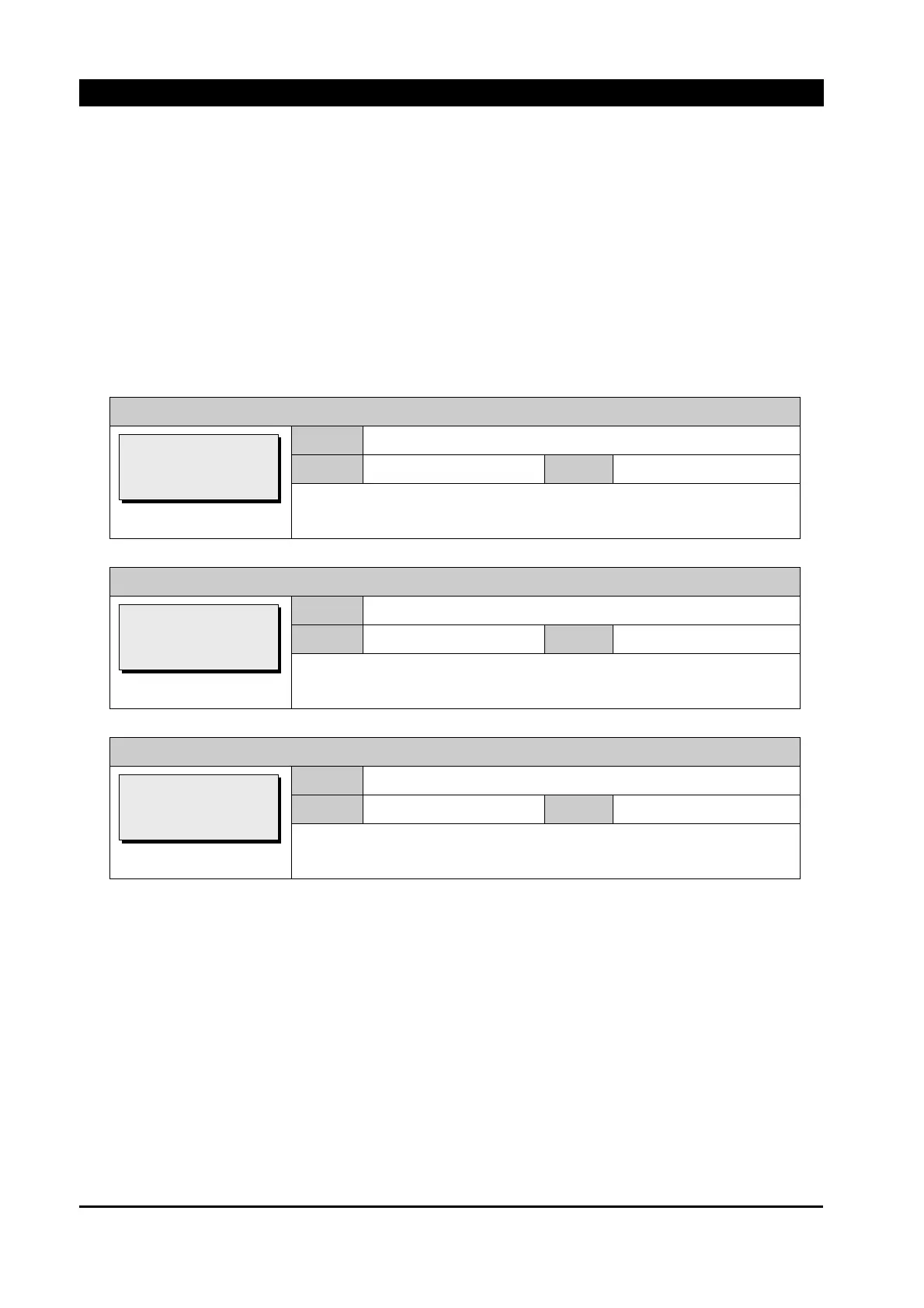
4. SELECT SETBANK
There were only Primary and Alternative banks before version 4.40 and 4 more banks added
since version 4.40.
EVRC2A has 6 setting banks and the user can have 6 different sets depending on Distribution
circumstance.
SELECT SETBANK / PRIMARY
Range
BANK1 ~ 6
Default
BANK1
Step
~
Set Primary for BANK1.
SELECT SETBANK / ALTERNATE
Range
BANK1 ~ 6
Default
BANK2
Step
~
Set Alternate for BANK2.
SELECT SETBANK / EDIT
Range
BANK1 ~ 6
Default
BANK3
Step
~
Set Edit for BANK3.
[SELECT SETBANK]
>Primary: BANK1
>Alternate: BANK2
>Edit: BANK3
[SELECT SETBANK]
>Primary: BANK1
>Alternate: BANK2
>Edit: BANK3
[SELECT SETBANK]
>Primary: BANK1
>Alternate: BANK2
>Edit: BANK3

Table of Contents